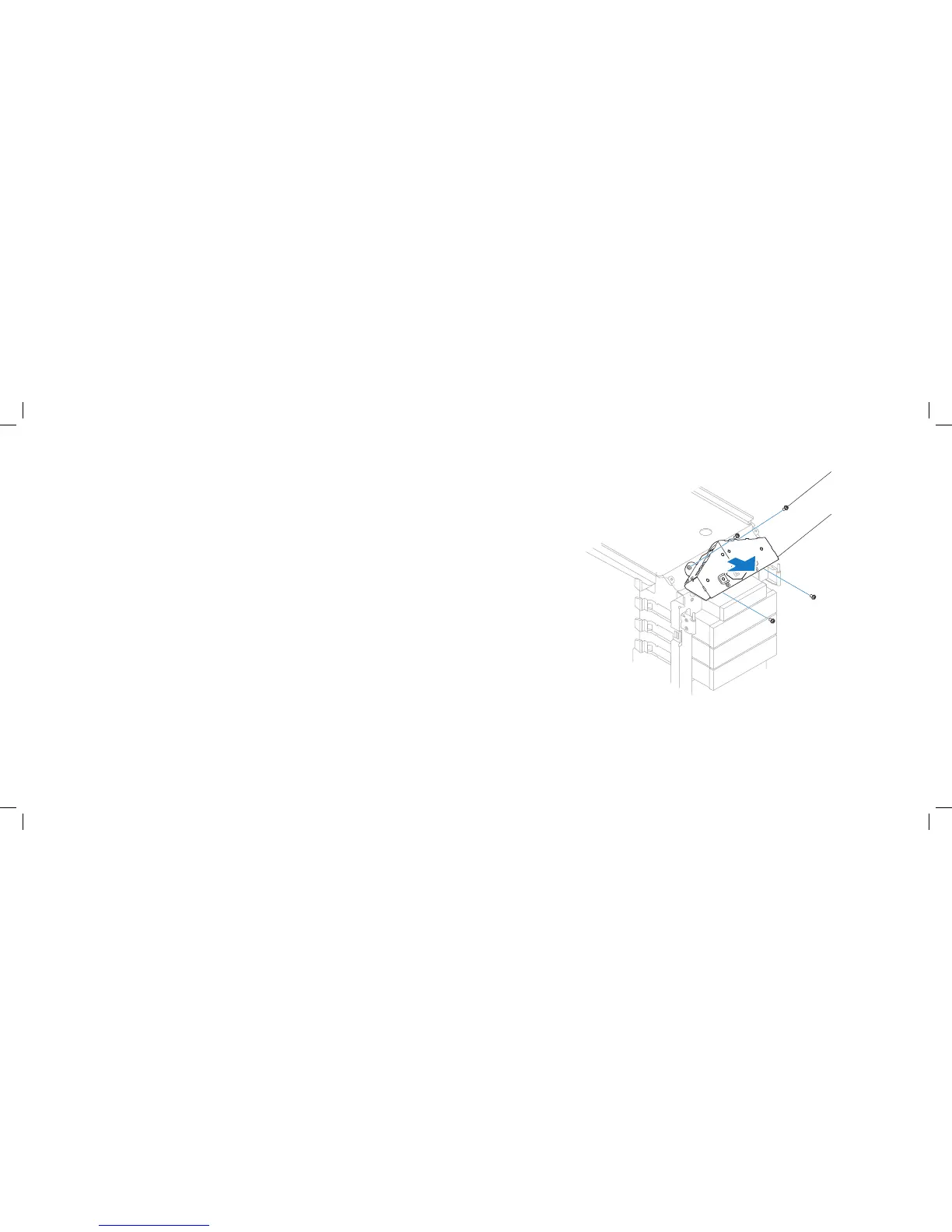
1 screws (4) 2 top I/O panel
Remove the active-venting assembly (see “Removing the Active-Venting 7.
Assembly” on page 55).
Disconnect the top I/O panel cables from the system board connectors and 8.
remove the cables from their routing guides.
Remove the four screws that secure the top I/O panel to the chassis.9.
Pull the top I/O panel o the chassis.10.











 To Next Page