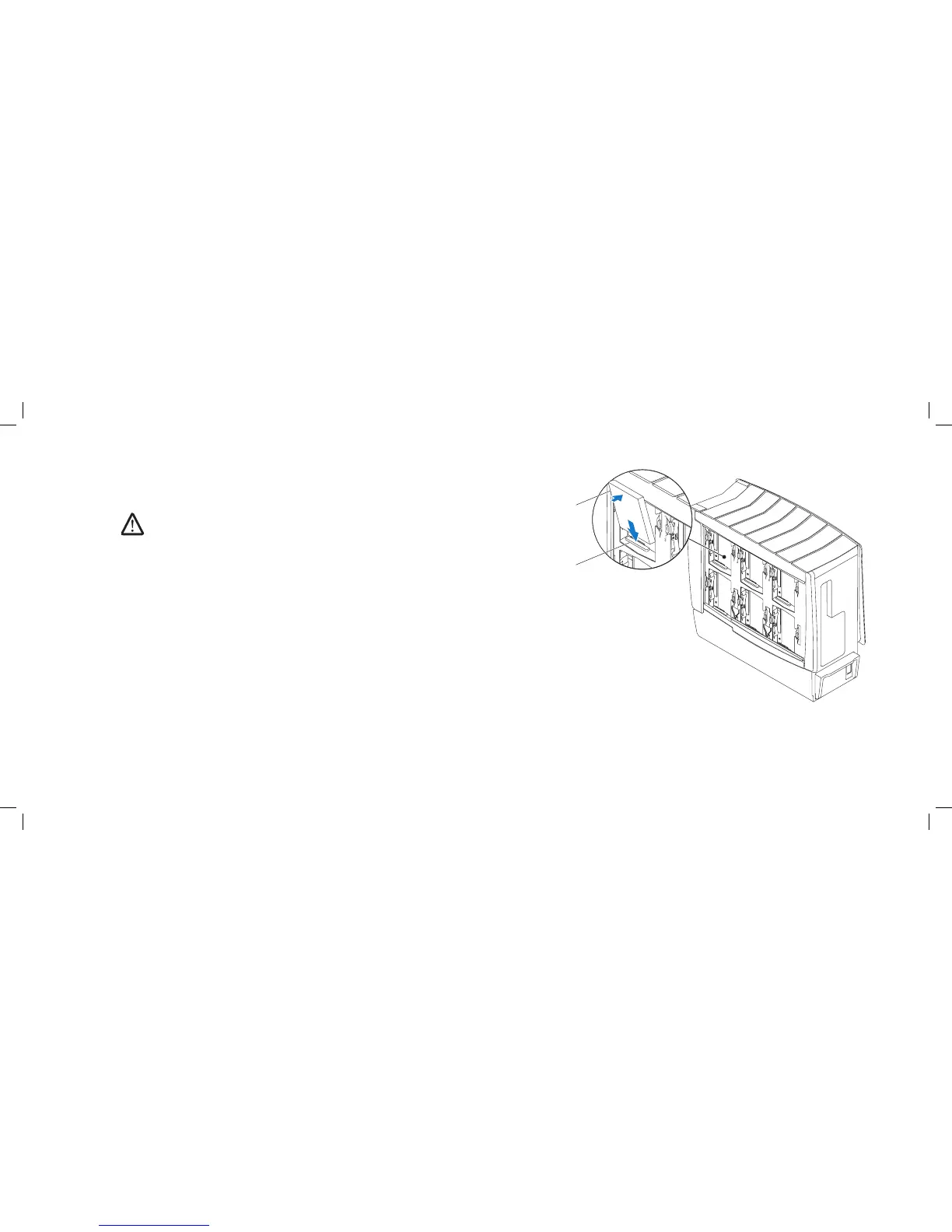
1 hard drive 2 hard-drive connector
Replacing Hard Drive(s)
Follow the instructions in “Before You Begin” on page 1. 6.
NOTE: See the documentation that shipped with your new hard-drive to
verify that it is congured for your computer.
If you are replacing an SSD:2.
Replace the SSD in the hard-drive bracket.a.
Replace the four screws that secure the SSD to the hard-drive bracket.b.
Slide the new hard-drive into the hard-drive bay and align it with the 3.
hard-drive connector.
Press the hard drive down until it locks into place.4.
Close the right side-panel.5.
Connect your computer and devices to electrical outlets, and then turn 6.
them on.











 To Next Page