Understanding the Job Menus |
123
❚
Copy >
Save Settings
Tap to save a variety of copy features. And also use to create and edit custom tiles
for copying.
For details, see "Creating Your Custom Tile" and "Editing Your Custom Tile."
ID Copy
Use the ID Copy menus to configure various settings for ID Copy features.
To display the ID Copy job menu, press the (Home) button, tap , and then select
the ID Copy tile.
❚
ID Copy >
Save Settings
Tap to save various settings for ID Copy features. And also use to create and edit
custom tiles for ID Copy.
For details, see "Creating Your Custom Tile" and "Editing Your Custom Tile."
Multiple-Up Copy
Use the Multiple-Up Copy menus to configure various settings for Multiple-Up Copy
features.
To display the Multiple-Up Copy job menu, press the (Home) button, tap , and
then select the Multiple-Up Copy tile.
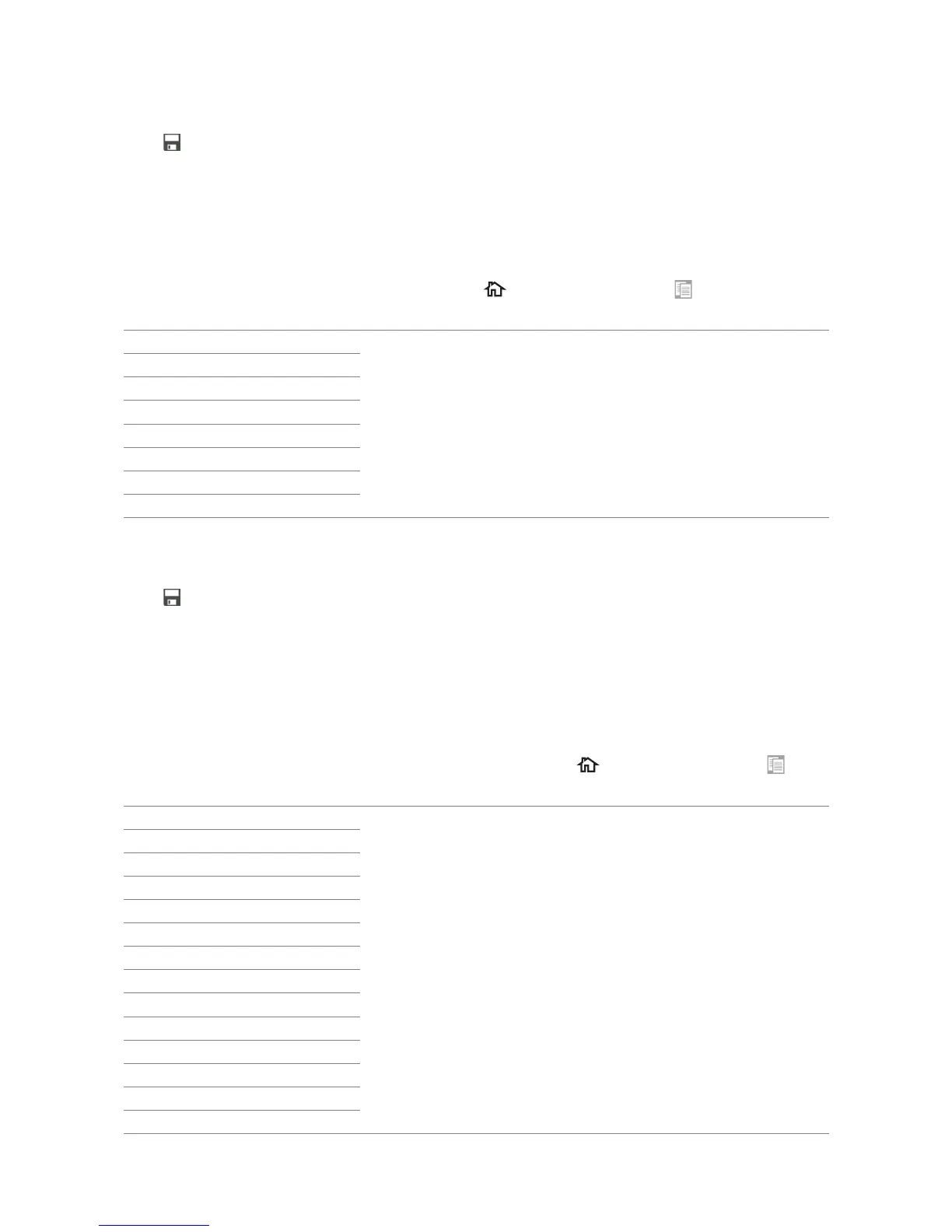
Quantity See "Copy."
Darken/Lighten
Output Color
Select Tray
Sharpness
Color Saturation
Auto Exposure
Reduce/Enlarge
Quantity See "Copy."
Darken/Lighten
Output Color
Select Tray
2 Sided Copying
Sharpness
Original Size
Original Type
Collation
2-Up
Color Saturation
Margin
Auto Exposure
Reduce/Enlarge
*



 To Next Page