Printing |
213
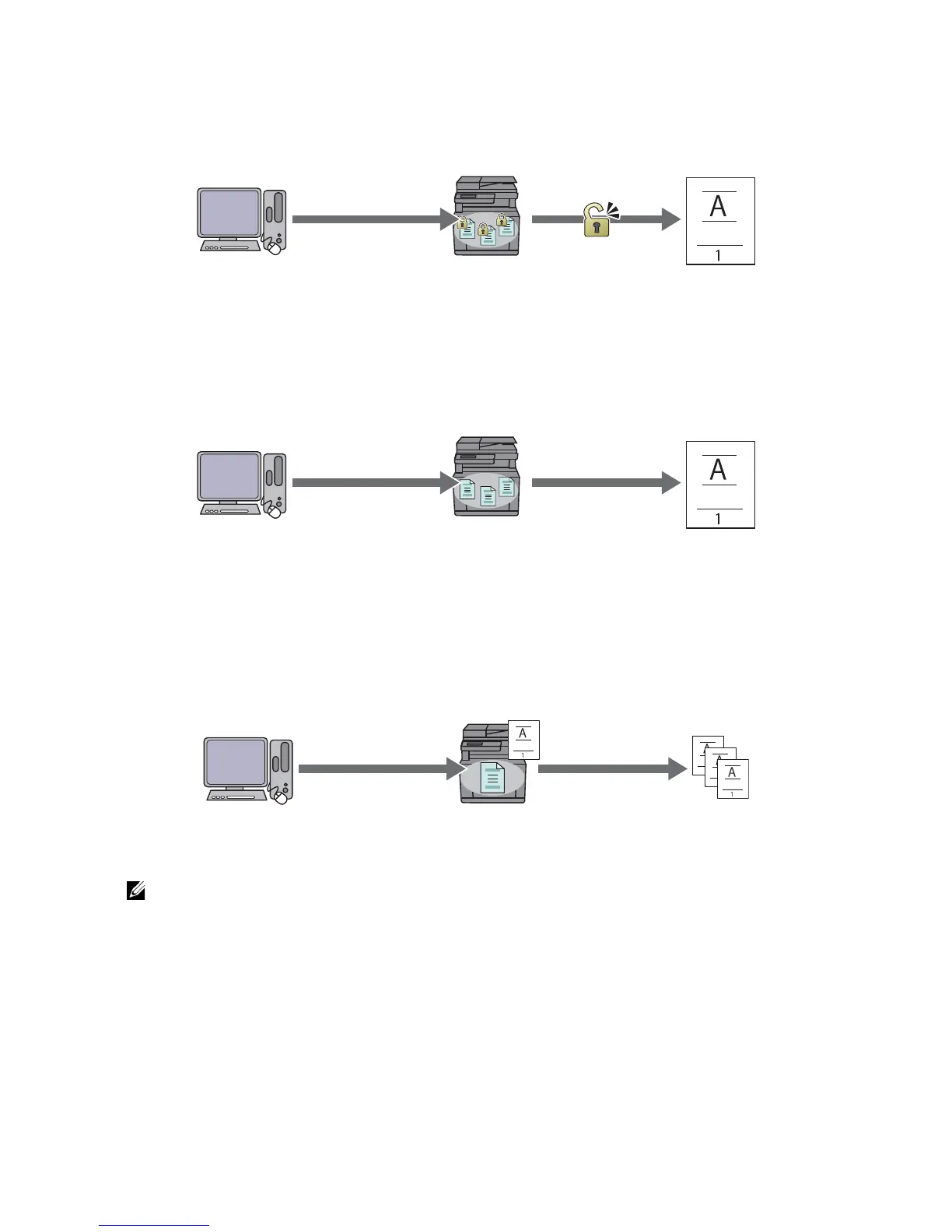
password can print them from the operator panel. This feature can be used to print
confidential documents.
Public Mailbox
You can store print jobs in the printer for re-printing without a password. The stored jobs
remain in the printer until you delete them from the operator panel. Any user can print
them from the operator panel.
Proof Print
The collated print job is stored in the memory, but a single copy is printed so you can
check the print result. If you do not have problems with the print result, you can choose
to print more copies. This prevents large number of misprinted copies.
Procedures for Printing Stored Print
• The stored print feature is not available when a print job is too large for the available memory.
• The stored print feature is available when using the Printer Control Language (PCL) or PostScript
(PS) driver.



 To Next Page