Connecting Your Printer to a Computer |
39
Connecting to a Wireless Network
Connecting With Dell Printer Easy Install (Windows
®
Only)
1 Insert the Software and Documentation disc in your computer.
Alternatively, go to www.dell.com/support, enter the Service Tag of your printer,
download the latest software and driver, and then open the file that you
downloaded.
• Make sure that there is no cable connected between the printer and your computer.
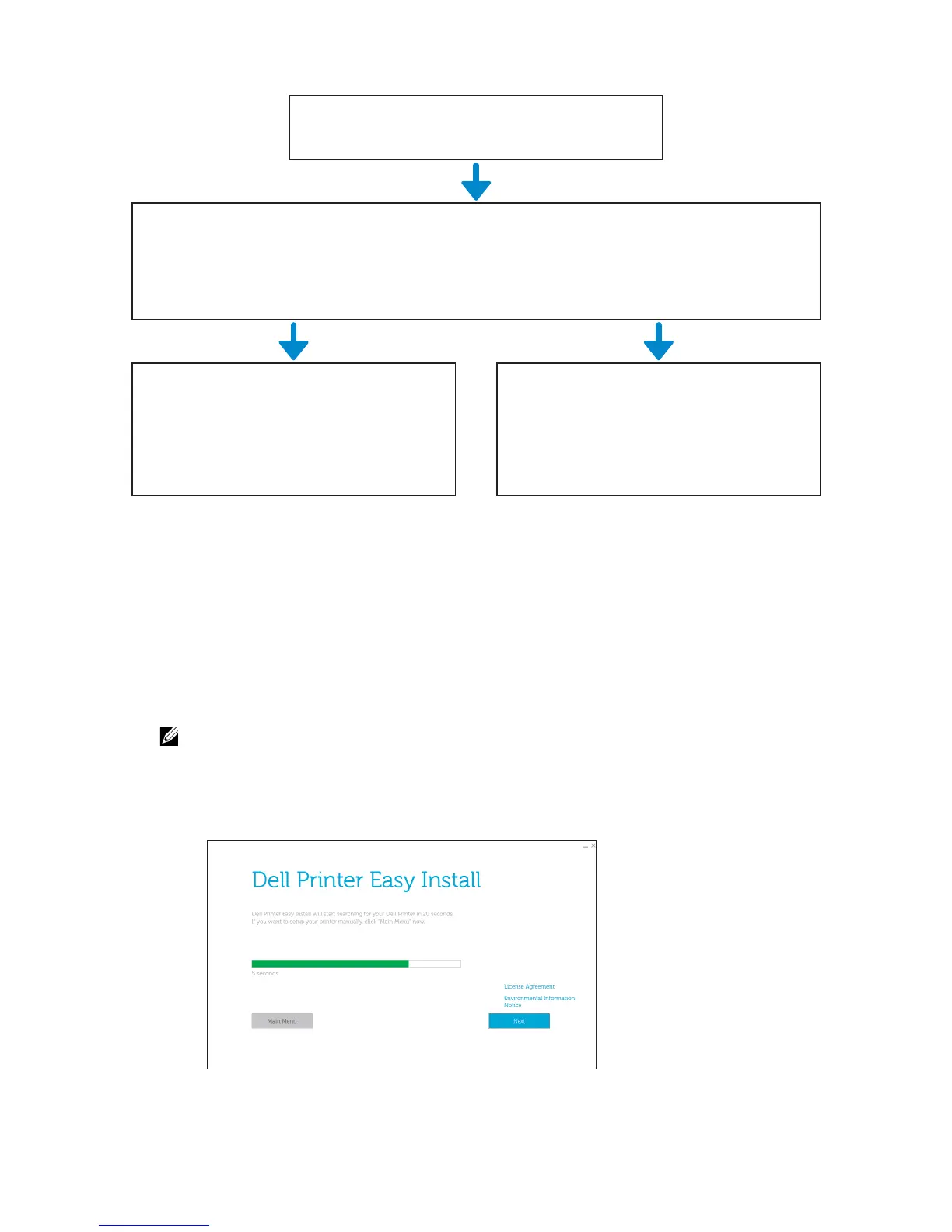
2 On the Dell Printer Easy Install window, click Next. Dell Printer Easy Install begins to
search for your printer.
3 Wait for Dell Printer Easy Install wizard to find your printer.
Wired connection
(Ethernet or USB)
Necessary preparations
Connect an Ethernet cable or a USB cable into the port on the rear of the printer.
"Connecting to a Wired (Ethernet) Network"
"Connecting to a Computer With USB"
Windows
®
Dell Printer Easy Install
Macintosh
Drivers and software installation
"Connecting With Dell Printer Easy Install
(Windows
®
Only)"
"Installing the Software for Macintosh
Computers"



 To Next Page