Dell Document Hub |
271
When the document is loaded on the document glass, the screen prompts you for
another page.
• If you want to scan another document, replace the document with a new
document, and then tap Continue.
• When you have finished loading documents, tap Done.
Sending a Scanned Data of a Business Card to Yourself
via E-Mail
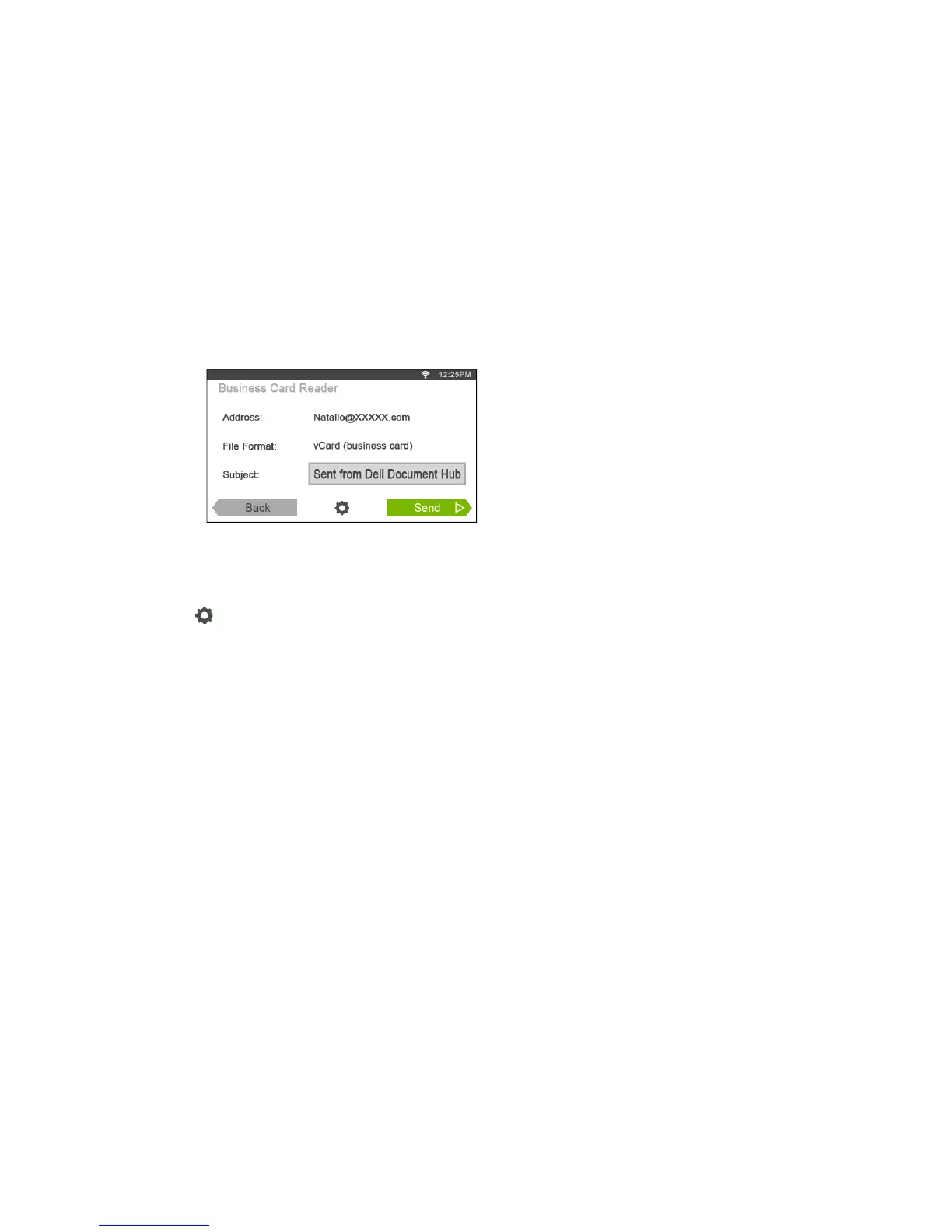
Business cards can be scanned and converted to vCard files, and sent to you as an
attached file of an e-mail.
1 In the Dell Document Hub screen, tap Business Card Reader.
2 Tap the Subject text box, and then enter the subject of the e-mail sent with the
vCard file.
3 Tap , and then check and change the e-mail settings.
a Tap OCR Language, and then select a language.
b Tap Back to return to the previous screen.
4 Tap Send.
When the document is loaded on the document glass, the screen prompts you for
another page.
• If you want to scan another document, replace the document with a new
document, and then tap Continue.
• When you have finished loading documents, tap Done.



 To Next Page