38
| Connecting Your Printer to a Computer
Connecting Your Printer to a Computer
You can connect the printer directly to your computer with USB, or connect the printer
to a wireless or wired network.
• Wireless network is available on Dell H625cdw and Dell H825cdw.
Overview
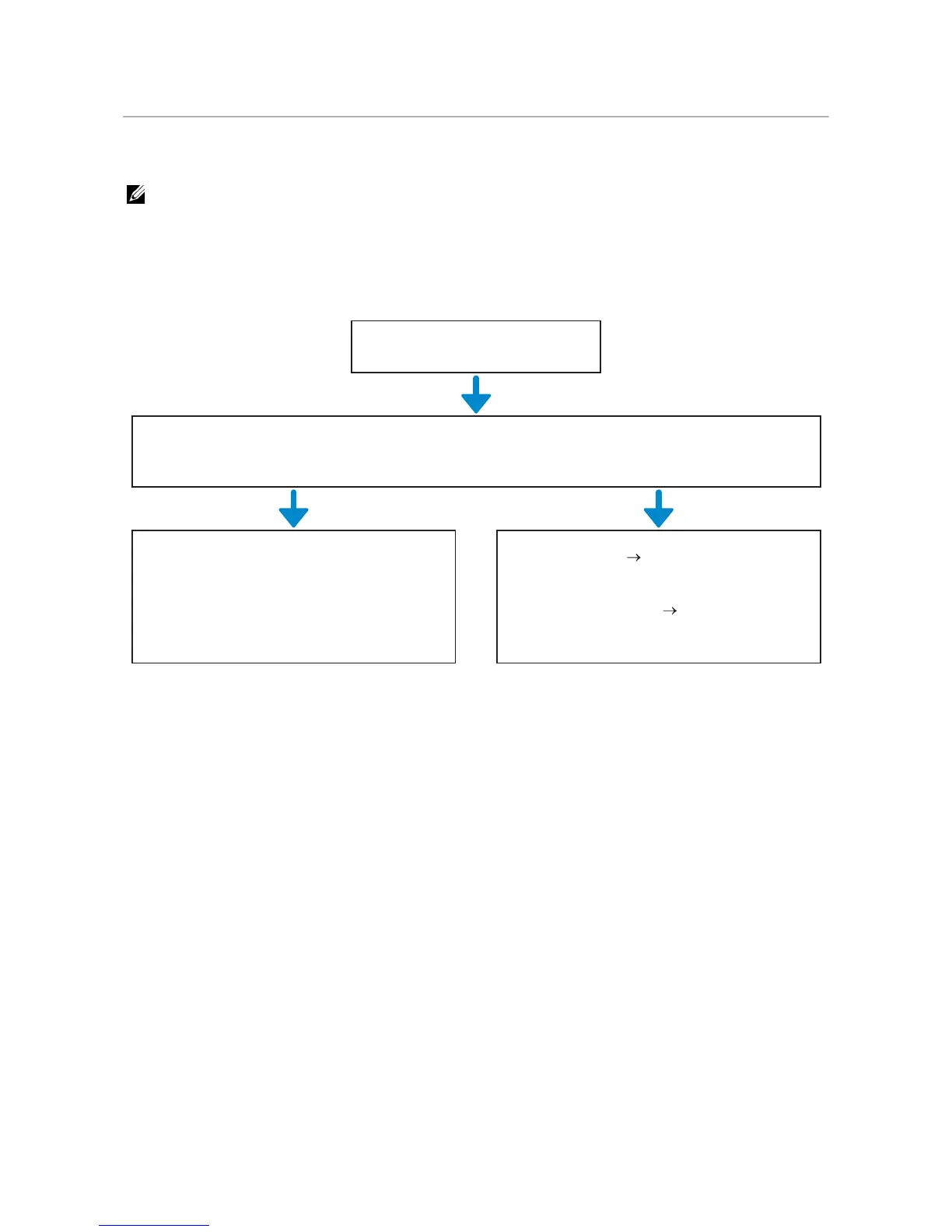
The following are the simple procedures recommended to connect the printer.
For wireless connection procedures other than the above, see "Connecting to a Wireless
Network."
Wireless connection
Necessary preparations
Check the settings of your access point or wireless router.
Windows
®
Dell Printer Easy Install
Macintosh
WPS-PBC settings Drivers and
software installation
"Connecting With Dell Printer Easy Install
(Windows
®
Only)"
"Connecting With WPS" "Installing the
Software for Macintosh Computers"



 To Next Page