294
| User Authentication
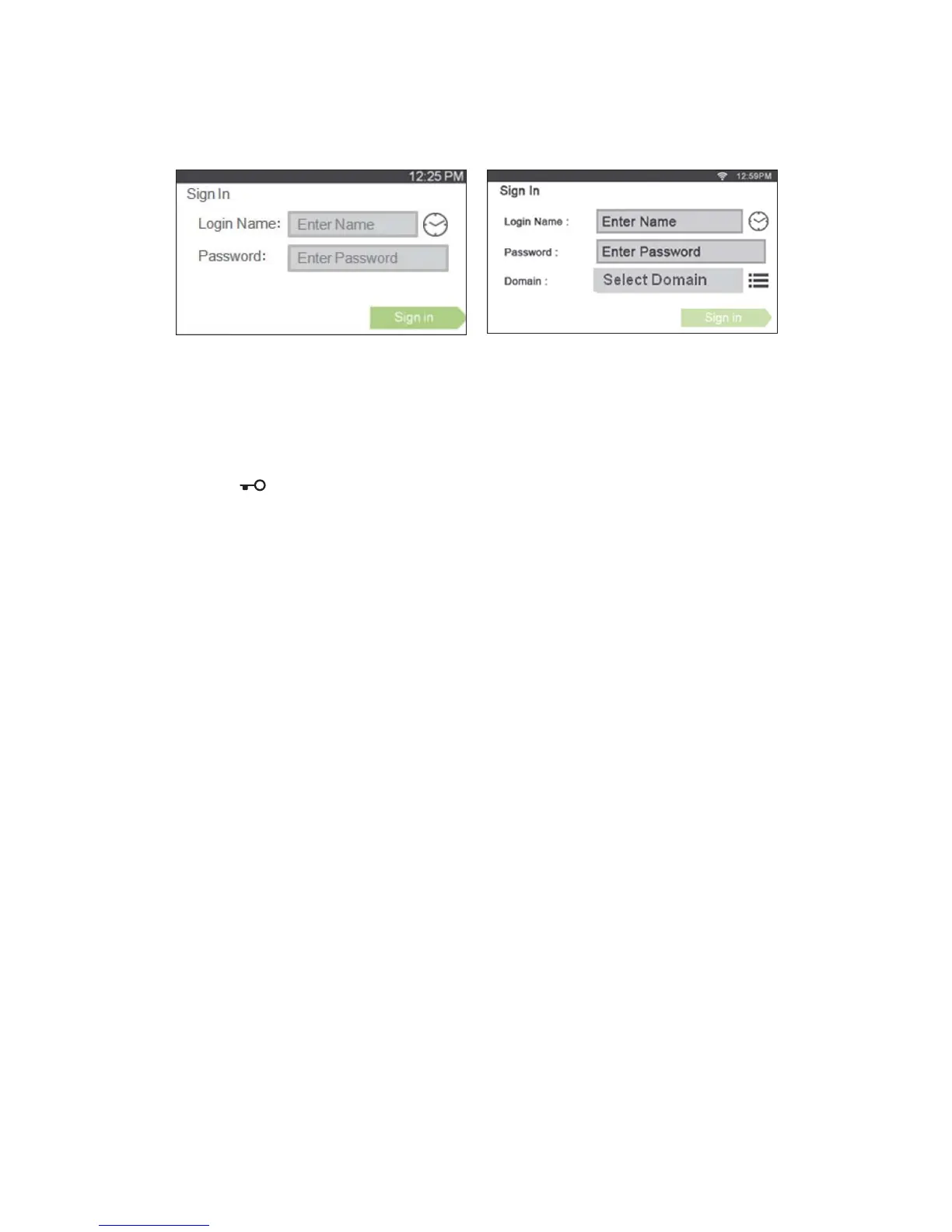
Enter the login name and password registered in the LDAP or Kerberos server to log in to
the printer.
Logging Out
When there is an account which is specified as Initial Login, the Home screen of the
account is always displayed after the printer is turned on. To log in to another account,
you need to log out first.
1 Press the (Log In/Out) button.



 To Next Page