206
|Loading Documents
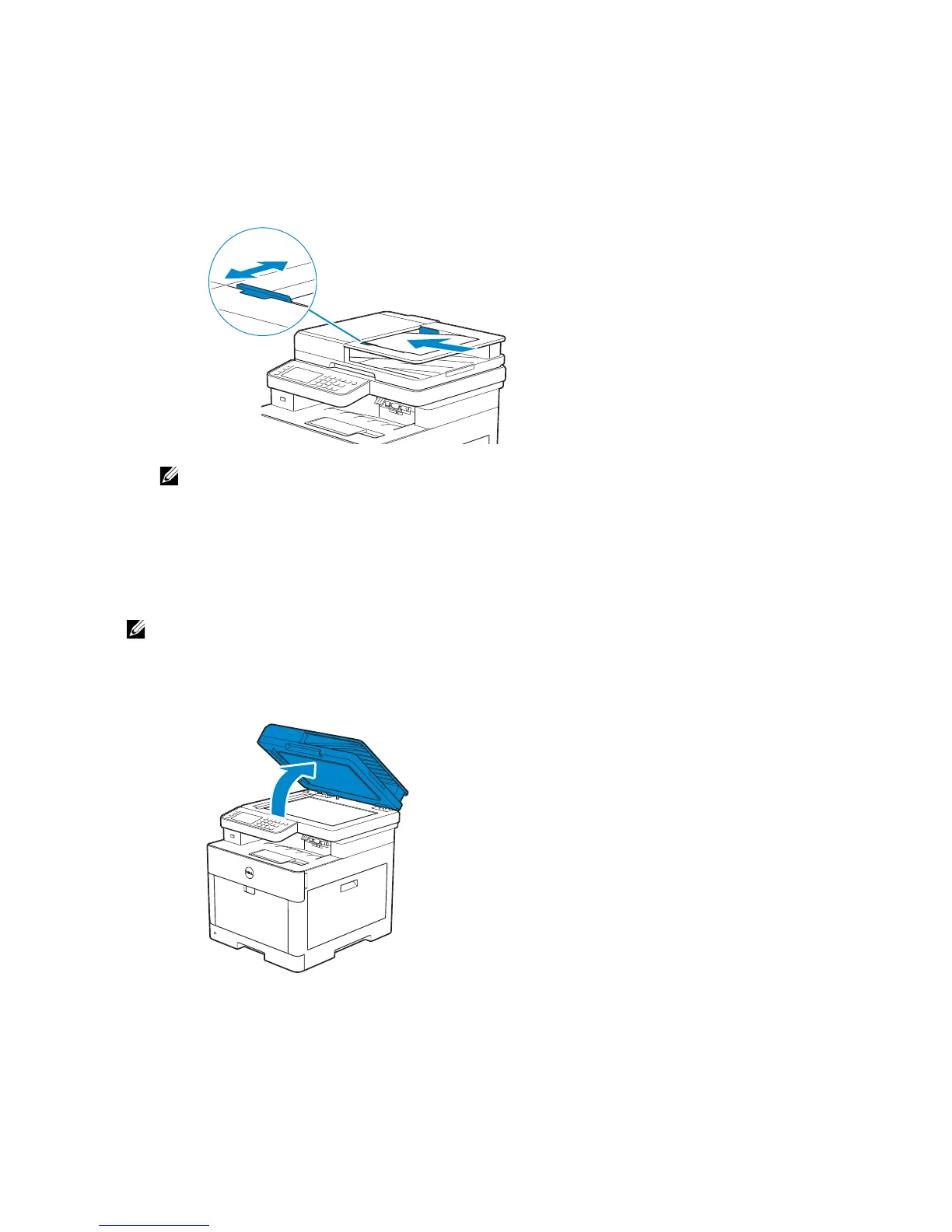
Loading a Document in the Duplex Automatic
Document Feeder (DADF)
1 Adjust the document guides according to the document size that you want to load,
and place the document(s) facing up with the top edge of the document(s) first into
the DADF.
• Overtightening the guides may cause jams.
• Before loading the document(s) on the DADF, straighten the edges of the stack of the
document(s).
• Use the document stopper when copying a legal-size document.
Loading a Document on the Document Glass
• Make sure that no document is in the DADF. If any document is detected in the DADF, it takes
priority over the document on the document glass.
1 Open the document cover.



 To Next Page