46
| Connecting Your Printer to a Computer
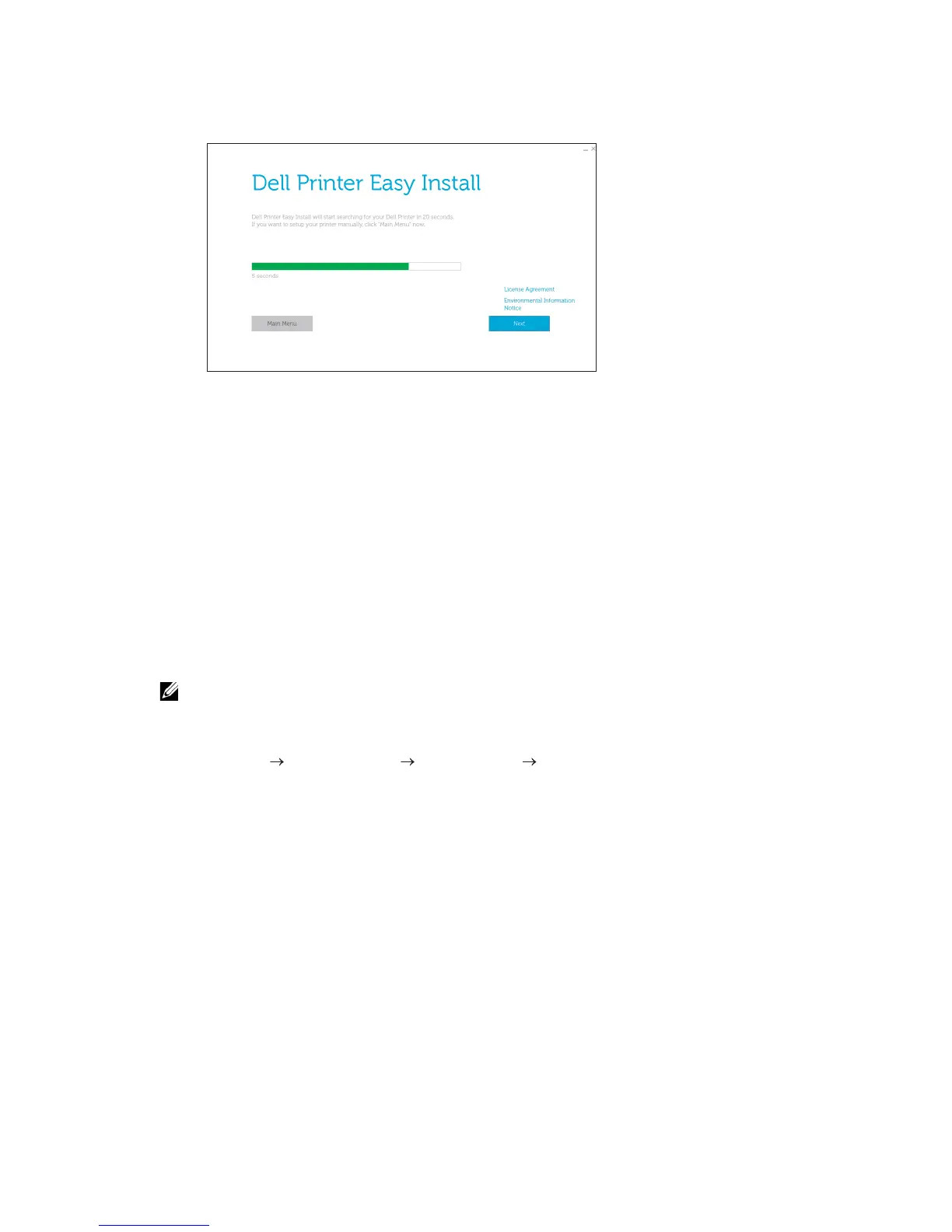
2 On the Dell Printer Easy Install window, click Next. Dell Printer Easy Install begins to
search for your printer.
3 Wait for Dell Printer Easy Install wizard to find and install your printer.
Configuring With Other Methods
For details, see "Installing the Software for Windows
®
Computers" or "Installing the
Software for Macintosh Computers."
Installing the Software for Windows
®
Computers
Installing the Software and Print Drivers with Dell Printer Easy
Install
1 Insert the Software and Documentation disc into your computer.
• If the Software and Documentation disc does not start, perform the following.
a For Windows
®
7:
Click Start All Programs Accessories Run.
For Windows
®
10:
Right-click the Start button, and then click Run.
b Enter D:\setup.exe (D is the drive letter of the optical drive), and then click OK.
2 Click Main Menu.



 To Next Page