272
| Printing and Scanning Directly From SharePoint
®
Printing and Scanning Directly From
SharePoint
®
You can connect to the SharePoint
®
server directly from the printer to print the
documents from the server or to save the scanned data to the server.
• This feature is available on Dell S2825cdn.
• Only the PDF and the JPEG files can be browsed, printed, and saved with this feature.
Registering the SharePoint
®
Server
You can register up to 10 servers.
1 Log in to the printer as a registered user using the local authentication.
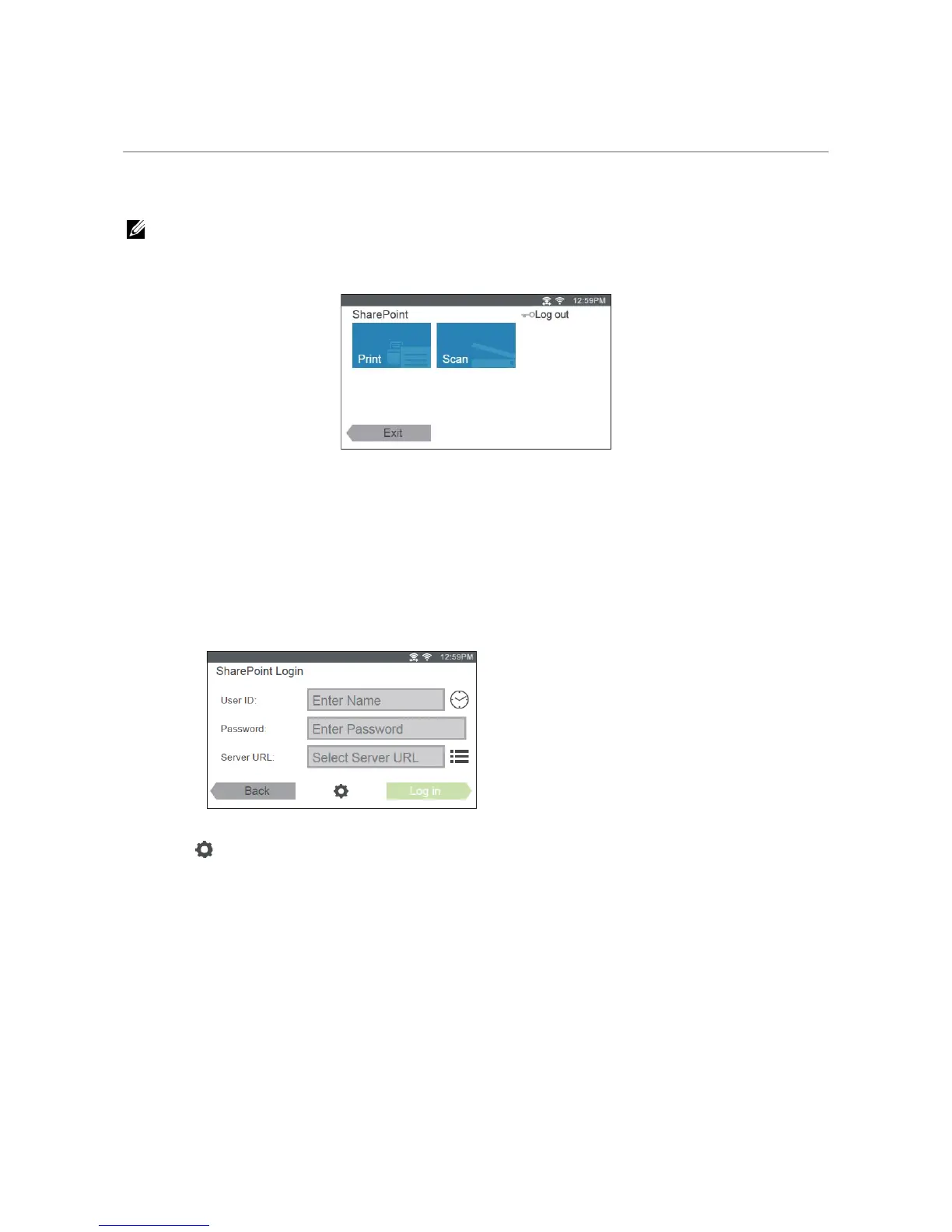
2 In the Home screen, tap SharePoint.
The SharePoint Login screen is displayed.
3 Tap
The Configuration screen is displayed.
4 Tap the Enter Server URL box.
5 Enter the server URL, tap Done, and then tap +.
To register more SharePoint
®
server URLs, repeat steps 4 and 5.
6 Tap Back.
Editing the Server URL List
In the Configuration screen, you can edit the server URL list.
Tap the desired server URL, and tap Remove or Edit.



 To Next Page