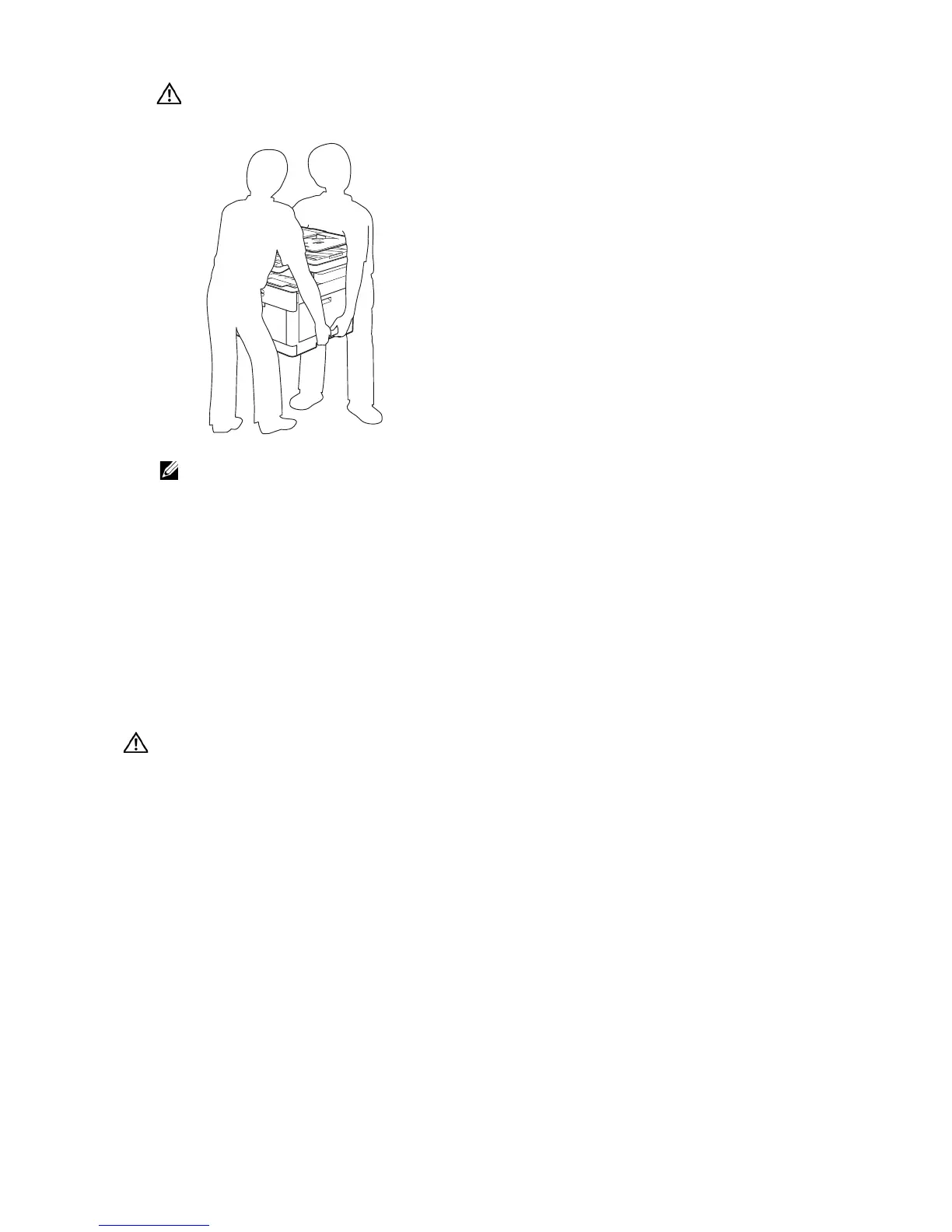
• If you move the printer over a long distance, remove the toner cartridges from the printer to
prevent toner from spilling, and then pack the printer into a box. See "Replacing the Toner
Cartridges."
Removing Options
If the printer location needs to change or the printer and the optional 550-sheet feeder
need to be shipped to a new location, the optional 550-sheet feeder must be removed
from the printer. For shipping, pack the printer and the optional 550-sheet feeder
securely to avoid damage.
Removing the Optional 550-Sheet Feeder
• Before removing the optional 550 sheet feeder (Tray2), make sure to turn off the printer, unplug
the power cord, and disconnect all cables from the rear of the printer.
1 Make sure that the printer is turned off, and then disconnect all cables from the rear
of the printer.



 To Next Page