Loading Print Media |
201
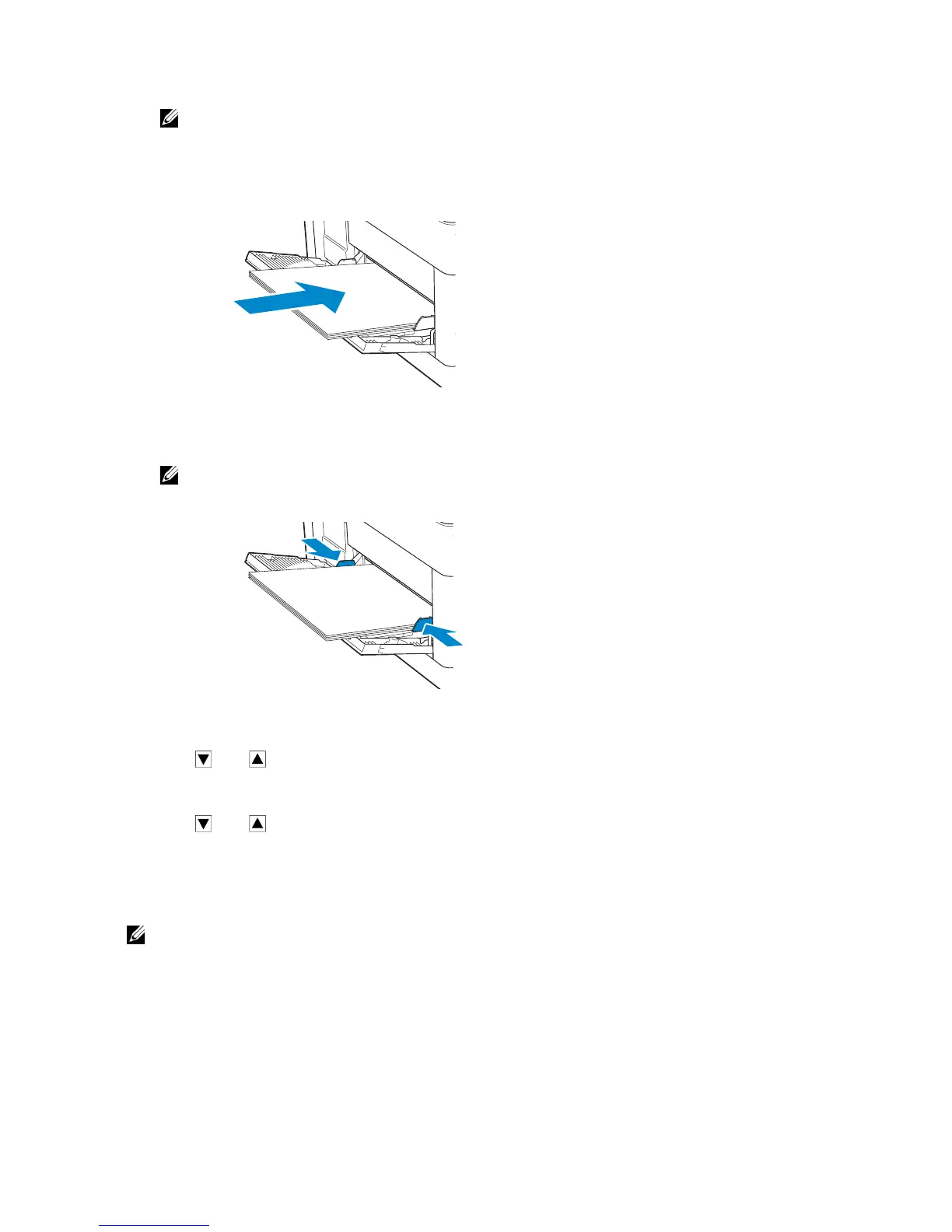
3 Insert all print media facing up and top edge first into the MPF.
• Do not force the print media into the MPF.
• When loading coated paper, load one sheet at a time.
• When loading letterhead, pre-printed, or pre-punched paper, see "Loading Letterhead,
Pre-Printed, and Pre-Punched Paper."
4 Make sure that both width guides rest lightly against the edge of the print media
stack.
• Overtightening the guides may cause jams.
5 When the MPF Configuration screen appears, tap Size.
6 Tap or until the desired paper size appears, and then select the size.
7 Tap Type.
8 Tap or until the desired paper type appears, and then select the type.
9 Tap OK.
Loading Envelopes in the MPF
• Use only recommended envelopes. See "Recommended Envelopes."
The following guidelines describe how to load envelopes.
• Use only freshly unpackaged and undamaged envelopes.



 To Next Page