Loading Print Media |
203
C5
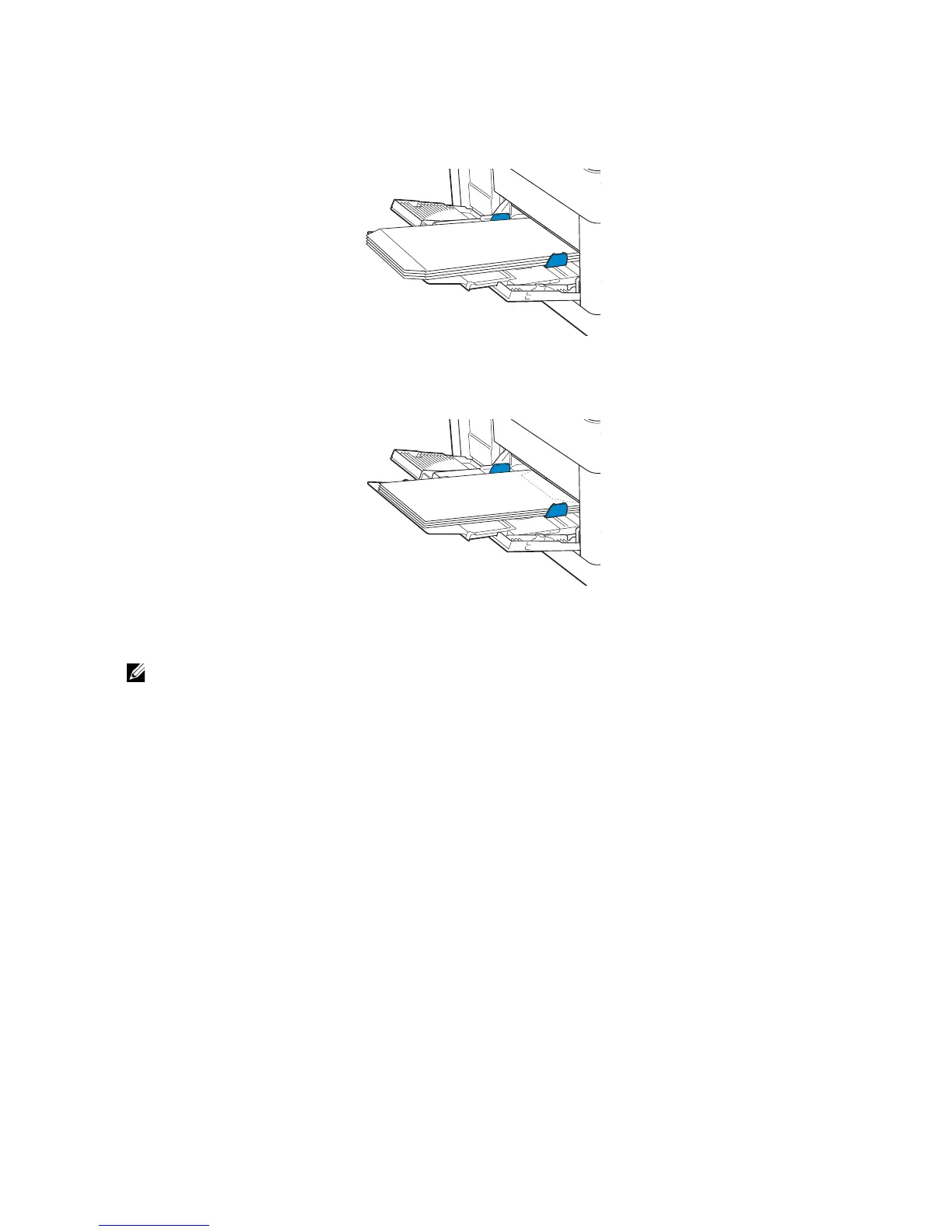
When loading envelopes with the flaps open, load the envelopes with the print side
facing up and the bottom edge first into the MPF.
When loading envelopes with the flaps closed, load the envelopes with the print side
facing up and the top edge first into the MPF.
Loading Labels in the MPF
• Use only recommended labels. See "Recommended Labels."
The following guidelines describe how to load labels:
• Do not load labels in the MPF together with other types of paper.
• Use full label sheets. Partial sheets may cause labels to peel off during printing,
resulting in a jam.
• Set the paper type to Label from the print driver.
• Portrait orientation is preferred, especially when printing bar codes.
• Do not print within 1 mm (0.04 inch) of the die-cut.
• Do not print within 1 mm (0.04 inch) of the edge of the label, of the perforations, or
between die-cuts of the label.
• Do not print a label through the printer more than once.



 To Next Page