Troubleshooting |
363
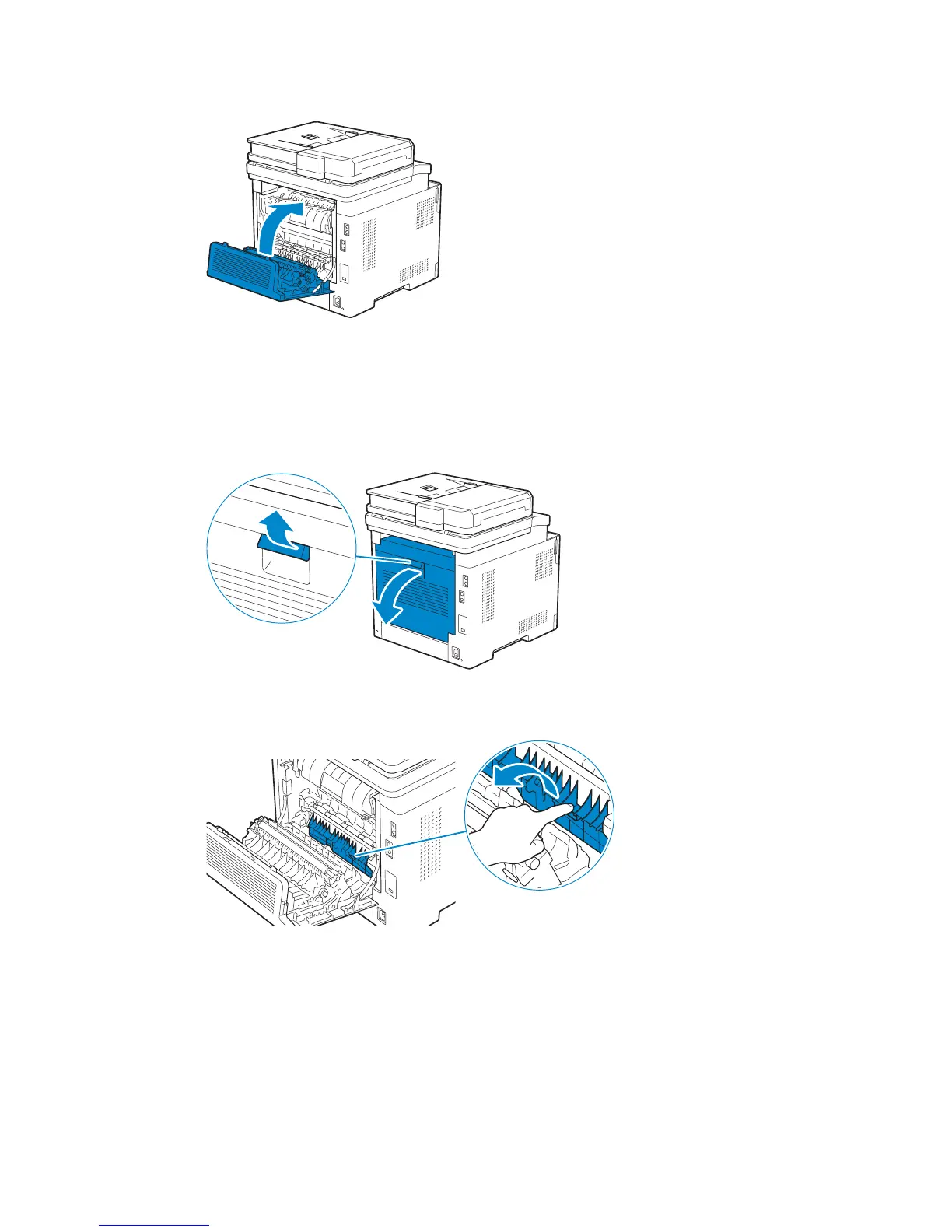
3 Close the rear cover.
Clearing Paper Jams From the Rear Chute
When a status code for a paper jam inside the rear cover appear but you cannot find the
jammed paper, check inside the rear chute.
1 Pull up the handle lever of the rear cover, and then open the rear cover.
2 Pull the tab to open the rear chute.



 To Next Page