370
|Troubleshooting
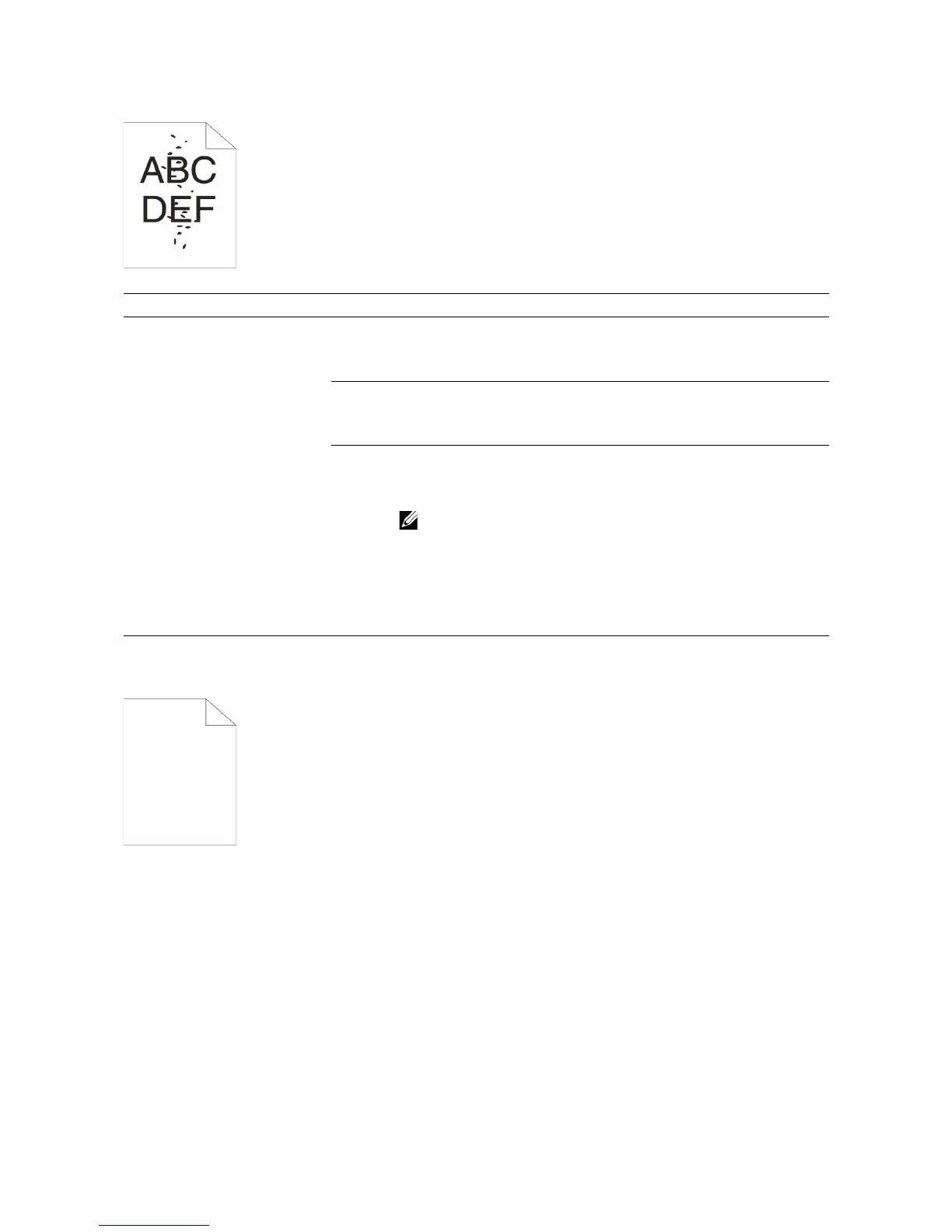
Random Spots/Blurred Images
Blank Printout
Problem Action
The printout has random
spots or is blurred.
1 Make sure that the toner cartridges are installed correctly. See
"
Installing a Toner Cartridge."
If the problem persists, proceed to step 2.
2 Make sure that the drum cartridges are installed correctly.
See
"Replacing the Drum Cartridges" and "Installing a Drum Cartridge."
If the problem persists, proceed to step 3.
3 Replace the drum cartridges. See "Replacing the Drum Cartridges."
a Start the Tool Box on Dell Printer Hub or Dell Printer Management
Tool.
• For details about how to start the Tool Box, see "Tool
Box."
bClick Chart Print on the Diagnosis tab.
c Click Pitch Configuration Chart for verification.
If the problem persists, contact Dell.



 To Next Page