382
|Troubleshooting
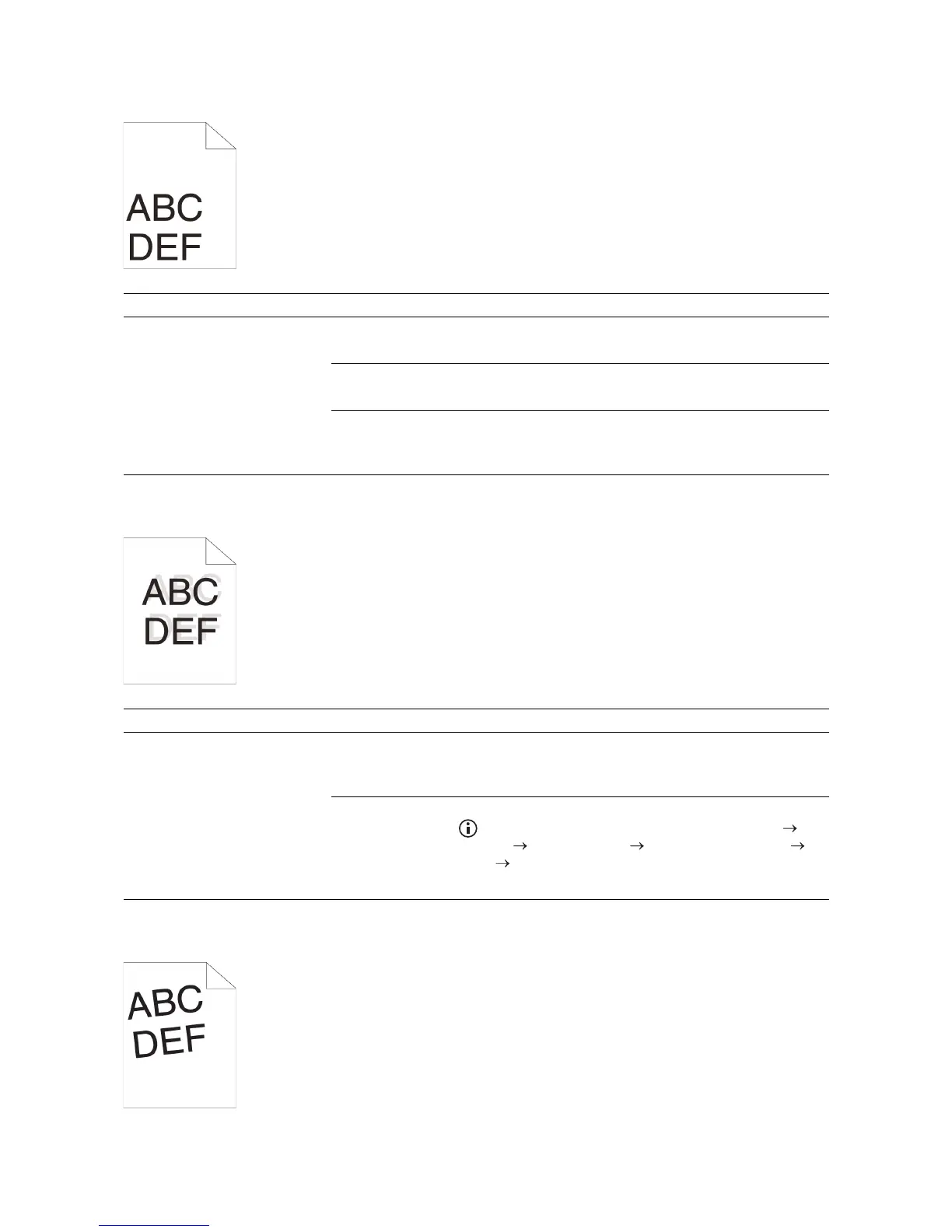
Incorrect Margins on the Top and Side
Disorganized Color Registration
Skewed Images
Problem Action
The top and side margins are
incorrect.
1 Adjust the paper guides properly.
If the problem persists, proceed to step 2.
2 Use any of the trays in place of the MPF.
If the problem persists, proceed to step 3.
3 Make sure that the margins are set correctly on the program being
used.
If the problem persists, contact Dell.
Problem Action
Color registration is out of
alignment.
1 Adjust the settings of the paper type on the print driver to those of the
tray or feeder.
If the problem persists, proceed to step 2.
2 Execute auto color registration adjustment.
a Press the (Information) button and tap the Tools tab
Admin Settings Maintenance Color Reg Adjust
Auto Correct Start.
If the problem persists, contact Dell.



 To Next Page