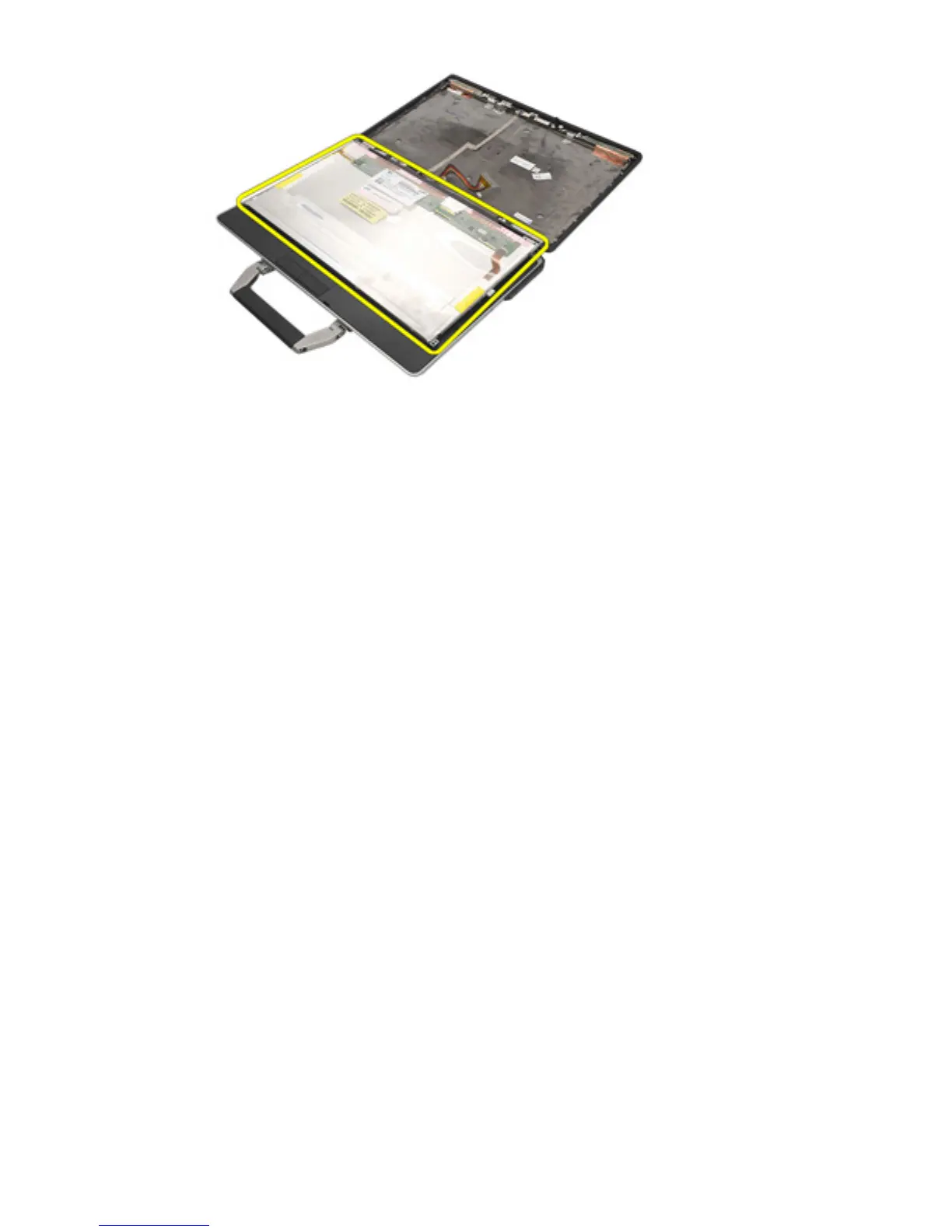
Installing the Display Panel
1. Align the display panel in its original position on the display assembly.
2. Connect the Low-Voltage Differential Signaling (LVDS) cable to the display
panel.
3. Tighten the screws securing the display panel to the display assembly.
4. Install the
LCD Bezel
.
5. Install the
Battery
.
6. Follow the procedures in
After Working Inside Your Computer
.
115















 To Next Page