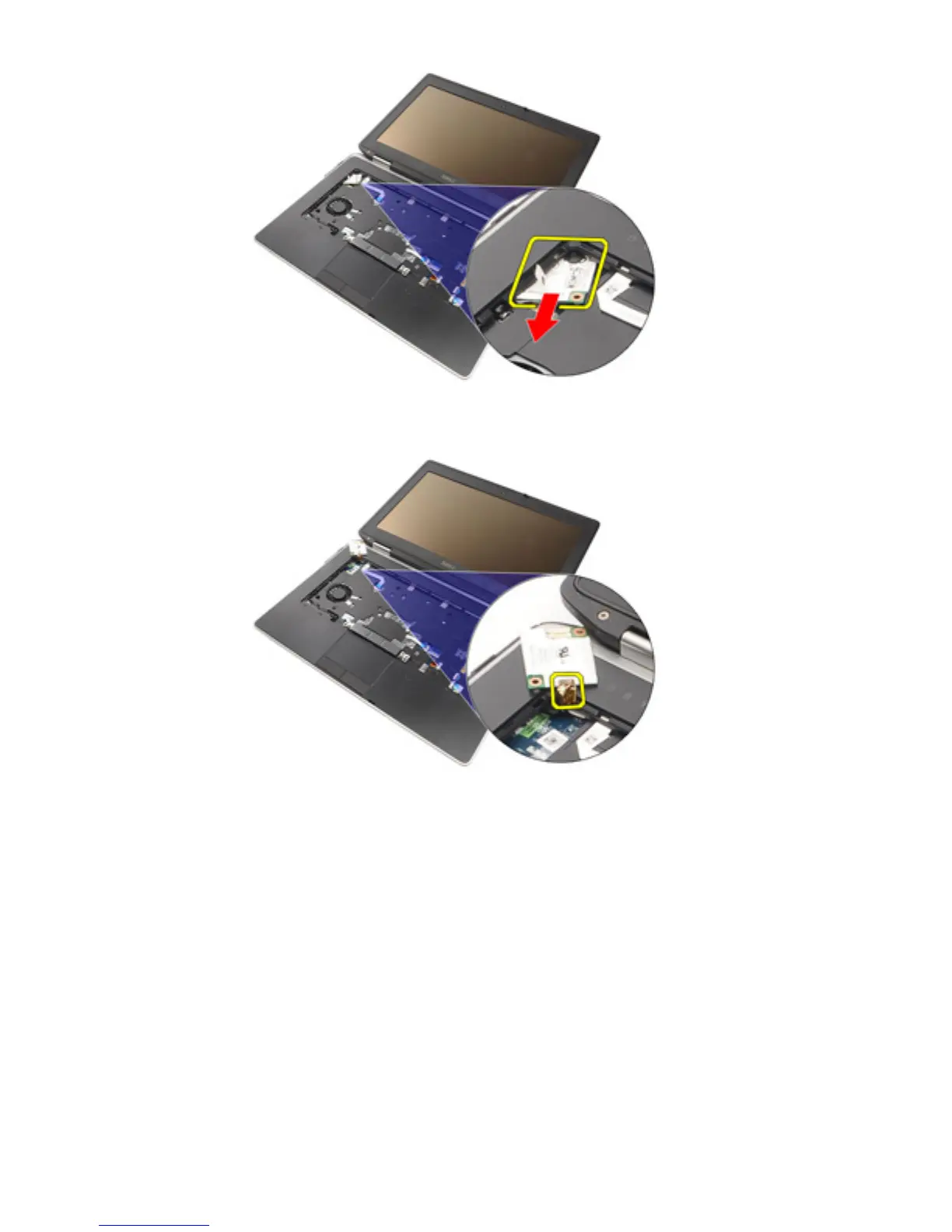
10. Disconnect the modem cable from the modem card and remove it from the
system.
Installing the Modem Card
1. Connect the modem cable to the modem card on the system board.
2. Place the modem card in its slot in the computer.
3. Tighten the screw securing the modem card to the system.
4. Install the
Keyboard Trim
.
5. Install the
Keyboard
.
6. Install the
Battery
.
7. Follow the procedures in
After working inside your computer
.
63















 To Next Page