Memory Card 12
Removing the Memory Card
1. Follow the procedures in
Before Working On Your Computer
2. Remove the
ATG Handle
(only for E6420 ATG systems).
3. Remove the
ATG Port Cover
(only for E6420 ATG systems).
4. Remove the
battery
.
5. Remove the
Secure Digital (SD) card
.
6. Remove the
base cover
.
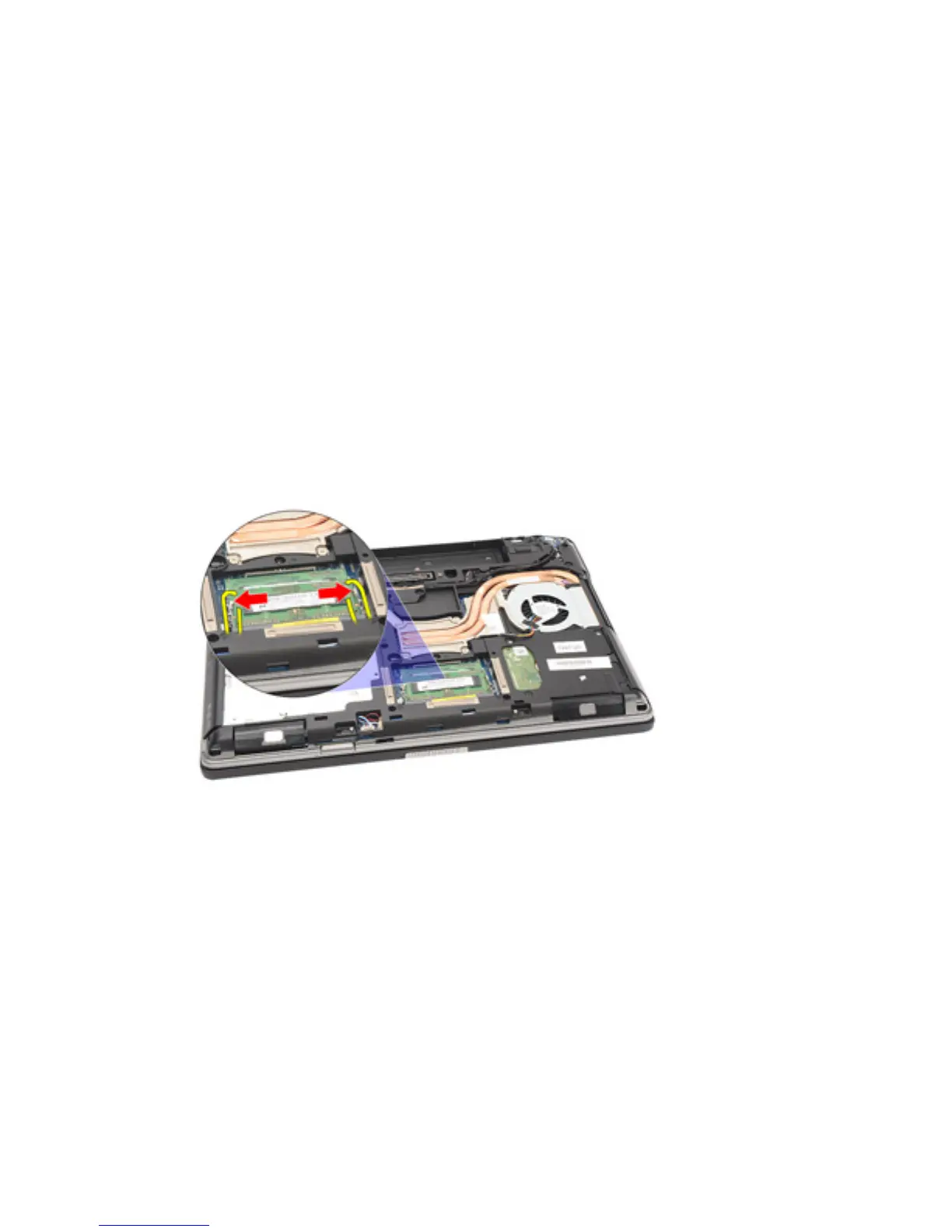
7. Use your fingertips to spread apart the securing clips on each end of the
memory module connector until the memory module pops up.
8. Remove the memory module from its connector on the system board by
drawing the module from the system board at a 45-degree angle.
35















 To Next Page