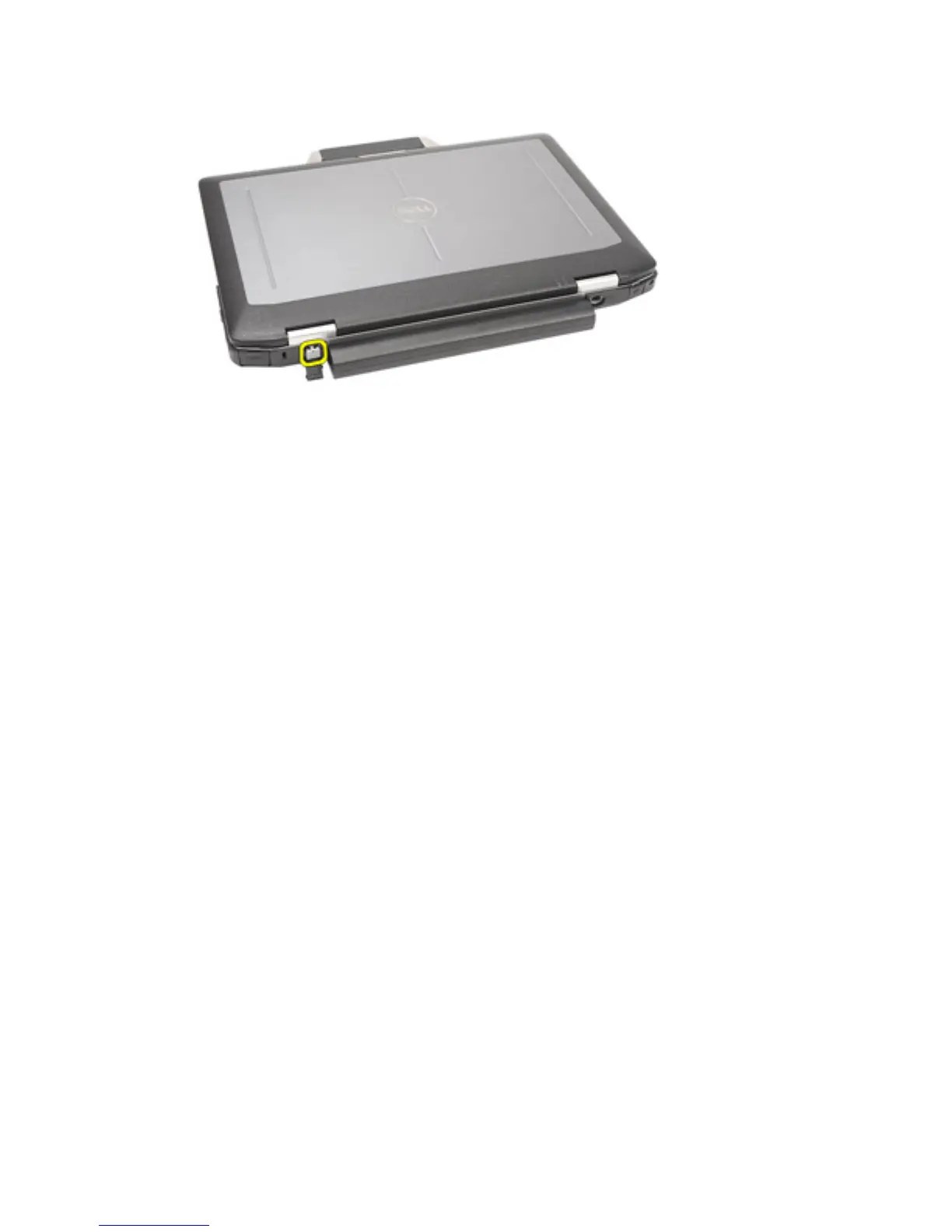
6. Remove the cover.
Installing the Modem Connector Plug
1. Place the modem cover.
2. Identify the pin hole and insert a pin into the hole and pull the pin to lock the
cover.
3. Lock the rubber cover.
4. Install the
Battery
.
5. Follow the procedures in
After Working Inside Your Computer
.
18















 To Next Page