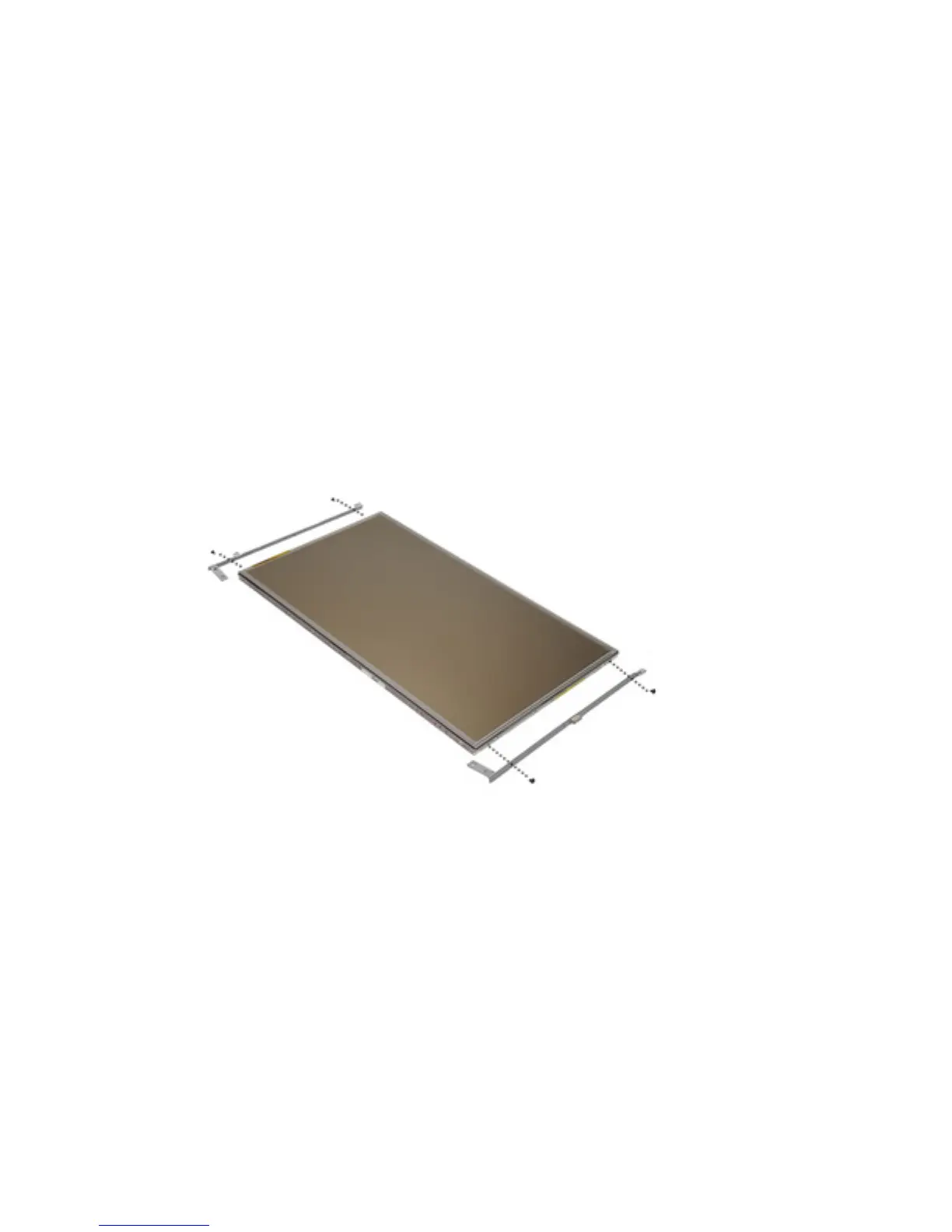
Display Bracket 34
Removing the Display Bracket
1. Follow the procedures in
Before Working On Your Computer
.
2. Remove the
Battery
.
3. Remove the
Display Bezel
.
4. Remove the
Display Panel
.
5. Remove the screws from each side of the display panel and remove the
display brackets.
Installing the Display Bracket
1. Place the display brackets and tighten the screws on either side of the
display panel.
2. Install the
Display Panel
.
3. Install the
LCD Bezel
.
4. Install the
Battery
.
5. Follow the procedures in
After Working Inside Your Computer
.
117















 To Next Page