Optical Drive 11
Removing The Optical Drive
1. Follow the procedures in
Before Working On Your Computer
.
2. Remove the
Battery
.
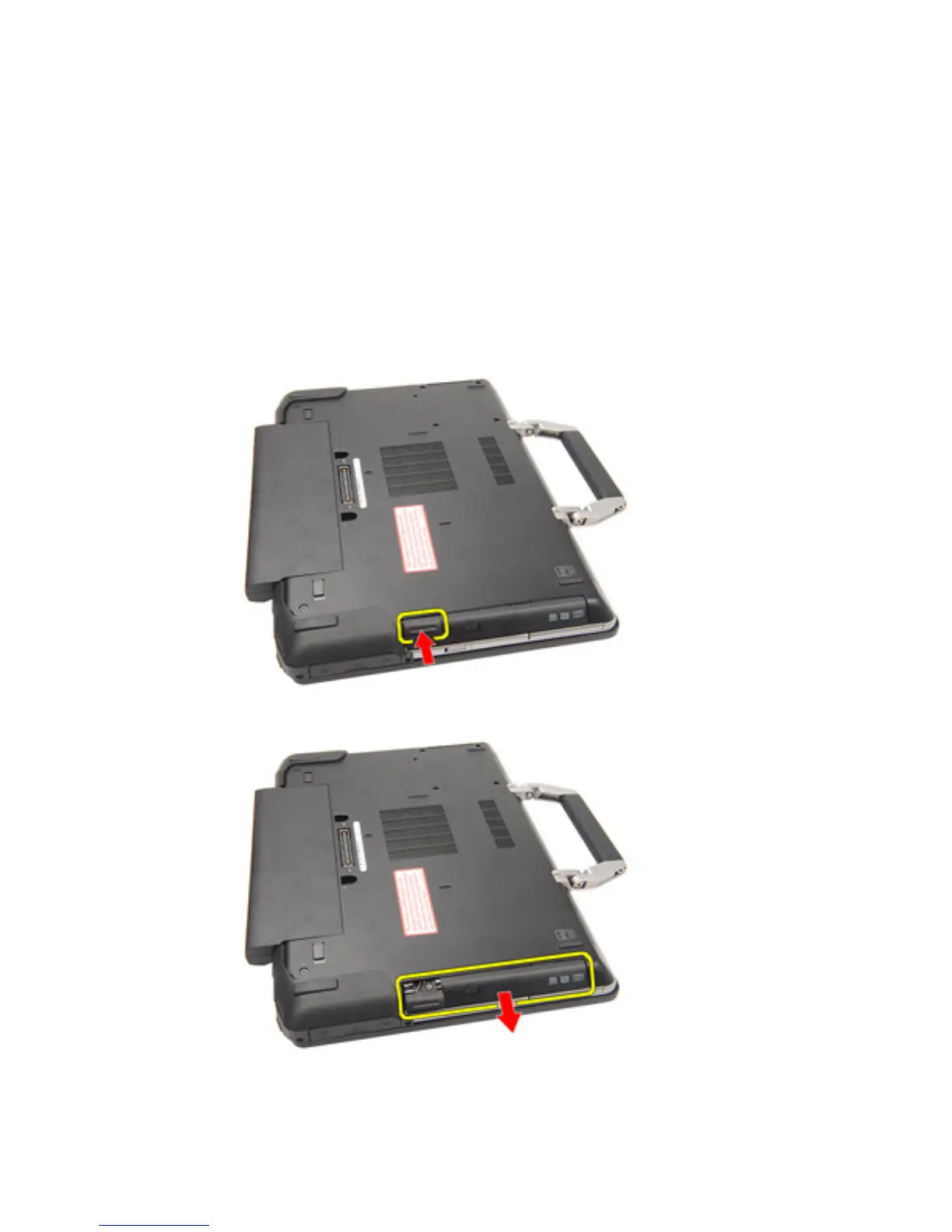
3. Push in the drive latch into the slot.
4. Pull the optical drive using the drive latch.
5. Pull the optical drive door from one side to release it.
31















 To Next Page