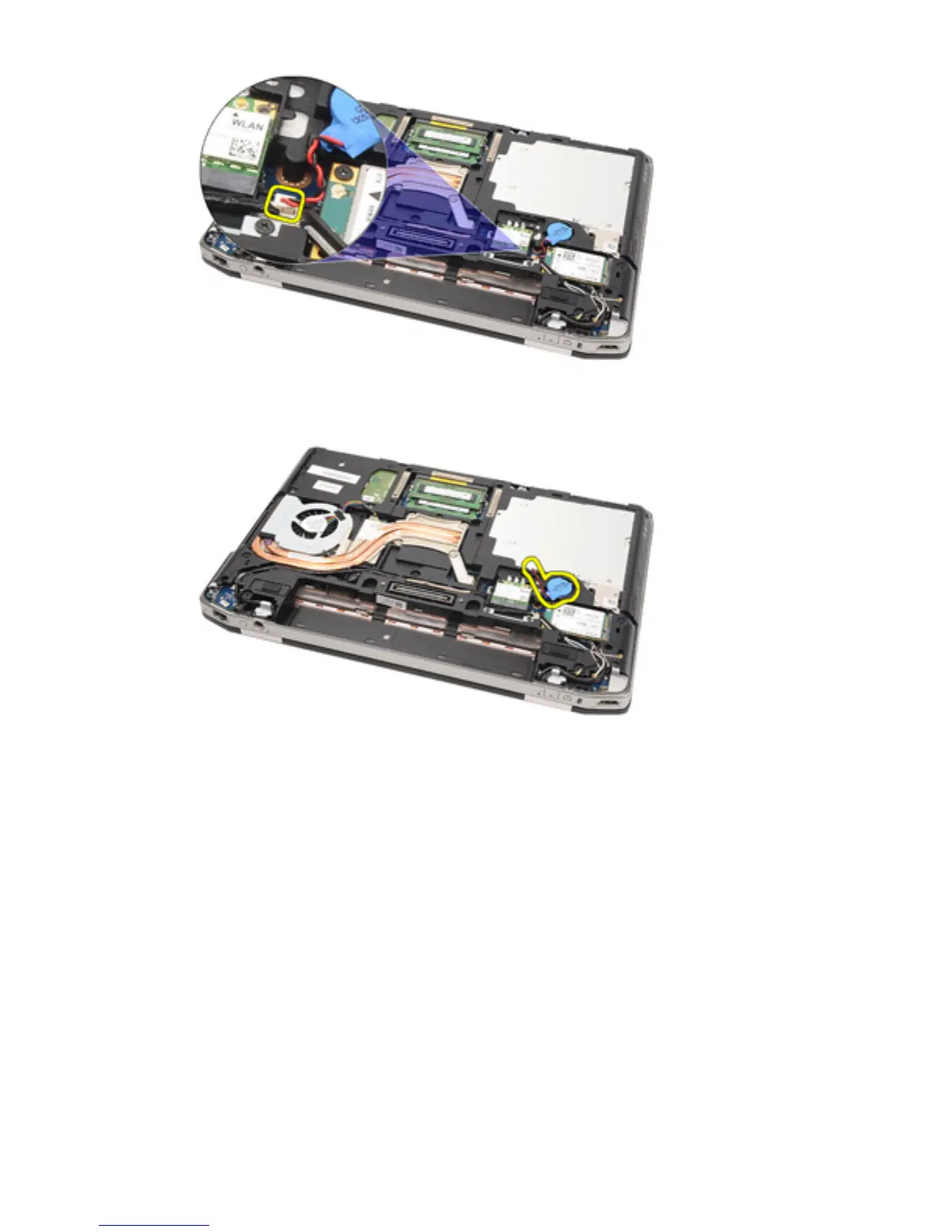
9. Release and remove the coin-cell battery from the computer.
Installing the Coin-Cell Battery
1. Place the coin-cell battery in its location.
2. Connect the coin-cell battery cable to the system board.
3. Connect any antennas that were routed over the coin cell battery.
4. Install the
Base Cover
.
5. Install the
Secure Digital (SD) card
.
6. Install the
Battery
.
7. Install the
ATG Port Cover
(only for E6420 ATG systems).
8. Install the
ATG Handle
(only for E6420 ATG systems).
9. Follow the procedures in
After Working Inside Your Computer
.
46















 To Next Page