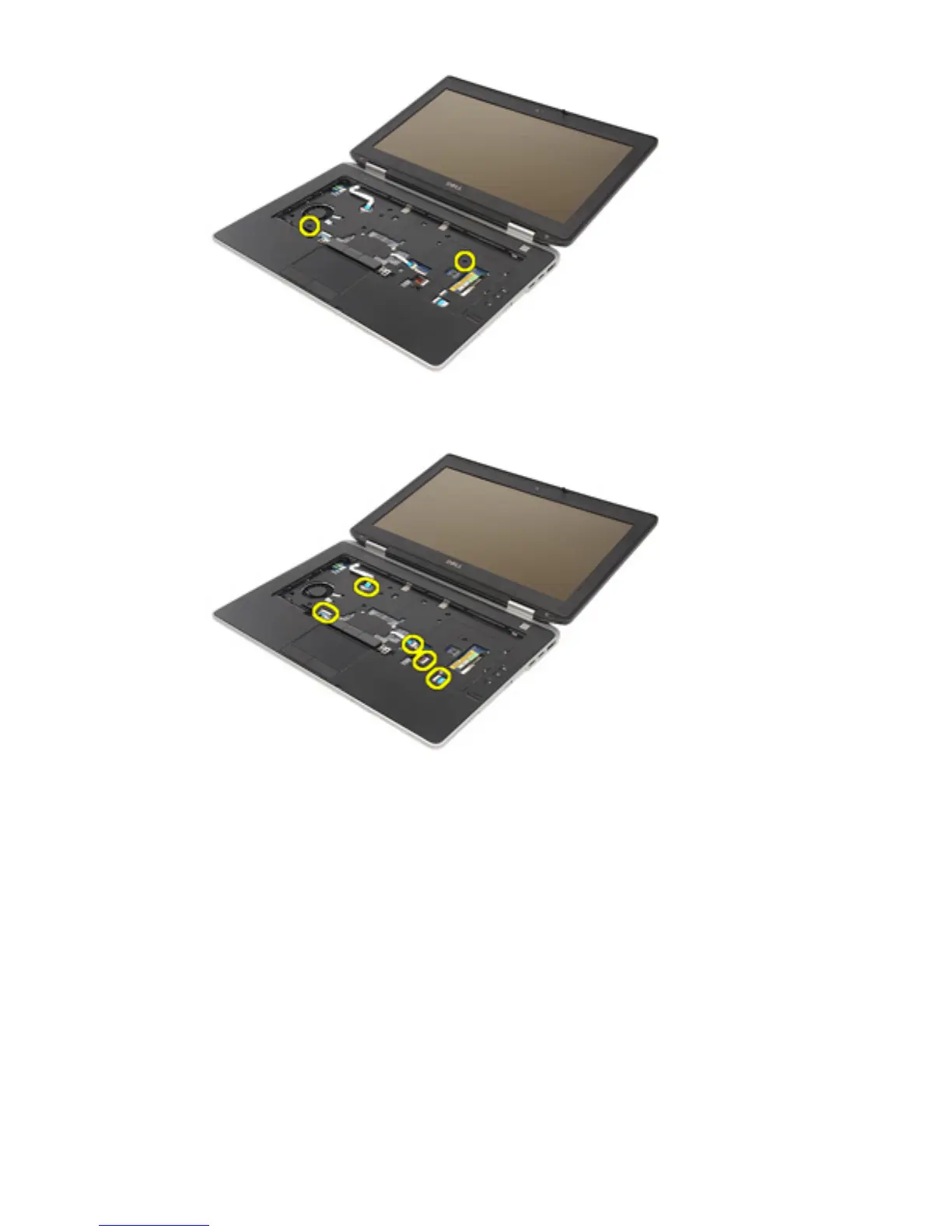
15. Release and disconnect the LED, smart card, touchpad, RFID, and
ExpressCard cable from the system board.
16. Using a plastic scribe, gently pry out the top right corner of the palm rest
and run along the scribe to the right side of the palm rest to release the
snaps.
66















 To Next Page