4. Network connector
5. Power connector
6. Power button (without LED)
7. Security-cable slot
8. USB 3.0 connector
9. Headset connector
10. Memory card reader
11. Fingerprint reader (optional)
12. Battery-status light
13. Hard-drive activity light
14. Power-status light
15. Speakers
16. Touchpad
17. Contactless smartcard reader (optional)
18. Smartcard reader (optional)
19. USB 3.0 connector
20. Mini DisplayPort connector
21. HDMI connector
22. USB-C connector
23. Docking connector
24. Service-tag label
25. Door and battery release latch
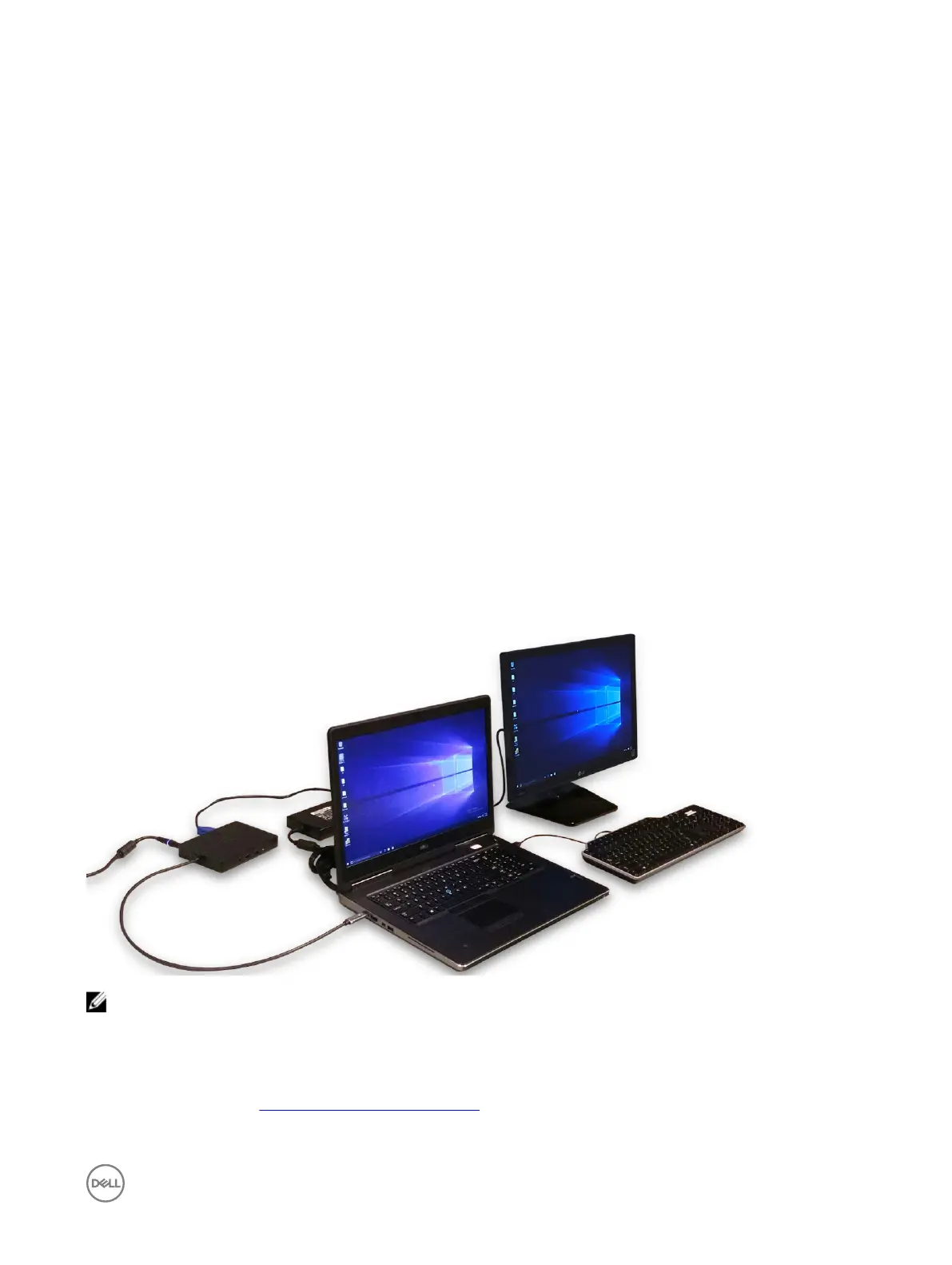
Connecting to a docking station
NOTE: Computers requiring more than 130 W power input must also be connected to their own power adapter for
charging and operating at full performance.
Removing the Secure Digital (SD) card
1. Follow the procedure in Before working inside your computer.
2. Press in on the SD card to release it from the computer. Slide the SD card out of the computer.
9



 To Next Page