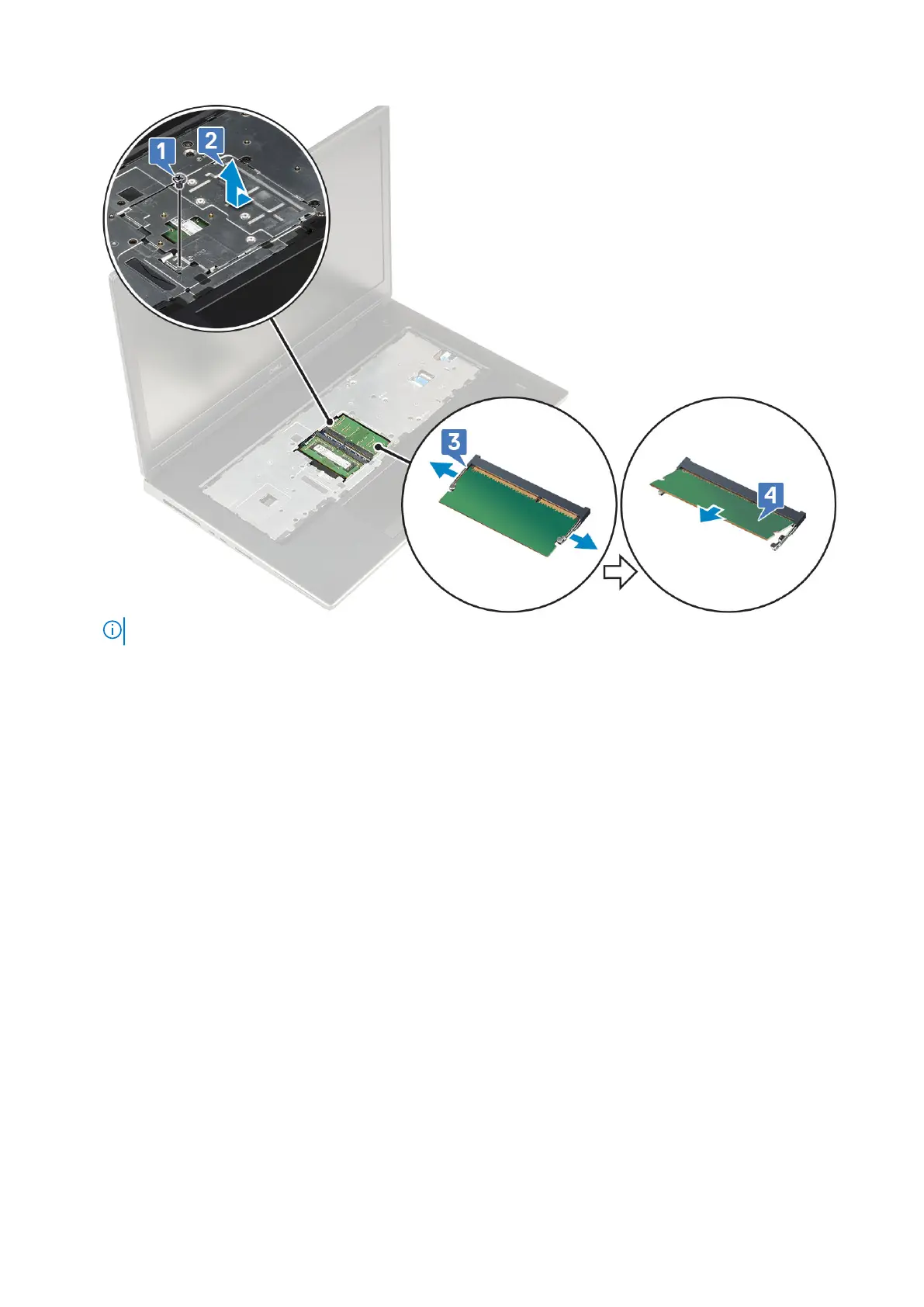
NOTE: Repeat step (c) and (d) if there is another memory installed.
Installing the secondary memory module
1. To install the secondary memory module:
a. Insert the memory module into the memory socket [1].
b. Press the clips to secure the memory module to the system board [2].
c. Slide in the memory shield on the memory module [3].
d. Replace the single (M2.0x3.0) screw to secure the memory shield to the memory module [4].
38
Removing and installing components



 To Next Page