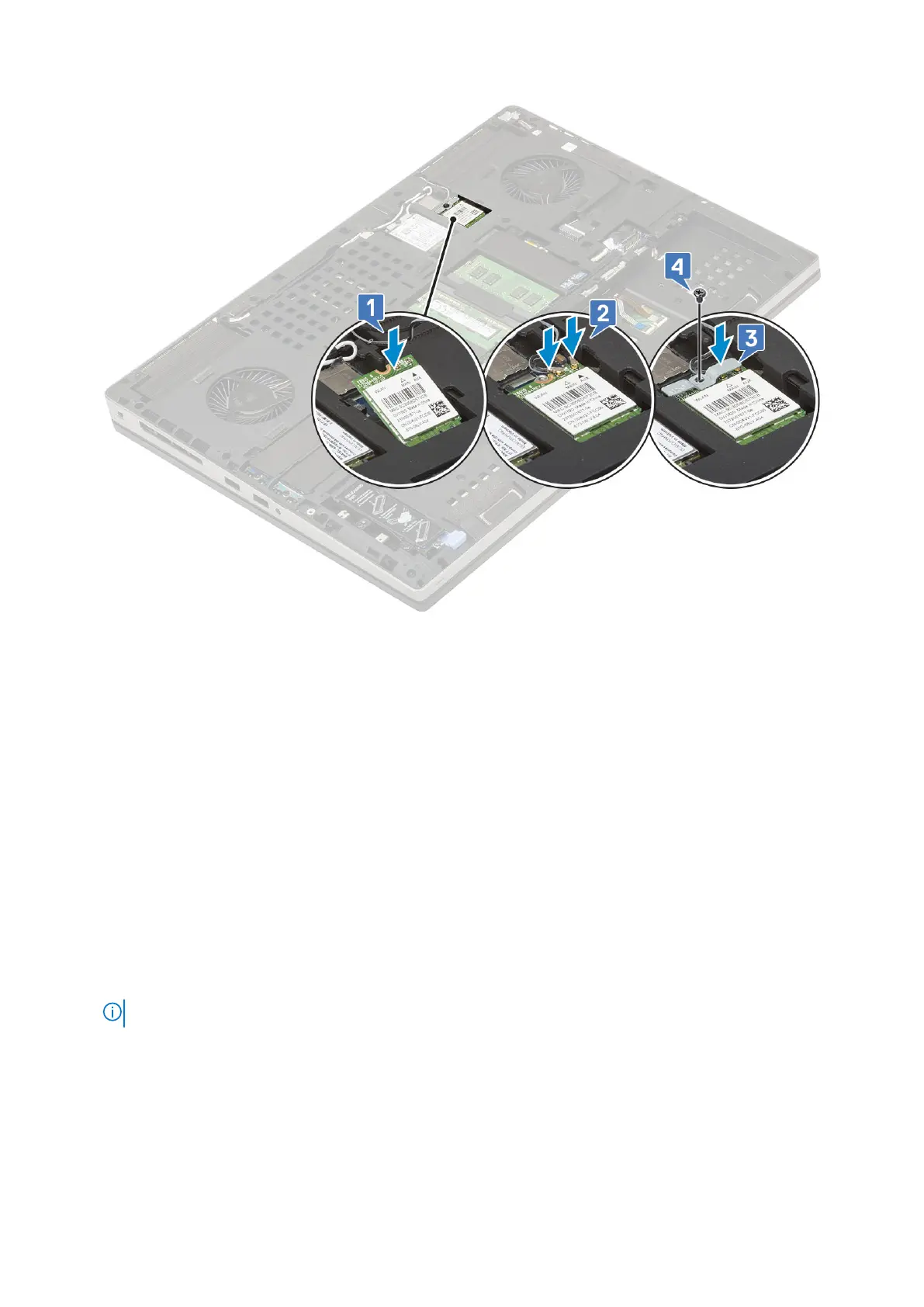
2. Install the:
a. base cover
b. battery
c. battery cover
d. SD card
3. Follow the procedure in After working inside your computer.
Solid State Drive — optional
Removing the M.2 Solid State Drive—SSD module
1. Follow the procedures in Before working inside your computer.
2. Remove the:
a. SD card
b. battery cover
c. battery
d. base cover
NOTE: Removal of base cover is required only to access the M.2 SSD module in slot 3, 5 or 6.
3. To remove the M.2 SSD module (Slot 4):
a. Remove the single (M2.0x3.0) screw that secures the SSD assembly to the system [1].
b. Pull the release latch to unlock the SSD assembly [2].
c. Remove the SSD assembly from the system [3].
Removing and installing components
43



 To Next Page