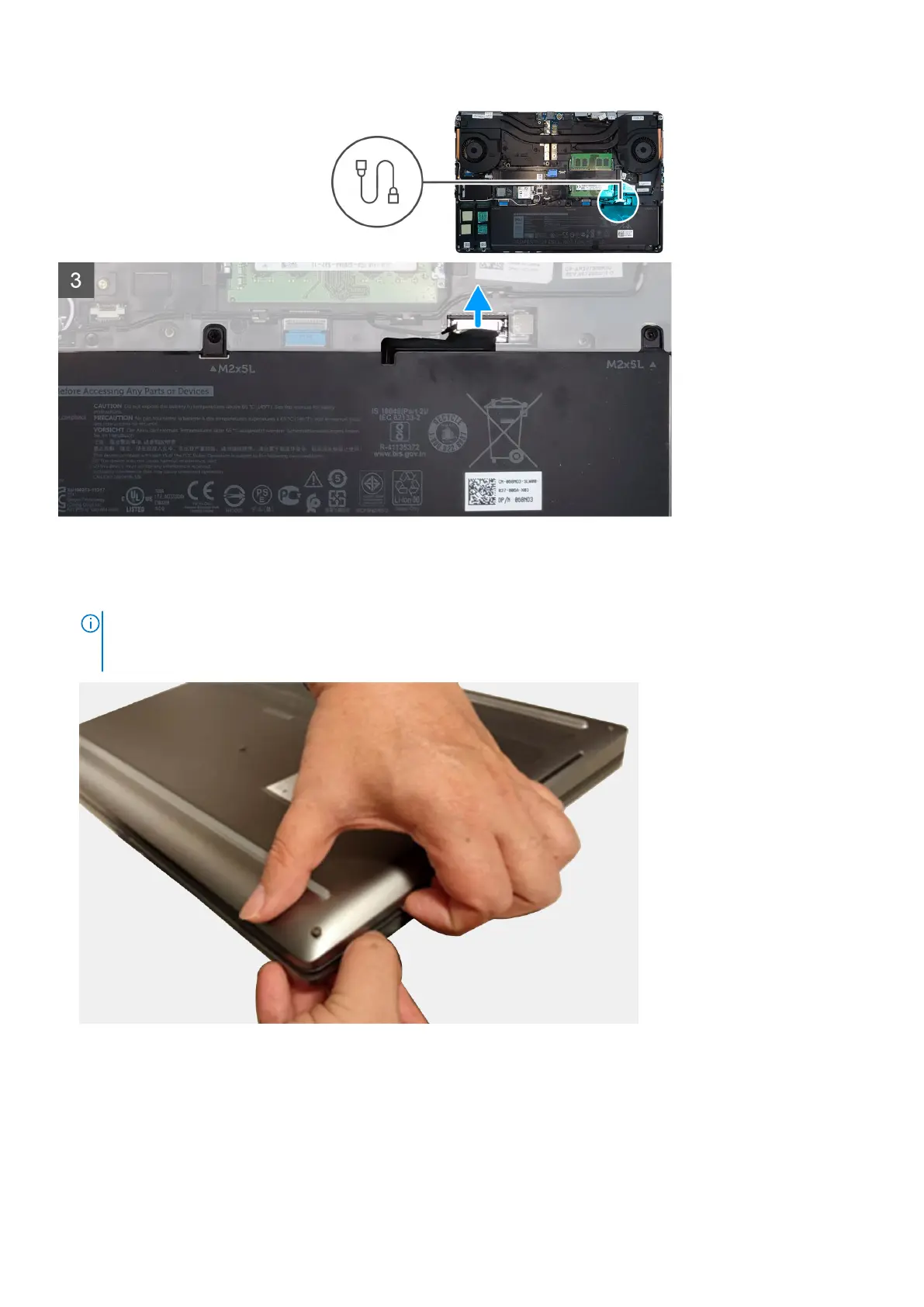
Steps
1. Loosen the eight captive screws that secure the base cover to the computer.
2. Using a plastic scribe, pry open the base cover starting from bottom edge of the cover.
NOTE:
For models shipped without SmartCard reader, pry open the base cover from the smart card reader slot. Use
your fingers to pry open the base cover as the use of plastic scribe or any other sharp objects may damage the base
cover.
Disassembly and reassembly 23















 To Next Page