eZV-440 Application Guide
Edition 2.6
Page 73 of 84
Object Name Object Ref Default Description
Button 1 to 8 MV1010 to MV1017 NotUsed_
Options for the buttons of the
LINKnet network sensor used
with the enteliZONE controller.
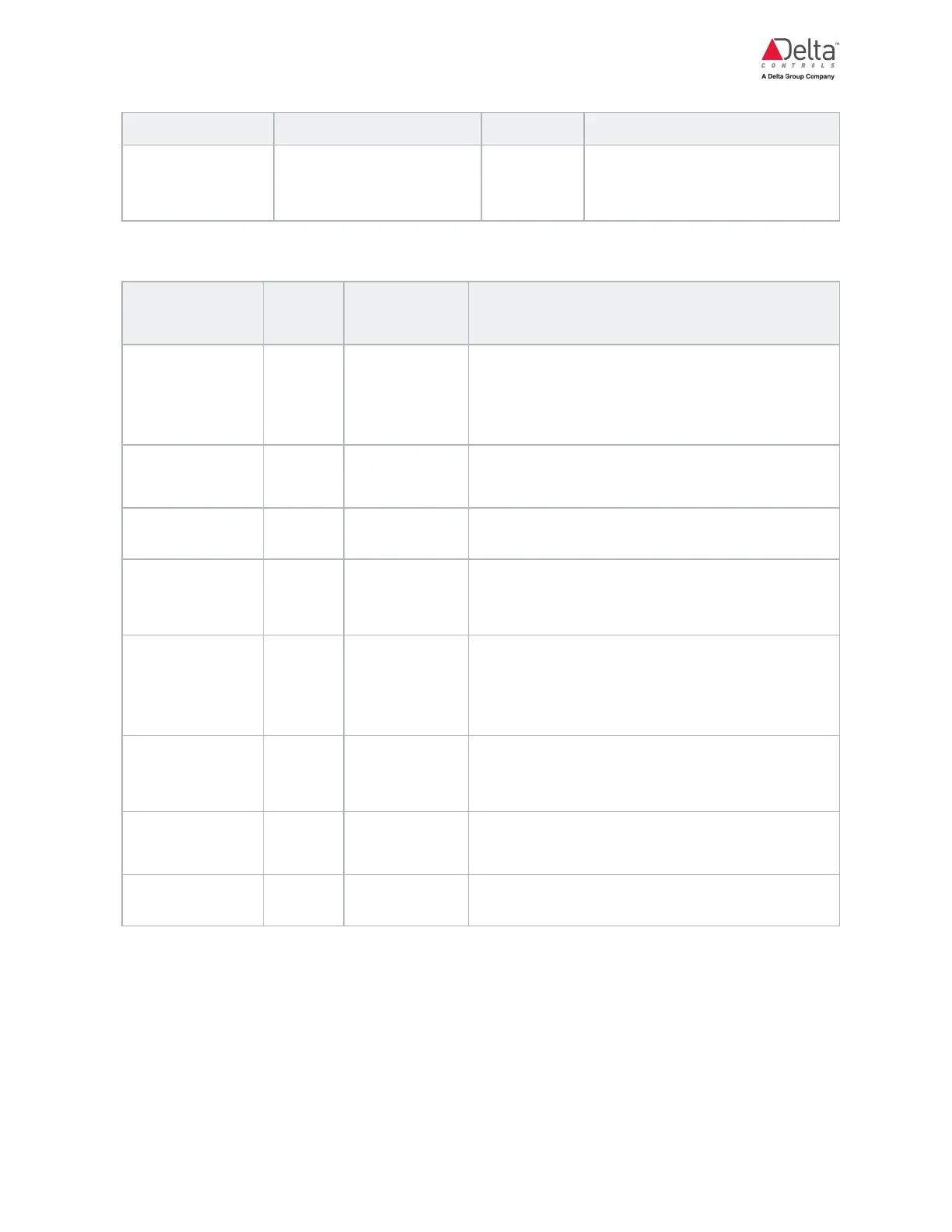
Occupancy Configuration Objects
Object Name
Object
Ref
Default Description
Local Schedule SCH1 N/A
Local schedule object on the controller. It is
used to provide local scheduled operations
based on a 7-day recurring schedule.
Exception scheduling is not supported.
Remote Sched-
ule
MV1 NotUsed_
An object that can be written over the network
to provide a remote schedule input.
OccOvrdButton MV2 NotUsed_
Network sensor button used as an occupancy
override button.
OccToggle But-
ton
MV3 NotUsed_
Network sensor button to toggle between
standby and occupied modes during scheduled
occupancy periods.
OccMotion MV4 NotUsed_
Motion sensor that is integrated into the
network sensor. Object can be set up to be a
maintained contact or a momentary contact
type.
OccMaintained
Contact
MV5 NotUsed_
Used for any maintained contact signal type
like a hotel keycard holder, manual switch or
mechanical time clock input.
Occupancy
Mode
MV800 Unoccupied_ Occupancy modes.
OccIndicator MV806 NotUsed_
Used to display the occupancy icon on the
network sensor LCD screen.



 To Next Page
 Loading...