62
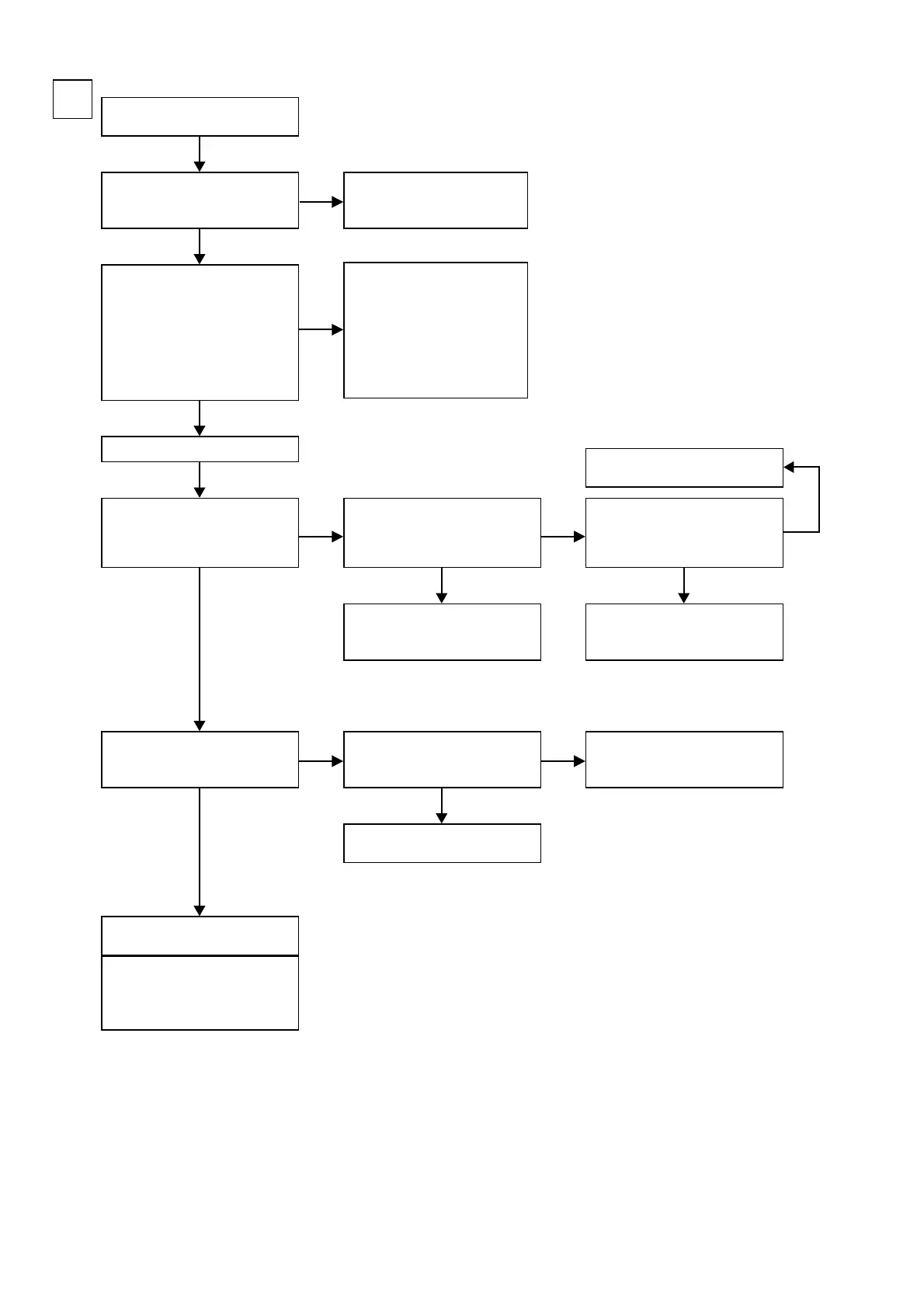
Check power supply voltage of
U2003, and soldering of IC.
Check cable between main unit
and monitor or check monitor.
Check FRONT CONNECTOR B'D
fl aw, and connection of FRONT
CONNECTOR B'D or HDMI B'D/
VIDEO B'D.
Check input of selector (U2003).
Y/C MIX : JV61
OK
OK
Input
S
B
Check power supply voltage.
V+5V : N2004-4pin
V-5V : N2004-1pin
Check on set value of each IC.
HDMI B'D
L4900 :
Check I
2
C communication
waveforms.
L4901 :
Check I
2
C communication
waveforms.
L4905 : H(+5V)
L4906 : L(0V)
Check output of video amplifi er
(U2005).
S-Y : JV101
S-C : JV27
Check power supply voltage of
U2005, and surrounding circuitry
soldering.
Check power supply voltage of
U2001, and surrounding circuitry
soldering.
Check power supply voltage of
U2007, and surrounding circuitry
soldering.
Check input selector(U2001).
S-Y : JV192
S-C : JV89
Check input of video amplifi er
(U2005)
.
S-Y : C2009(- side)
S-C : C2010(- side)
Check output of selector.
Y/C MIX : K2003
(Lead of terminal)
Check cable between main unit
and player or check player.
Extend HDMI B'D using a jig.
REGULATOR B'D fl aw.
HDMI B'D fl aw.
NG
NG
NG
NG
NG
NG
OK
OK
OK
OK OK
OK
NG
b
Unless specifi ed, A.VIDEO B'd part.

 To Next Page
 Loading...