21
DCD-CX3
⑤ In the trace mode (error rate display) (See "Table 3 - Trace mode details"):
Select the trace of the innermost circumference of 1 layer.
Press the or button to select the selection mode (YY) and press the button to execute the trace.
Press the button to change the display.
YY : Selection mode [71 to 94]
mmmmmm : Address [PBA][HEX]
llll : Error rate [COUNT/SEC] [DEC])
Note : CD : 450 (6x-speed), 188(2.56x-speed), Renewal of data is carried out for every frame.
Error rate of 75 frames is displayed.
DVD : Renewal of data is carried out for every 85ECC block.
Error rate of 8ECC block is displayed.
When selection mode was changed into the trace execution by the or button and the button was pushed,
the mode chosen is performed from the beginning. When the button is pushed without changing selection mode, the mode
under selection is performed from the beginning. (If the button is pushed, the address corresponding to the chosen mode
will be searched again.) The pause mode is set after tracing is completed.
⑥ In the servo properties measurement mode:
Press the or button to select Y and press the button to set it. “Focus” or “Track” is displayed.
Y = 1 : Focus properties, XXXXX = Focus
= 2 : Tracking properties, XXXXX = Track
Monitor terminal settings:
MONI7 : DIROK
MONI6 : DIRCT
MONI5 : STKC
MONI4 : TKC
MONI3 to 0 : BSDA
⑦ In the accumulated laser on time display mode:
Press the or button to select Y and press the button to set it. The accumulated laser on time (stored in the
EEPROM) is displayed.
Y=1:CD
=2: DVD
nnnnn : Time [h] (Times of less than 10 hours are raised and displayed in units of 10 hours.)
To clear the accumulated laser on time, press the button while the accumulated laser on time is displayed (TB1,TB2
: For details, see "Test Mode" on page.) until " * CLR?" appears at the "nnnnn" position, then press the or but-
ton to select TB3.
If the button is pressed while TB3 is displayed, the accumulated laser on time of CD and DVD is cleared.
When TB1 or TB2 is selected with the or button, "nnnnn" is displayed as 0 so you can check.
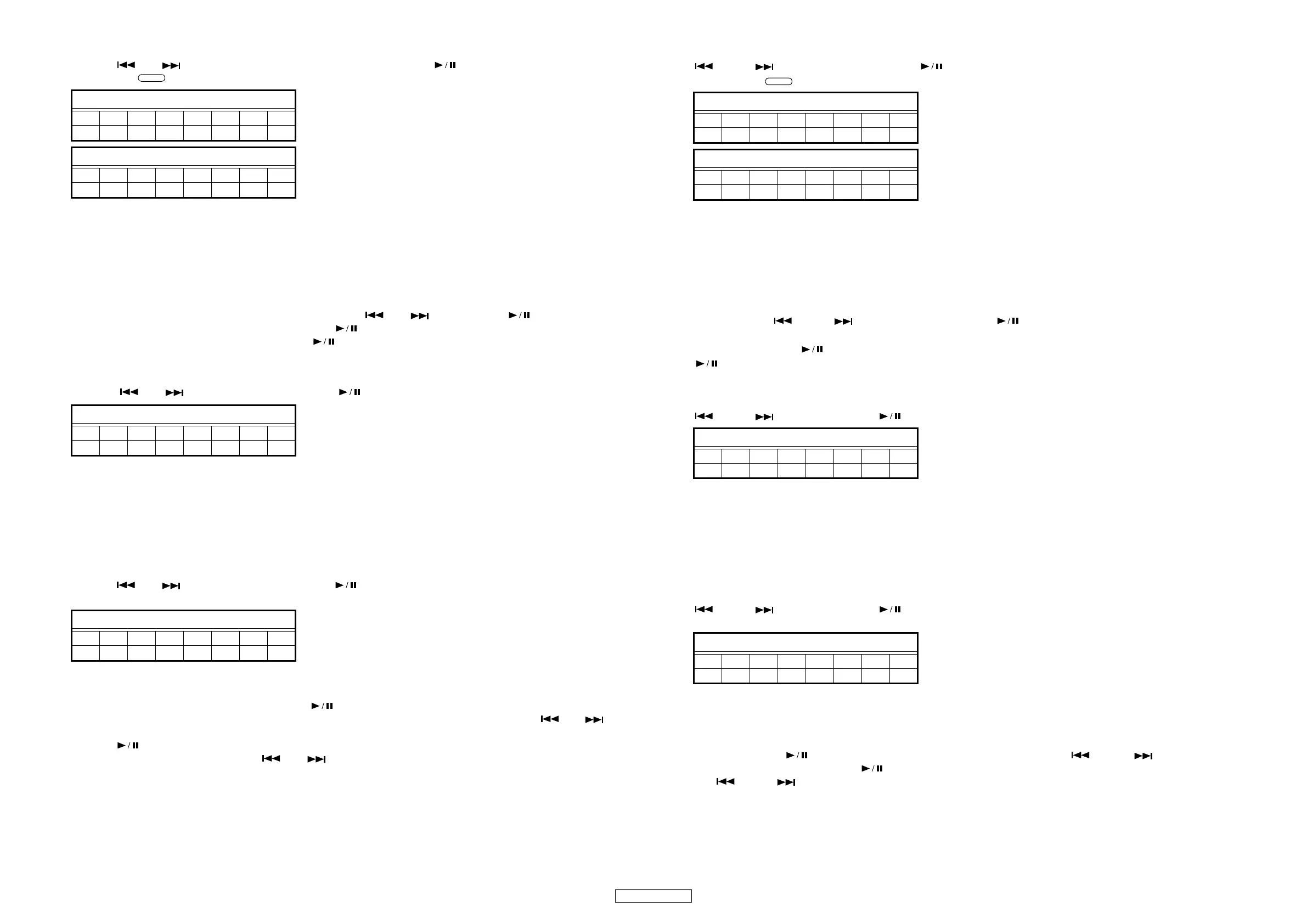
FLDisplay(Thedisplaypartof8digits)
12345678
TYY―llll
FLDisplay(Thedisplaypartof8digits)
12345678
T―mmmmmm
FLDisplay(Thedisplaypartof8digits)
12345678
T A Y XXXXX
FLDisplay(Thedisplaypartof8digits)
12345678
T B Ynnnnn
TIME
⑤トレースモード ( エラーレート表示 )(表 3 トレースモード詳細参照)
1層内周のトレースを選択します。
または ボタンでモード (YY) を選択し、 ボタンでトレースを実行させます。
リモコンの ボタンで表示を切り替えます。
YY : 選択モード [71 〜 94]
mmmmmm : アドレス [PBA][16 進数 ]
llll : エラーレート [ カウント / 秒 ][10 進数 ]
( 注 ) CD : 450(6 倍速 )、188(2.56 倍速 ) フレーム毎にデータを更新します。
表示するエラーレートは、75 フレーム分の値です。
DVD : 85ECC ブロック毎にデータ更新します。
表示するエラーレートは、8ECC ブロック分の値です。
トレース実行中に または ボタンで選択モードを変更し、 ボタンを押すと選択したモードを最初から実行しま
す。
選択モードを変更せずに ボタンを押した場合も、選択中のモードを最初から実行します。
( ボタンを押したら、選択しているモードに対応したアドレスを再度サーチします。)
トレース終了時は、PAUSE 状態になります。
⑥サーボ特性測定モード
または ボタンで Y を選択し、 ボタンで確定します。Focus、Track が表示されます。
Y=1: フォーカス特性、 XXXXX=Focus
=2: トラッキング特性、 XXXXX=Track
モニタ端子の設定は、
MONI7 :DIROK
MONI6 :DIRCT
MONI5 :STKC
MONI4 :TKC
MONI3 〜 0 :BSDA
⑦レーザー ON 累積時間表示モード
または ボタンで Y を選択し、 ボタンで確定します。レーザー ON の累積時間 (EEPROM に記憶 ) が表示され
ます。
Y=1:CD
=2: DVD
nnnnn : 時間 [h](10 時間未満は切り上げてカウントし、10時間単位で表示します。)
レーザー ON累積時間をクリアするには、レーザー ON累積時間表示 ("TB1" または "TB2")の時(詳細はページ、テスト
モード参照)に ボタンを "nnnnn" 部に "* CLR?"が表示されるまで押し、 または ボタンを押し "TB3"
を表示させます。"TB3"表示後に ボタンを押すと、CD及び DVDレーザー ON累積時間をクリアします。
または ボタンで "TB1"または "TB2" を選択すると、"nnnnn"部が "0" 表示となり確認できます。
FL 管の表示 (8 桁の表示部 )
12345678
TYY―llll
FL 管の表示 (8 桁の表示部 )
12345678
T―mmmmmm
FL 管の表示 (8 桁の表示部 )
12345678
T A Y XXXXX
FL 管の表示 (8 桁の表示部 )
12345678
T B Ynnnnn
TIME



 To Next Page