23
DCD-CX3
⑩ Self Test
The following items are checked. After self testing was completed, turn off the power button ( ).
・Read/Write check of internal RAM (0 〜 0x1FFF)
・Read/Write check of working SDRAM for CPU (0x8C009000 〜 0x8C049000)
・Read/Write check of SDRAM (128Mbit)
・Communication check between DAC1769
・Communication check between CXD2753
・Communication check between sub microprocessor
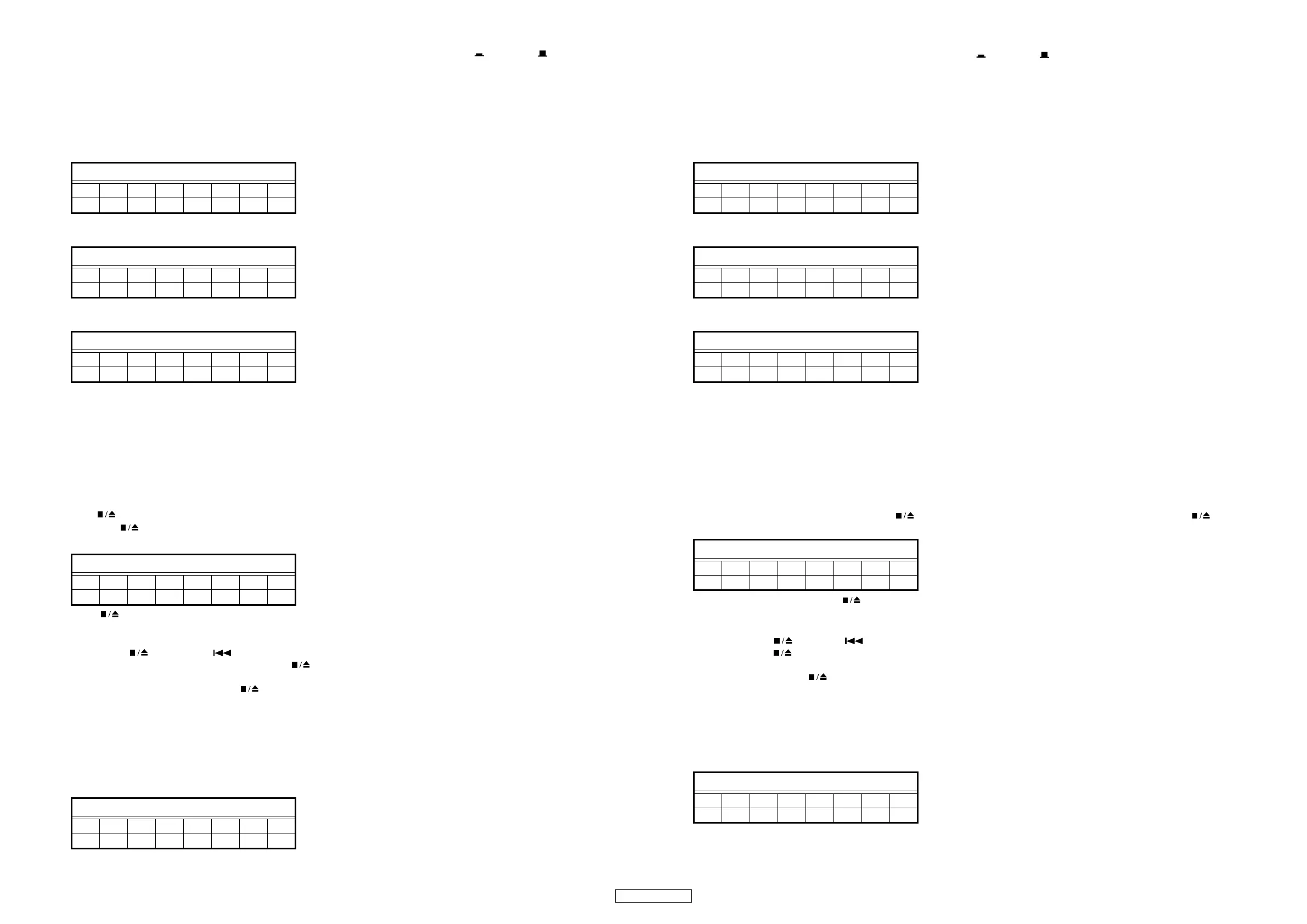
(1)Self test being executed
(2)Self test completed without error
(3)Self test completed with error
XXXXXXXX : Error message
iRAM ERR : Internal RAM error
eRAM ERR : SDRAM for CPU's working error
SDRAMERR : SDRAM error
DAC ERR : Communication error between DAC1796
2753 ERR : Communication error between CXD2753
SUB ERR : Communication error between sub microprocessor
(4) Other operations
① If the button is pressed in any modes other than the tray open/close mode, the display on the fluorescent tube returns to
"T0". If the button is pressed again at this time, the mode returns to the mode originally set when the test mode was entered.
(See "2 Test mode (2) Selecting the mode and decide".)
If the button is pressed while in the tray OPEN/CLOSE mode, operation stops when completely it is opened or is closed
and, return to the status set when the test mode was entered.
② By pressing button and button simultaneously in the test mode, it returns to heat run mode.
The TRAY cannot be opened and closed with the button while in the test mode.
③ It returns to heat run mode, press the button twice and carry out servo readjustment in OPEN operation → CLOSE oper-
ation.
(It readjusts with heat run mode.)
OPEN display
↓
CLOSE display
↓
READING display
↓
FLDisplay(Thedisplaypartof8digits)
12345678
Check i ng
FLDisplay(Thedisplaypartof8digits)
12345678
Check OK
FLDisplay(Thedisplaypartof8digits)
12345678
XXXXXXXX
FLDisplay(Thedisplaypartof8digits)
12345678
TY *****
FLDisplay(Thedisplaypartof8digits)
12345678
TY *****
ON / STANDBY
OFF
⑩自己診断
次の項目をチェックします。自己診断完了後は、電源スイッチ( )を OFF にします。
・内蔵 RAM リード・ライトチェック (0 〜 0x1FFF)
・CPUWORK 用 SDRAM リード・ライトチェック (0x8C009000-0x8C049000)
・SDRAM リード・ライトチェック (128MBit)
・DAC1796 との通信チェック
・CXD2753 との通信チェック
・サブマイコンとの通信チェック
(1) 診断中
(2) 診断完了 ( エラーなし )
(3) 診断完了 ( エラーあり )
XXXXXXXX:エラーメッセージ
iRAM ERR : 内蔵 RAM エラー
eRAM ERR : CPUWORK 用 SDRAM エラー
SDRAMERR : SDRAM エラー
DAC ERR : DAC1796 との通信エラー
2753 ERR : CXD2753 との通信エラー
SUB ERR : サブマイコンとの通信エラー
(4) その他の動作
①トレイ OPEN/CLOSE モード以外のモード中に ボタンを押すと FL 管の表示が "T0"に戻り、さらにもう一度 ボタン
を押すと、テストモード投入時の状態に戻ります。(詳細は、「2テストモード (2) モード選択と確定を参照)
トレイ OPEN/CLOSE モード時に ボタンを押すと、完全にオープンもしくはクローズした状態で動作が停止し、テスト
モード投入時の状態に戻ります。
②テストモード中に ボタンと ボタンの同時押し ( 投入時と同じボタン ) で、ヒートランモードに戻ります。
テストモード中は ボタンでトレイをオープンもしくはクローズはできません。
③ヒートランモードに戻り、 ボタンを 2 回押して、OPEN 動作→ CLOSE 動作で、サーボを再調整します。
( ヒートランモードのまま再調整します。)
OPEN 表示
↓
CLOSE 表示
↓
READING 表示
↓
FL 管の表示 (8 桁の表示部 )
12345678
Check i ng
FL 管の表示 (8 桁の表示部 )
12345678
Check OK
FL 管の表示 (8 桁の表示部 )
12345678
XXXXXXXX
FL 管の表示 (8 桁の表示部 )
12345678
TY *****
FL 管の表示 (8 桁の表示部 )
12345678
TY *****
ON / STANDBY
OFF



 To Next Page