112
BHT-604Q
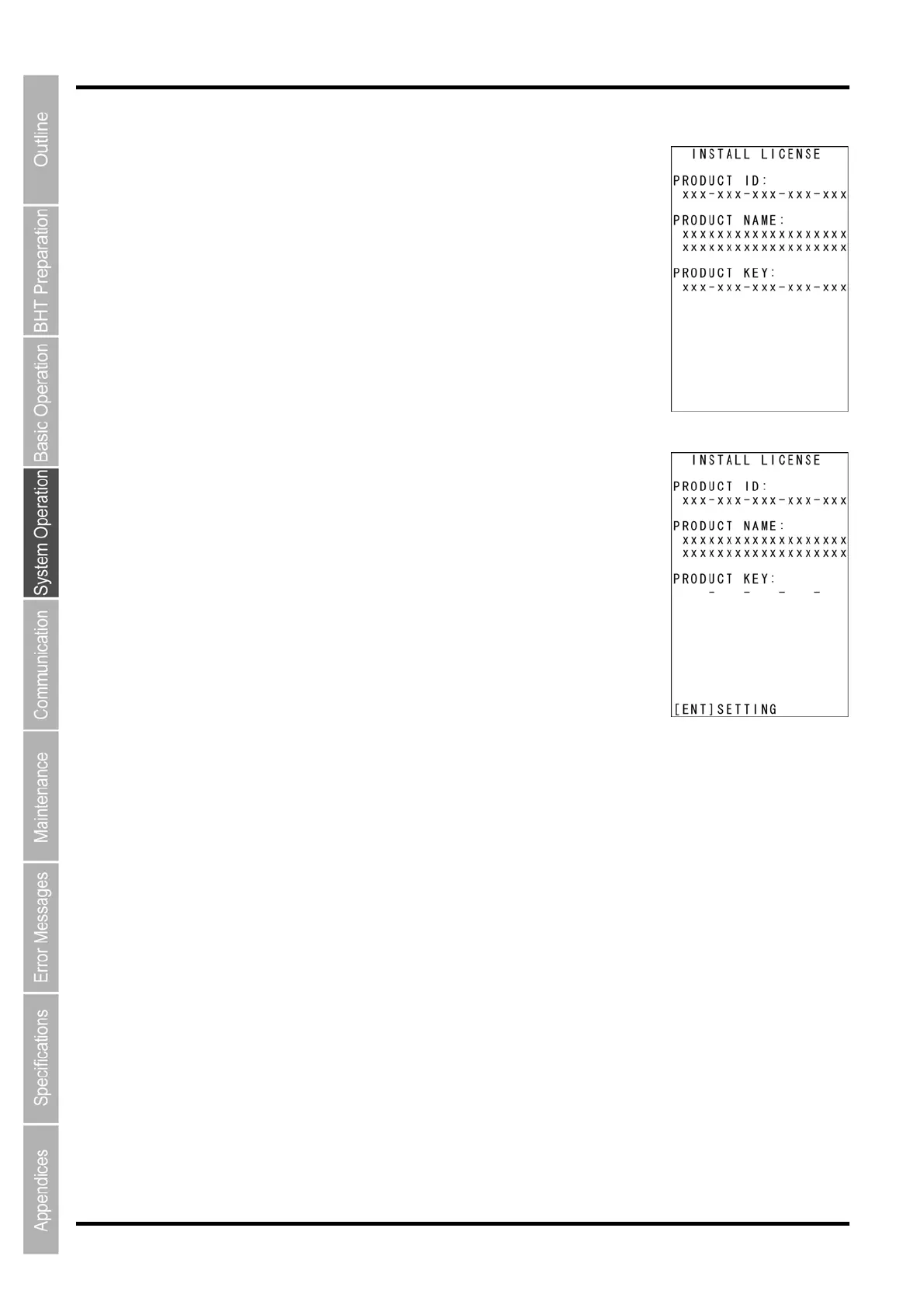
[1] Functions for which licenses have been registered ( )
*
1. at has
been registered, and then press the ENT key to display a screen similar to
D]: Product ID
2. E INFORMATION screen.
[2] stered ()
1. se the cursor keys ([▲] [▼]) to highlight the name of a function that has
ot been registered, and then press the ENT key to display the license
gistration screen shown on the right.
]: Product ID
y
2. ENT key to display the cursor, allowing the product key to be
ntered.
En y.
“ Authorize
3. to the LICENSE INFORMATION screen.
Use the cursor keys ([▲] [▼]) to highlight the name of a function th
that shown on
the right containing the license registration details.
[PRODUCT I
[PRODUCT NAME]: Product name
[PRODUCT KEY]:
Product key
Press the C k
ey to return to the LICENS
functions for which licenses have not been regi
U
n
re
[PRODUCT ID
[PRODUCT NAME]: Product name
[PRODUCT KEY]:
Product ke
Press the
e
ter the product key for the product ID, and then press the ENT ke
** d **” displays, license registr
ation is complete. If
If “*** Key NG ***” displays, the entered product key is incorrect.
Reenter the correct product key.
he product key can be acquired when purchasing the product. *T
Press the C k
ey to return



 To Next Page