113
2D Code Handy Terminal
[2] U-611 System Information Display
rmation.
2.
th
Th isplays as shown
on the right.
3. Pr
Th s.
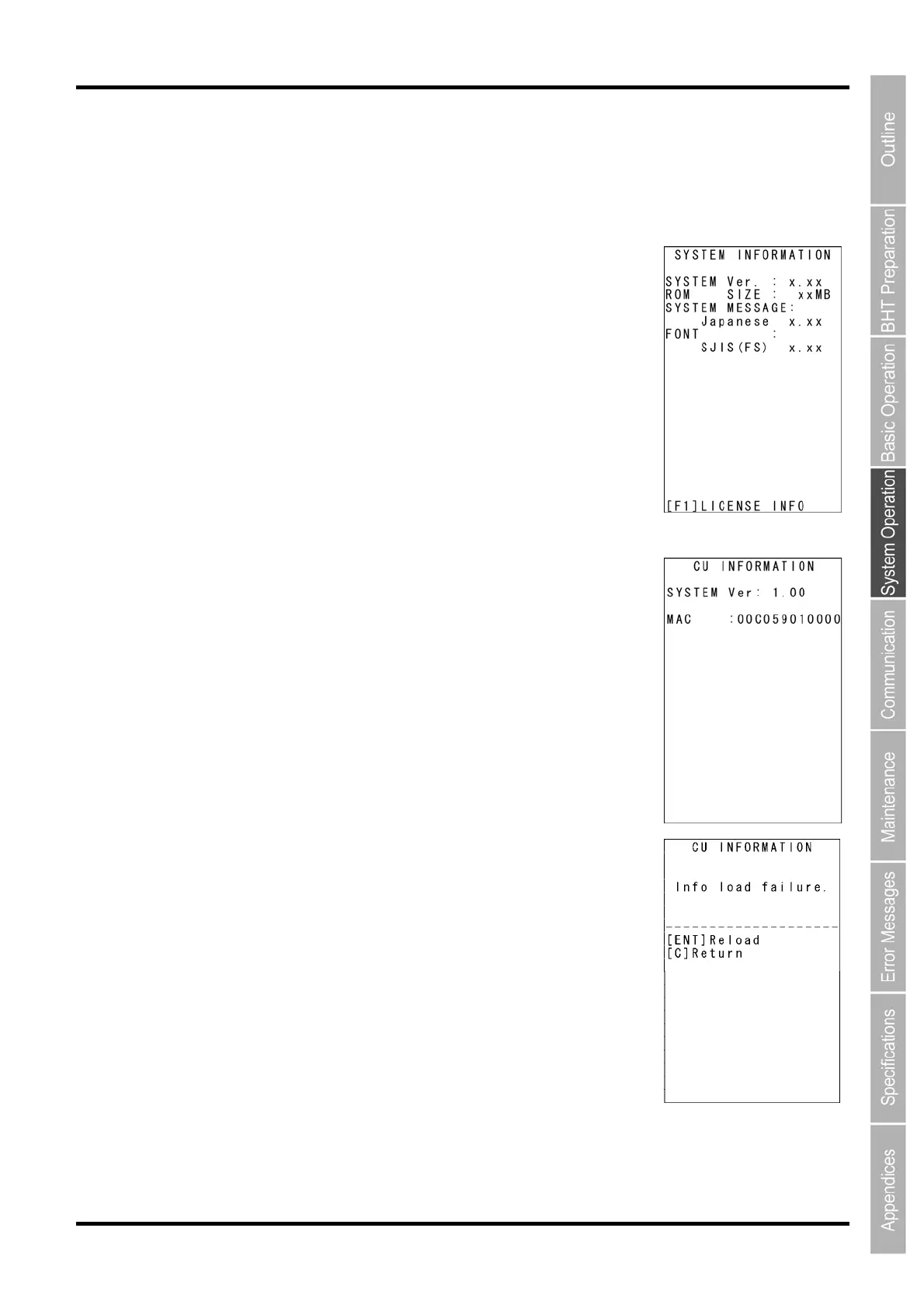
[SYSTEM Ver.]: System program information
screen
Press the C key to return to the SYSTEM INFORMATION screen.
C
Use the follo
wing procedure to display CU-611 System info
1. Place the BHT on the CU-611.
Select “6: VERSION” at the SYSTEM MENU and then press
e ENT key.
e SYSTEM INFORMATION screen d
ess the
M2 key.
e CU INFORMATION screen display
[M
AC ADDRESS]: MAC address
Press the M1 key to return to the SYSTEM INFORMATION screen.
If the M2 key is pressed when the BHT is not on the CU-611, the
displays as shown on the right.



 To Next Page