74
BHT-604Q
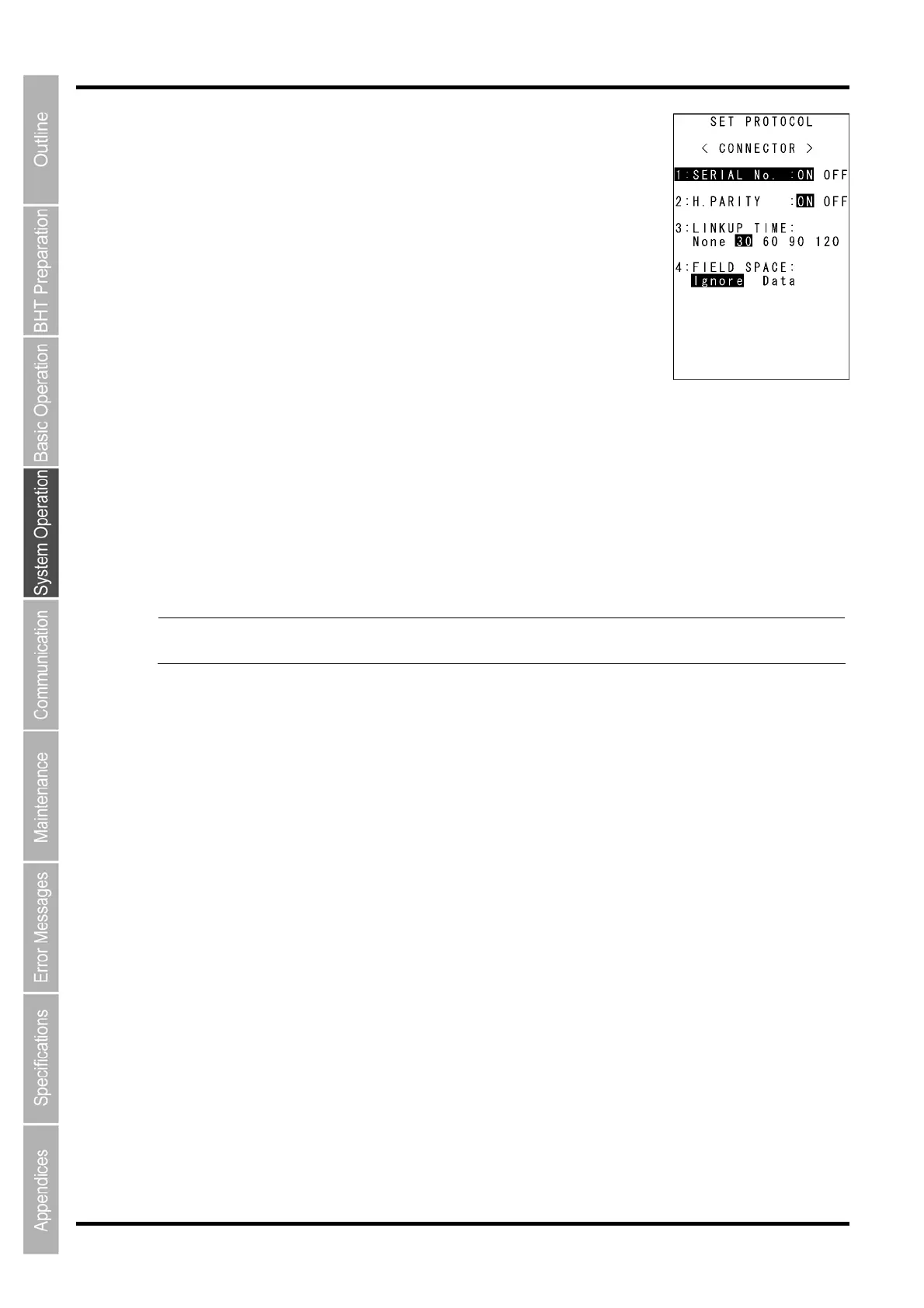
“2: PROTOCOL”: Communication protocol options setting screen
Select “2: PROTOCOL” to display the screen shown on the right
The highlighted settings will be the current settings.
“1: SERIAL No.”:
Selects whether or not to add serial numbers to data blocks.
“2: H.PARITY”:
Selects whether or not to add horizontal parity.
“3: LINKUP TIME”:
Selects the timeout length (in seconds) to be applied when a link is to be established.
“4: FIELD SPACE”:
Specifies the handling for trailing spaces in fields.
To trim trailing spaces in fields, select “Ignore”, and to retain them as data, select “Data”.
To change the setting, use the cursor keys ([▲] [▼]) or numerical keys ([1] [2] [3] [4]) to highlight the item
to be set, highlight the setting value using the cursor keys ([◄] [►]), and then press the ENT key.
Press the C key to return to the SET CONNECTOR menu.
- Point - Selecting the BHT-IR or YMODEM protocol ignores the serial number and horizontal parity
settings.



 To Next Page