Barcode Handy Terminal
[5] LCD and indicator LED tests
Use the following procedure to perform an LCD and indicator LED test.
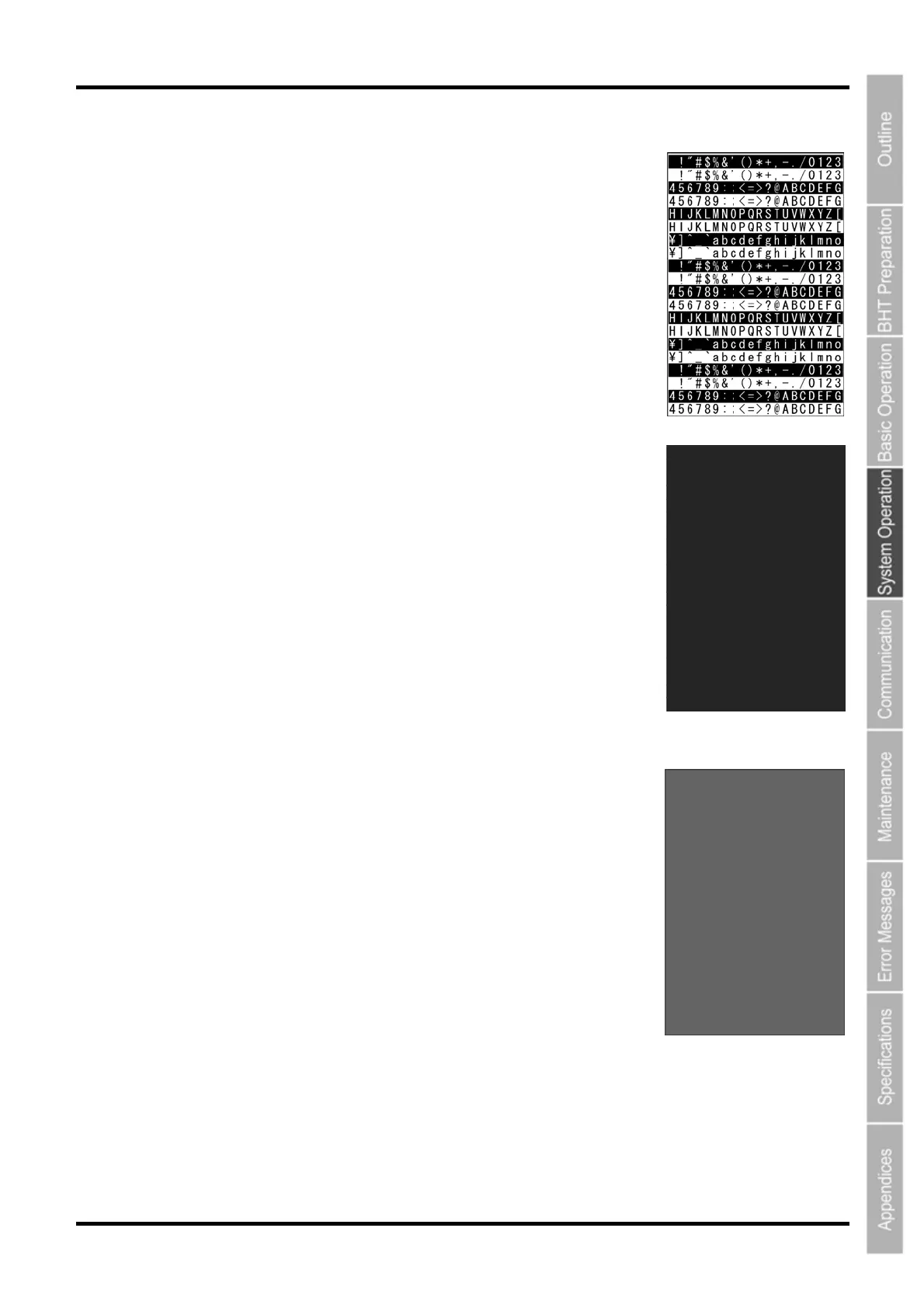
1. Select “5: LCD” at the TEST menu and then press the ENT key.
The TEST BEEPER screen on the right displays.
The indicator LED is OFF at this time.
Press the BS/C key to return to the TEST menu.
2. Press the ENT key.
The entire screen turns black and the indicator LED illuminates in green.
Press the BS/C key to return to the previous screen.
Press and hold the BS/C key, or press the SF key and BS/C key
simultaneously to return to the TEST menu.
3. Press the ENT key.
The entire screen turns gray.
Press the BS/C key to return to the previous screen.
Press and hold the BS/C key, or press the SF key and BS/C key
simultaneously to return to the TEST menu.
93



 To Next Page