BHT-805B
4. Press the ENT key.
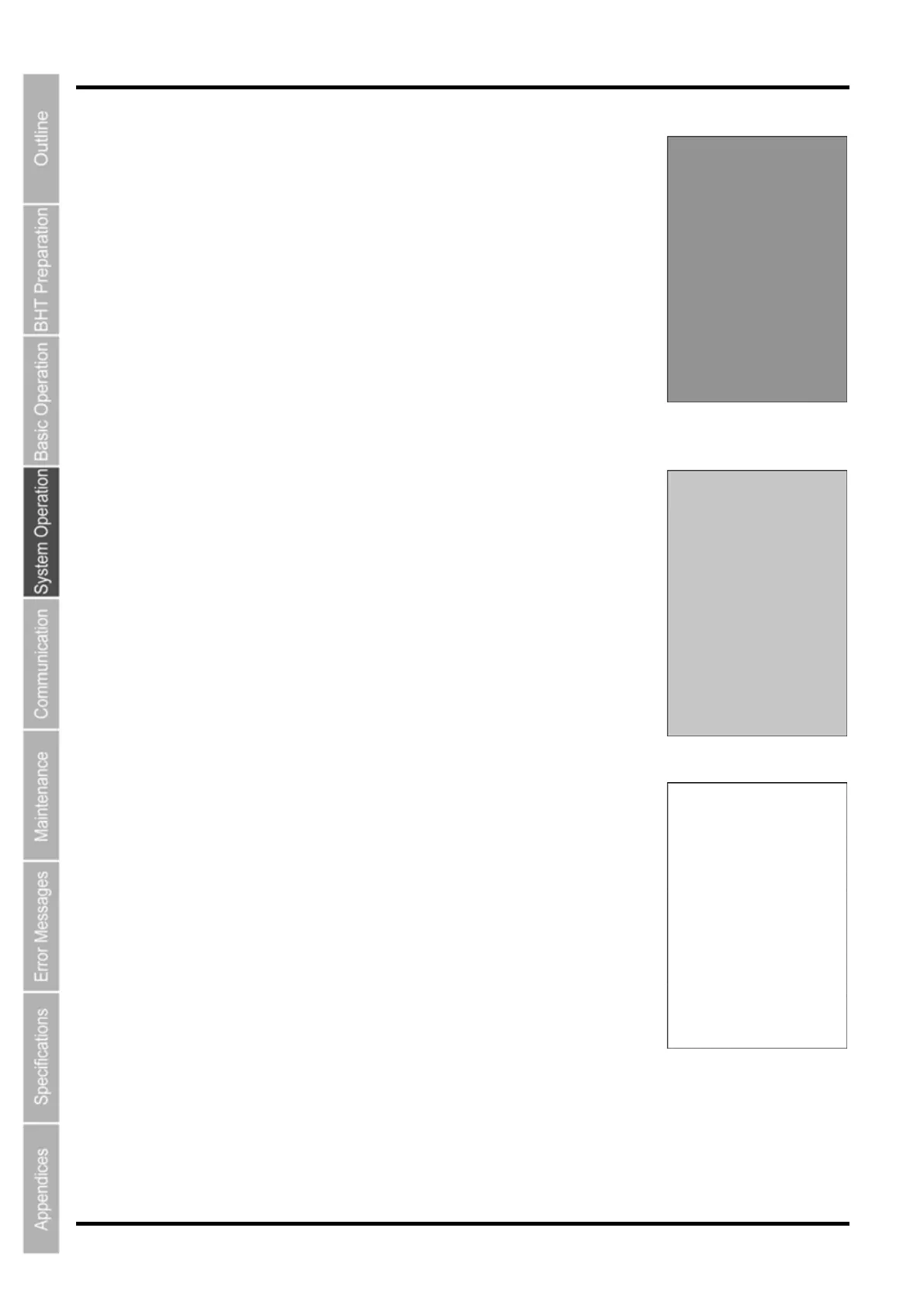
The entire screen turns a lighter shade of gray.
Press the BS/C key to return to the previous screen.
Press and hold the BS/C key, or press the SF key and BS/C key
simultaneously to return to the TEST menu.
5. Press the ENT key.
The entire screen turns an even lighter shade of gray.
Press the BS/C key to return to the previous screen.
Press and hold the BS/C key, or press the SF key and BS/C key
simultaneously to return to the TEST menu.
6. Press the ENT key.
The entire screen turns white.
Press the BS/C key to return to the previous screen.
Press and hold the BS/C key, or press the SF key and BS/C key
simultaneously to return to the TEST menu.
94



 To Next Page