BHT-805B
[2] Uploading the system message file
1. Use the cursor keys ([▲] [▼]) or numerical key ([2]) to highlight [2:
UPLOAD] and then press the ENT key.
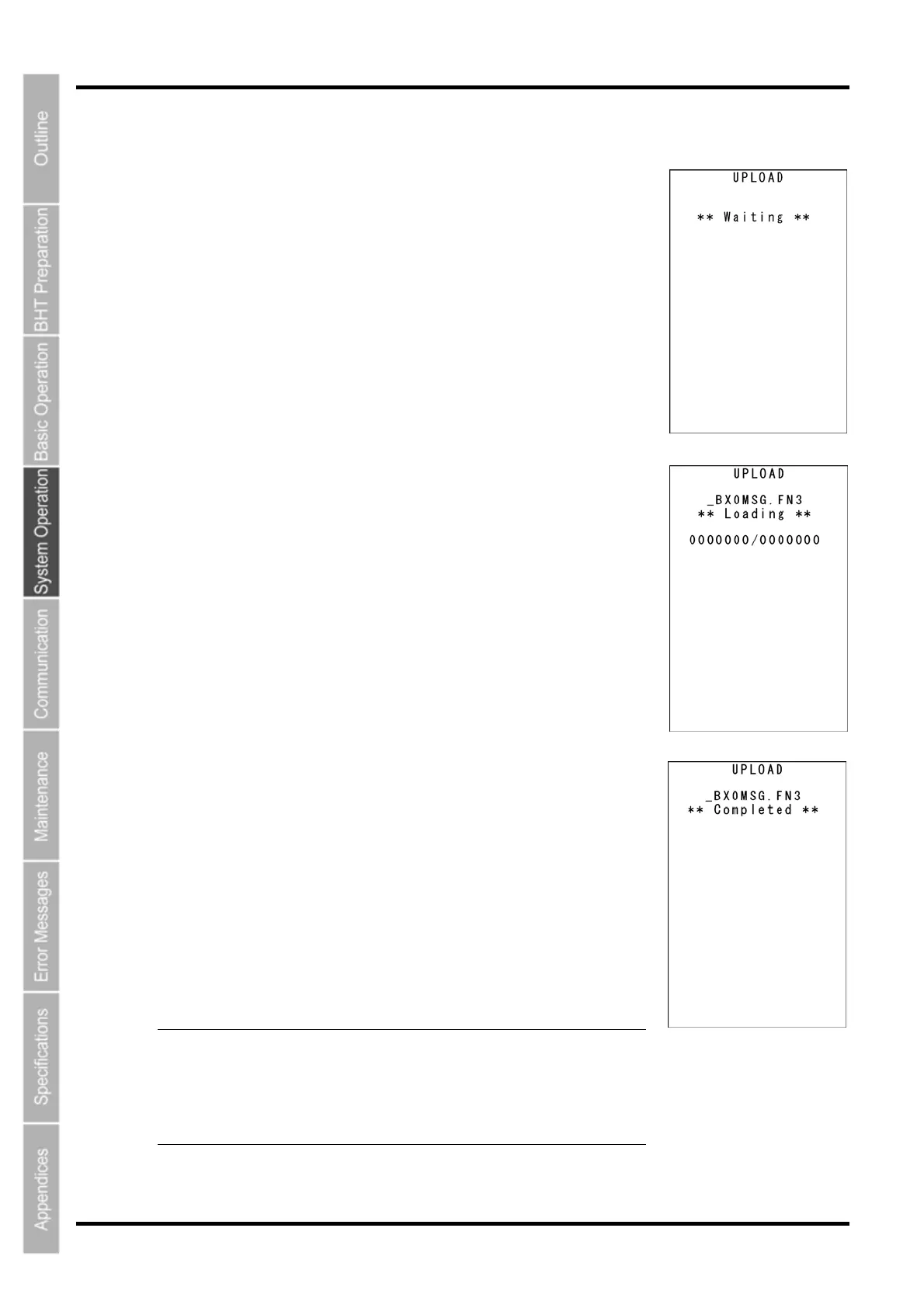
The screen displays as shown on the right indicating that the BHT is waiting
for the system message file to be uploaded.
2. While the upload is in progress, the screen displays as shown on the
right indicating the file name and the number of sent records/the total
number of records.
Press the BS/C key to abort the upload and return to the SYSTEM
MESSAGE menu.
3. Upon completion of uploading, the BHT displays the screen shown
on the right and the sepaker beeps once.
Press the BS/C key to return to the SYSTEM PARAMETER menu.
The speaker sounds three times if an error occurs during uploading, and an
error screen displays.
Refer to “Chapter 7 Error Messages” - “7.2 System Mode Errors” and
remedy the error.
- Point - When uploading the system message file, the BHT creates a
temporary file named “_B80MSG.FN3” in the user area. An
error will therefore occur if there is insufficient space in the
user area to create the temporary file.
The created temporary file will automatically be deleted afte
uploading is complete.
128



 To Next Page