Save (Ctrl+S) and Save As:
These functions allow you to save an open Logger List using the current name and location (Save) or
with a new name and/or to a new location on the PC hard drive (Save As).
Print
Used to initiate printing and to select the pages to be printed. Print Setup may also be accessed
from this menu.
Print Preview
Allows you to view the document as it will appear on the paper.
Print Setup
Used to select the active printer, paper tray source, and paper orientation.
Exit
Exits and closes the AutoPoll program.
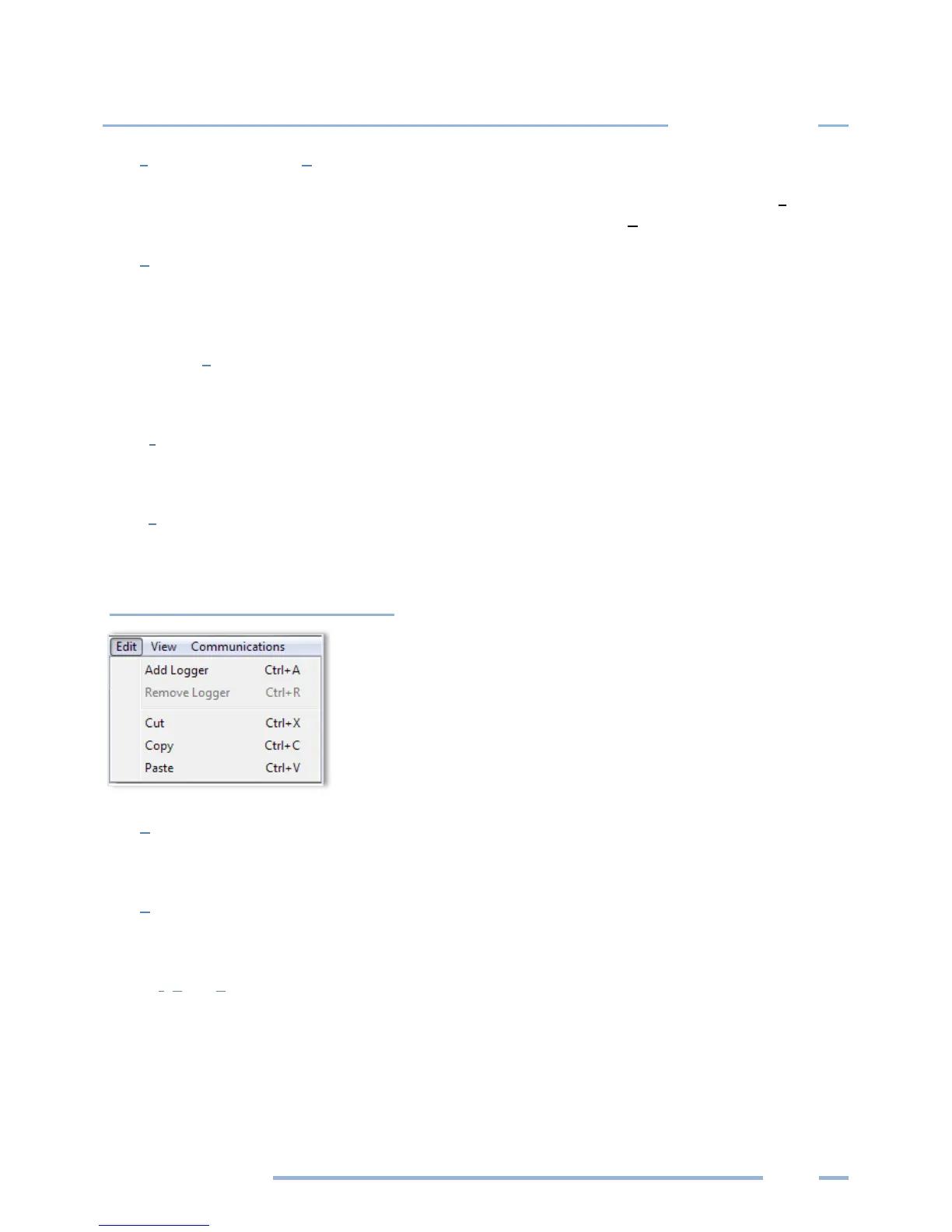
Edit Menu
Add Logger
Adds a new logger to a logger list
Remove Logger
Removes a selected logger from a logger list
Cut, Copy, Paste
Standard Windows commands.



 To Next Page