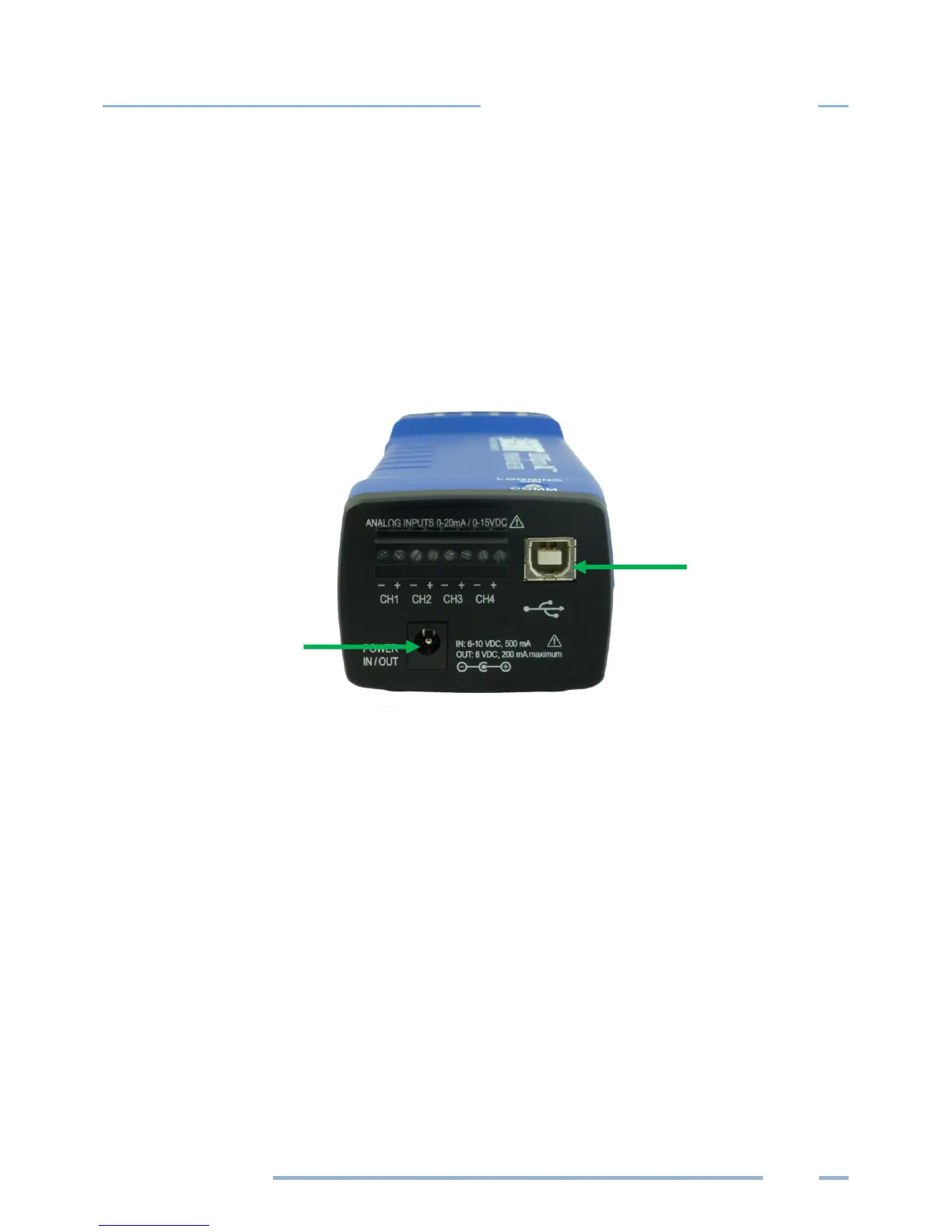
CONNECTING THE USB CABLE
1) Connect the USB cable to an available USB port on the computer and insert the other end in the
COM port of the ELITEpro XC.
If a USB cable is used inside an electrical panel, it must be rated to the appropriate voltage or wrapped
in an appropriately-rated insulating sleeve. The DENT-supplied cable does not meet this requirement
without an insulating sleeve.
2) Turn the breaker on.
Power End Panel Connections



 To Next Page