DATA MENU
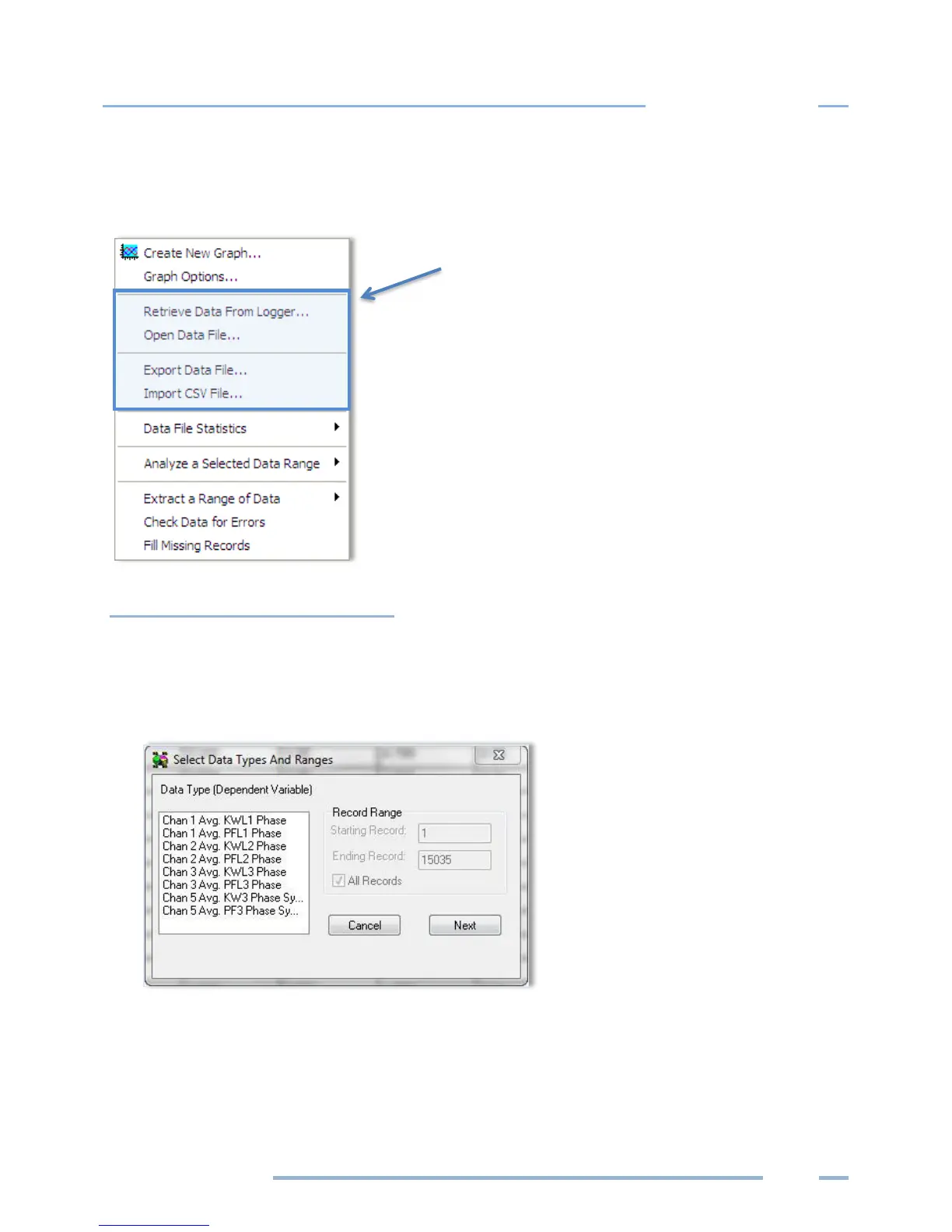
Data retrieved from an ELITEpro XC can be opened, graphed, exported, or analyzed.
Create New Graph
1) When a data file is open, Data > Create New Graph displays the Select Data Types and Ranges
dialog box.
NOTE: Use Data > Open Data File to create a graph from an existing file.
2) Left-click the parameters contained in the data file you want to graph. Hold down the Control (Ctrl)
key to select multiple parameters, or the Shift key to select a continuous group of parameters.
NOTE: These are the only options
available on the Data menu when first
accessed. The other options appear
after a data file is open.



 To Next Page