EDIT MENU
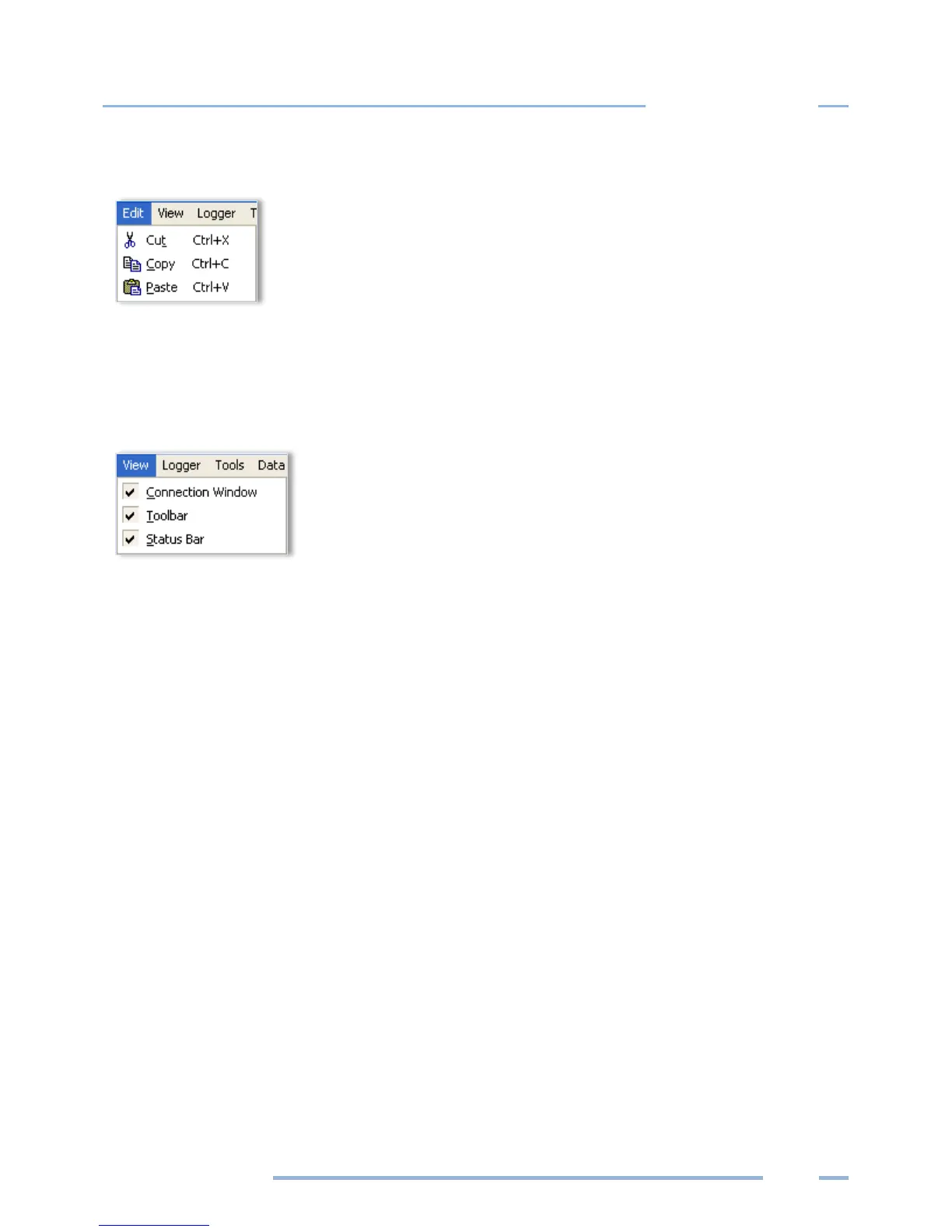
The ELOG Edit Menu has the standard Windows Cut, Copy, and Paste options.
VIEW MENU
The View menu is used to display ELOG features in the ELOG window. Each display may be turned on or
off in the window by clicking on the corresponding menu option.
The Connection Window appears at the bottom of the screen during connection to a logger and
provides information about the logger, communication port, baud rates, etc. Refer to Communicate with
the ELITEpro XC in Section 1 for more information.
The Toolbar option enables/disables buttons under the main menu.
The Status Bar option enables/disables information at the bottom of the ELOG window.



 To Next Page