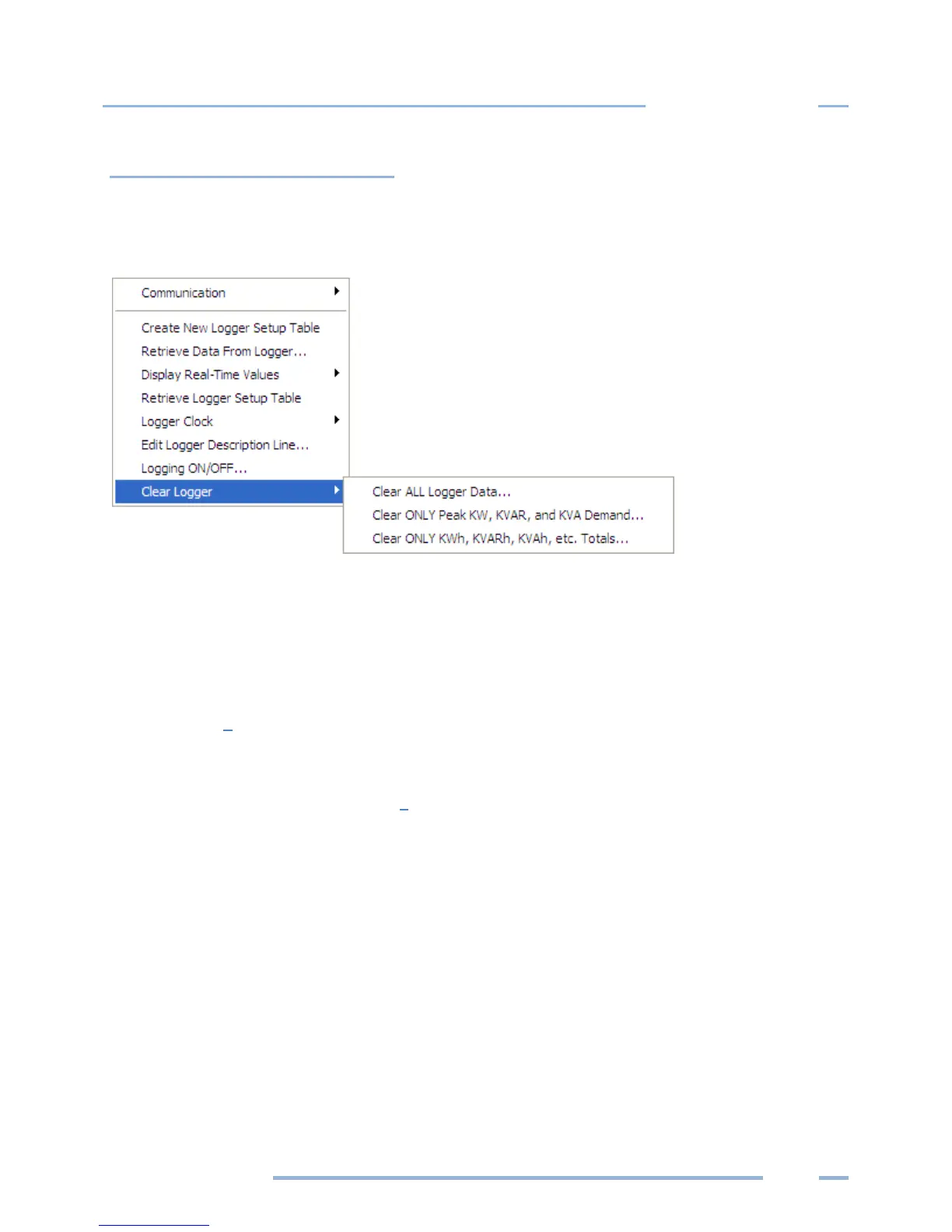
Clear Logger Sub-Menu
There are three options for clearing data stored in the Logger: Clear all logger data, Clear only peak
demand values (kW, kVA, & kVAR), or Clear only KWh, KVARh, KVAh, etc., totals. After the data is
deleted, it cannot be retrieved.
Do not select any options until you are sure that all information should be deleted from the logger.
Clear ALL Logger Data
Clears all data in the logger memory, including Peak Demand and Totals. Once deleted, it cannot
be retrieved.
Clear ONLY Peak KW, KVAR, and KVA Demand…
Clears only the peak demand values, kW, kVA, & kVAR. Once deleted, it cannot be retrieved.
Clear ONLY KWh, KVARh, KVAh, etc. Totals…
Clears only cumulative totals. Once deleted, it cannot be retrieved.



 To Next Page