Connecting Split-Core Style Millivolt
CTs to a Load
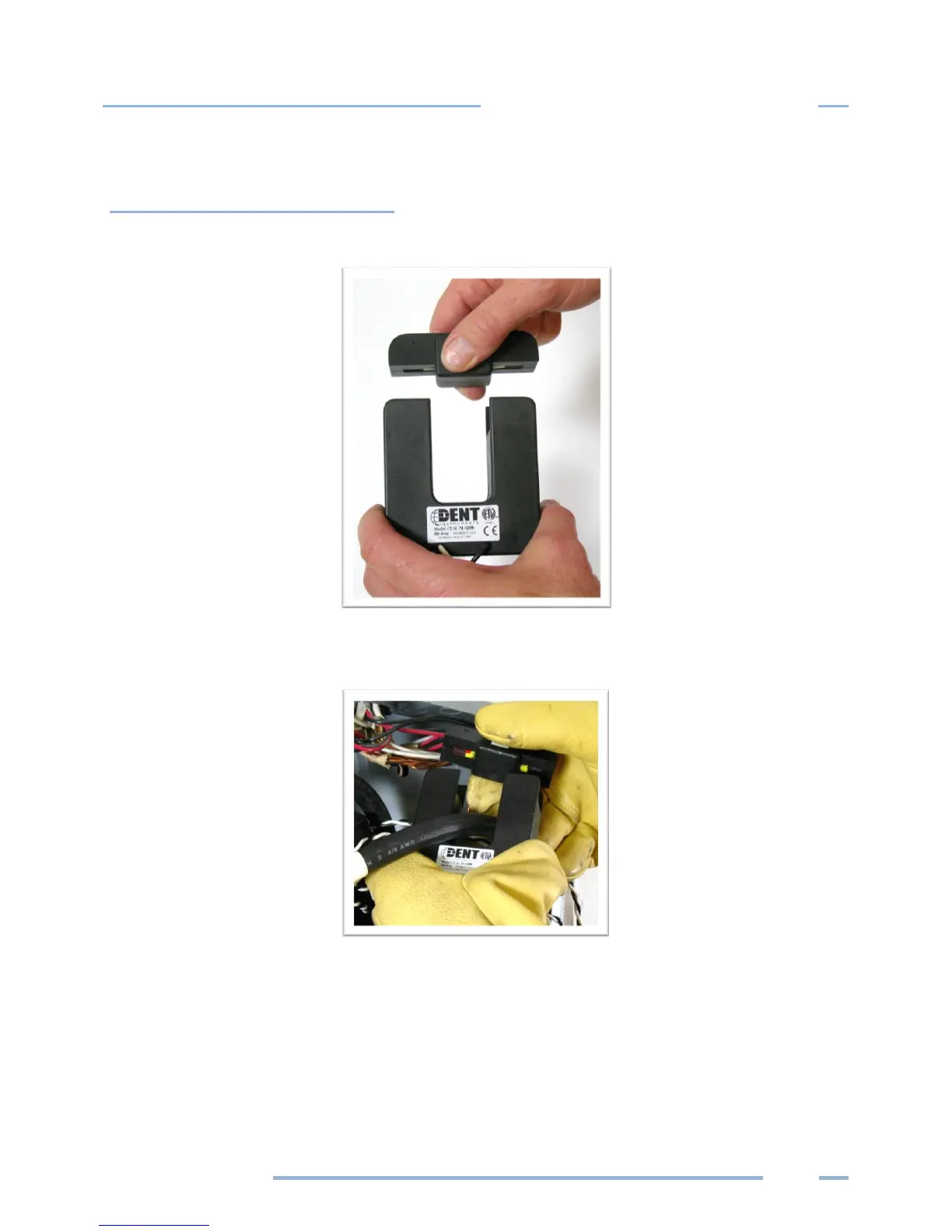
1) Open the CT by holding on to the removable leg and pulling it apart.
2) Connect CT around the load conductor to be measured. Make sure the maximum current of the
conductor does not exceed the maximum CT rating listed on the CT data sheet.
3) Carefully re-connect the removable leg while ensuring the CT core alignment matches. The
conductor should be in the inside of the CT window.
Repeat Steps 1-3 if you are using more than one CT.



 To Next Page