KEYBOARD SHORTCUTS
You can quickly access menus by typing the first letter of a menu, and menu options by typing any letter
that is underlined in a drop-down menu. For example, type T to access the Tools menu and then P to
open the ELOG PC Setup window. Type D to access the Data menu and then O to access the Open Data
File option. Only options with underlined letters on the drop-down menu are accessible in this manner.
FILE MENU
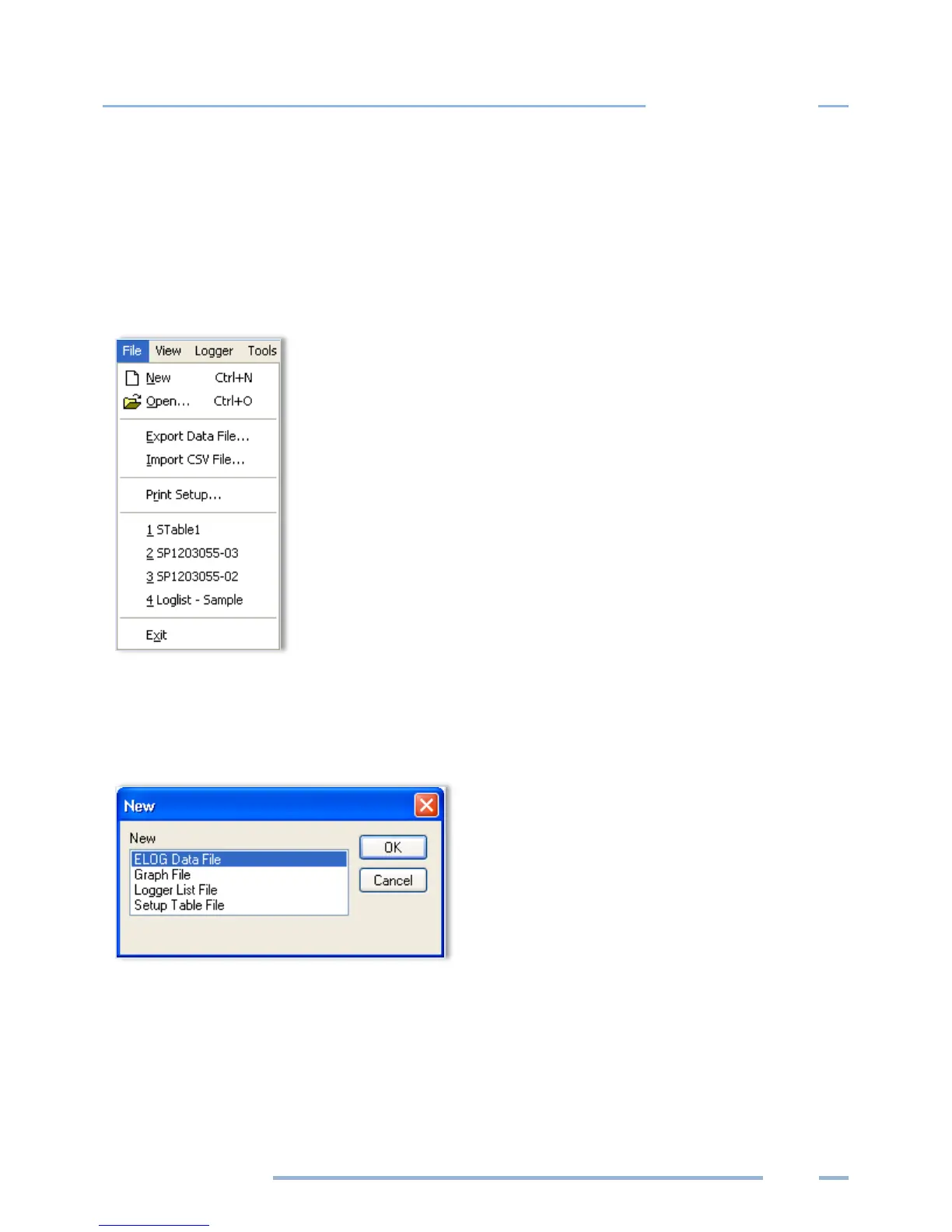
The File menu has options similar to that of other software products, such as a Print Setup and a list of
recently accessed files. Descriptions of other options are below:
File > New creates a new file. There are four file types that are available for ELITEpro XC ™ loggers.
ELOG Data File—contains data retrieved from a logger. If the computer is already connected to a
logger, enter the file name for the data about to be retrieved from the logger. If the computer is not
connected to a logger, ELOG requests the logger be connected from which the new data file will be
extracted.



 To Next Page