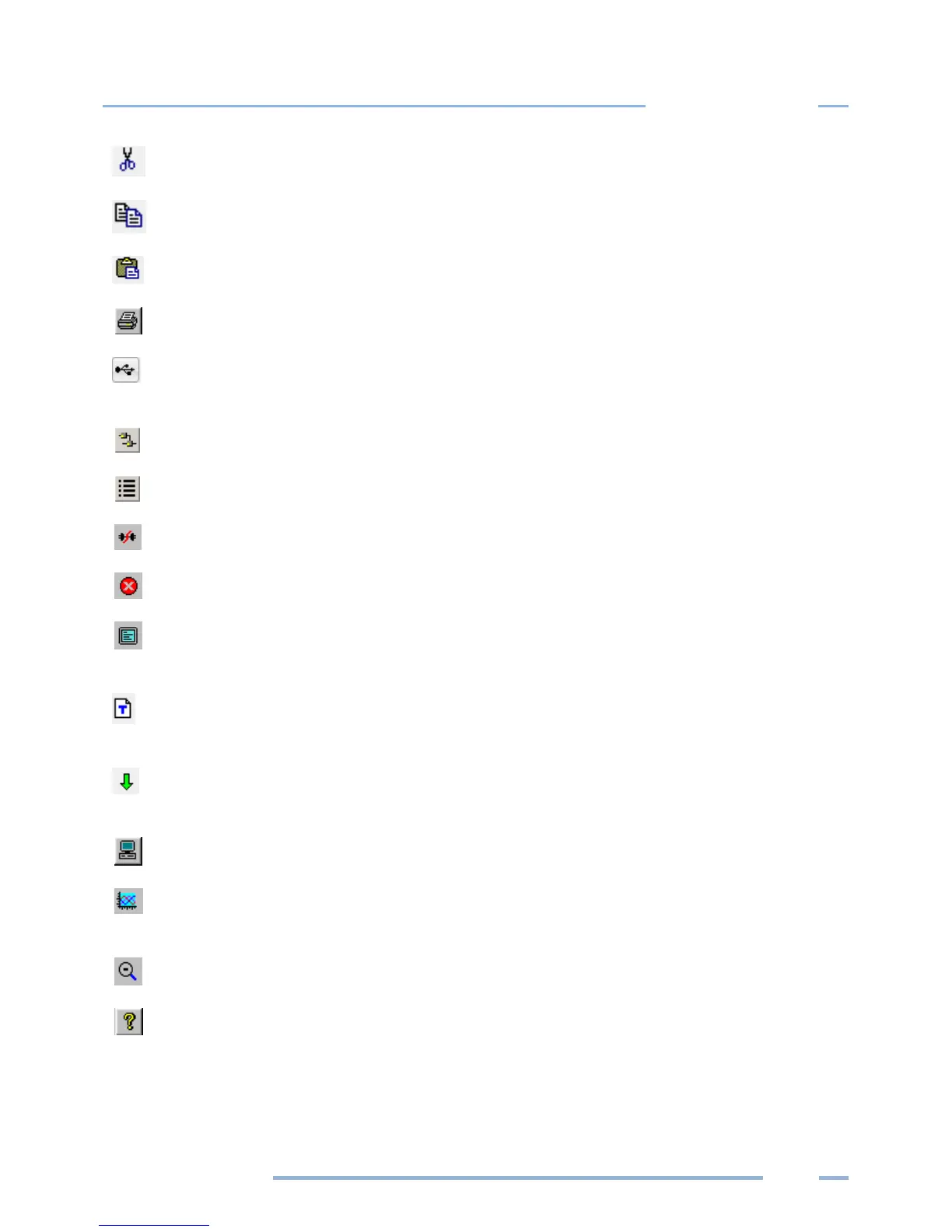
Cut: Performs the standard cut data function
Copy: Performs the standard copy data function
Paste: Performs the standard paste data function
Print: Print the active window
Direct Connection: Use for connecting the logger to the computer when using Bluetooth or
a USB cable
Network Connection: Use for Wi-Fi, Access Point mode, or Ethernet connection
Choose from last used Logger List: Use to connect to a logger on a Logger List
Disconnect: Quickly disconnect from either direct connection or a telephone connection
Cancel COMM OP: Cancel the current communication operation
Toggle Connection Window: Use to turn on/off the connection status window at the
bottom of the screen
Display Real Time Text Values: Selecting this option displays the Instantaneous Channel
Values screen
Retrieve Logger Data: Select this option to quickly retrieve logged data from the connected
logger
Setup PC: Quickly access computer setup configurations
Create Graph: Create a graph from an open data file, available under the Data dropdown
menu
UnZoom Graph: Use to back out of an expanded graph
Help Topics: Opens the ELITEpro XC and ELOG Manual



 To Next Page