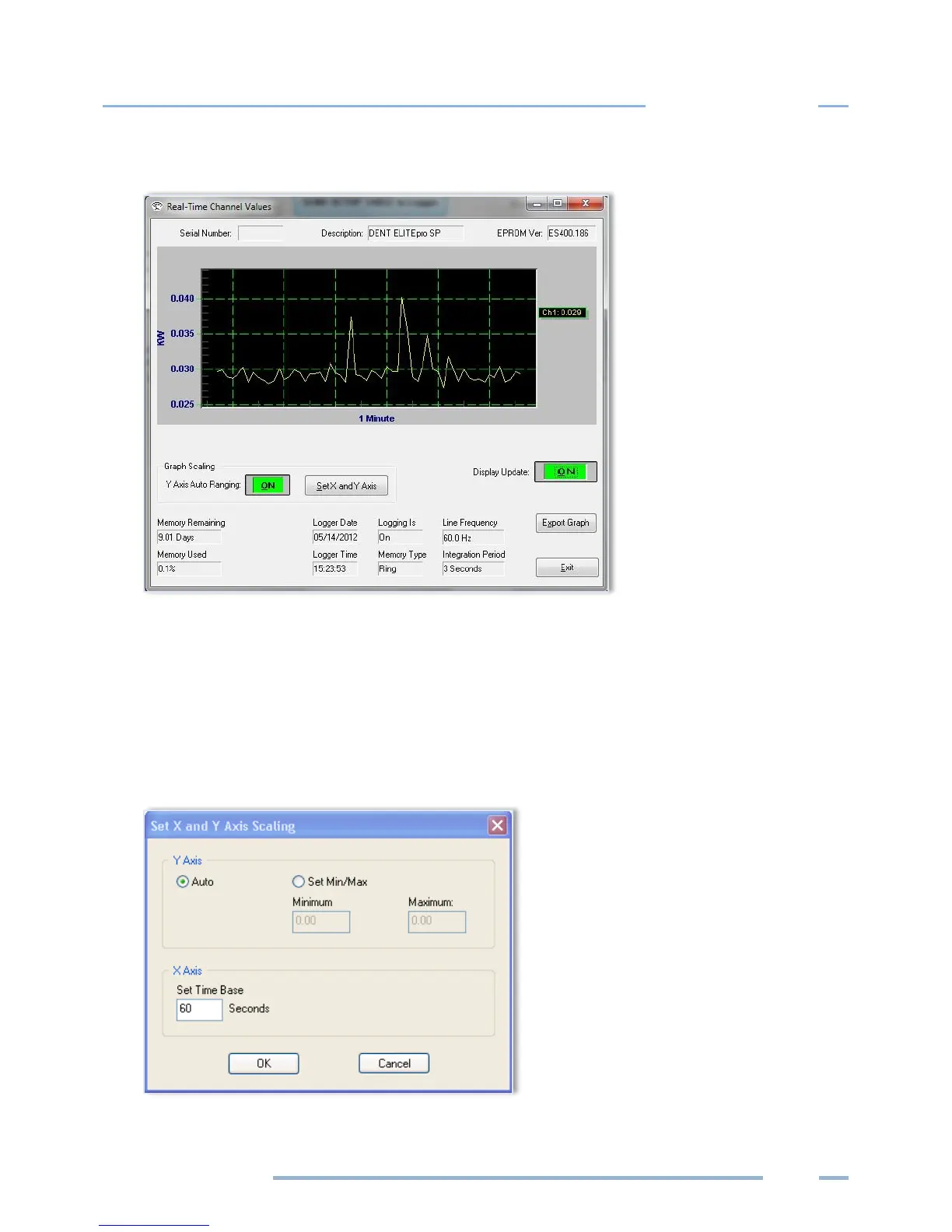
3) Select OK to view the graph.
The graph presentation is very similar to paper strip chart recorders. The graph begins on the left
edge and moves to the right. When it reaches the right edge, the entire graph scrolls to the left with
each new reading. This always displays the most current data values and the older points slide off
the left edge.
Use Set X and Y Axis to set the scaling and the line type (e.g., linear or logarithmic). You can also set
the amount of time data is graphed. This can vary from 1 second to more than 18 hours (65,000
seconds). Note that the X-axis scaling is only approximate.



 To Next Page