13
LT-2329
TROUBLESHOOTING
SIMPLIFIED TROUBLESHOOTING
The key to simple troubleshooting is to recognize which type of problem exists
and select the most effective approach to solving the problem. The different
types of problems and the approaches for solutions are as follows:
Type I— Purity Issues (Low Purity Indicator Light
is activated and the audible alert may also sound.)
WARNING
Electric Shock Hazard. Extra care should be taken if it is necessary
to operate the unit with the cabinet removed.
WARNING
Mechanical Hazard. Keep ngers, loose clothing, etc. away when
working on compressor.
Observe the pressure cycle at the oxygen tank.
1. Connect a calibrated pressure gauge to the unit’s oxygen tank test point or
manifold. See accumulator pressure test on page 17.
2. Set the unit’s ow meter to 10 LPM.
3. Power the unit and allow it to operate for a minimum of 5 minutes before
observing the pressure cycle.
4. Compare the high pressures and low pressures to those expected for the
current elevation and use the following chart to nd the appropriate action.
All consecutive high pressures should be within 2 psi of each other and all
consecutive low pressures should be within 2 psi of each other.
NOTE– For normal system pressures refer to Specications.
NOTE– Check for leaks using a certied leak detection solution such as
Snoop® or equivalent (must not contain ethylene glycol). Apply leak test solution
to all ttings and hose connections with unit running. If an air leak is present, the
solution will bubble. All leaks should be repaired before putting the unit back in
service.
WARNING
Do not apply leak test solution to any part of the rotary valve or the
main PC Board assembly.
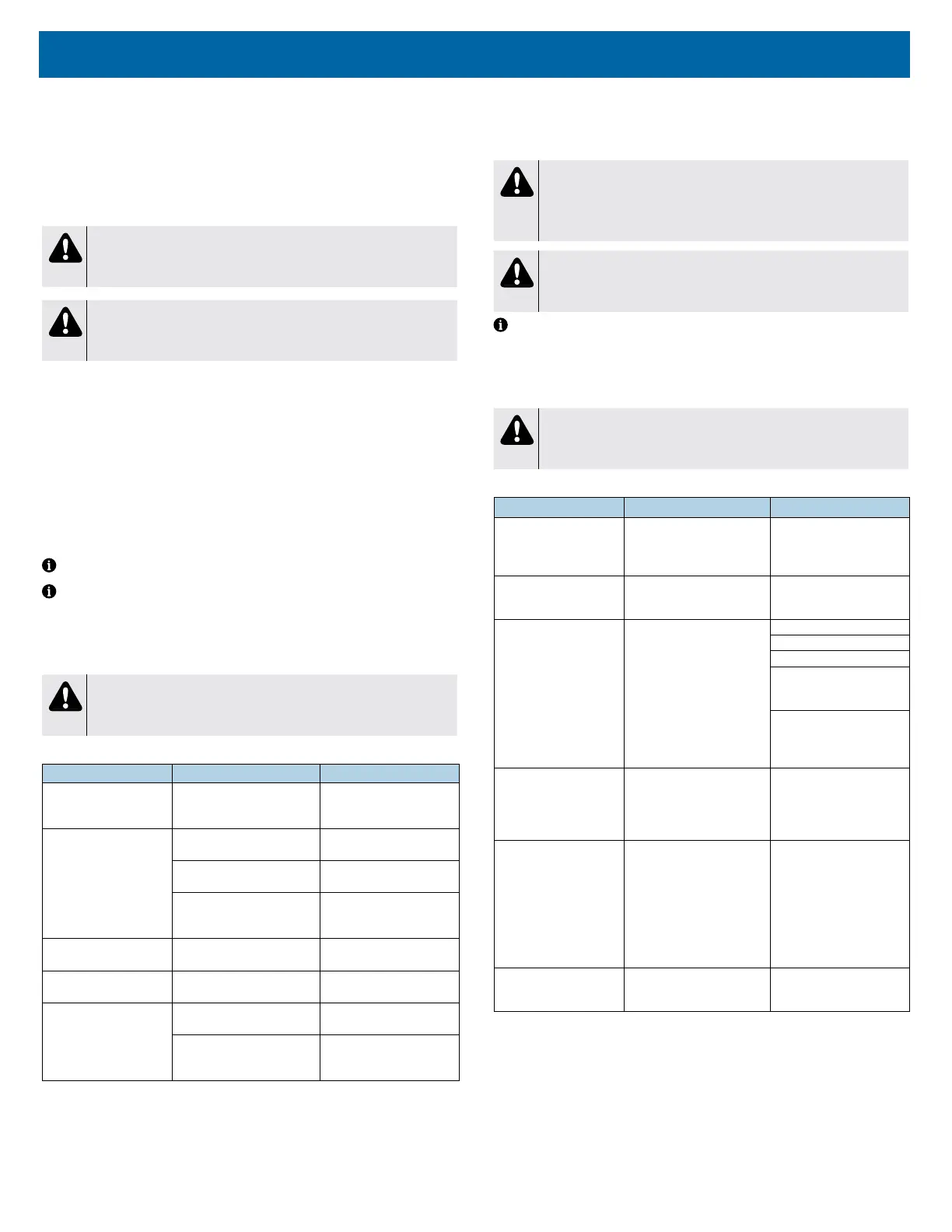
Pressure Diagnostic Chart
If Pressure Reading Is Do This To This
Higher than expected
(pressure relief valve may
be activated)
Replace Sieve beds (2)
Lower than expected
Inspect and replace, as
needed
Filters
Inspect and correct or replace,
as needed
Tubing connections
Troubleshoot
Compressor
See Component Testing,
Repair and Replacement
As expected
Inspect and correct, as
needed
Leaks from sieve beds to
oxygen outlet port
Dropping too low during
cycle change
Replace Check valves or manifold
Uneven - high pressures
& low pressures are not
consistent during cycle
Inspect and replace, as
needed
Rotary valve wire harness
Troubleshoot or replace
Rotary valve or PC board.
See Component Testing,
Repair and Replacement
Type II—Operation Issues (Service Indicator
Light. The audible alert may also sound and the
pressure relief valve may be activated.)
WARNING
Electric Shock Hazard. Extra care should be taken if it is necessary
to operate the unit with the cabinet removed.
WARNING
Mechanical Hazard. Keep ngers, loose clothing, etc. away when
working on compressor.
NOTE– Check for leaks using a certied leak detection solution such as
Snoop® or equivalent (must not contain ethylene glycol). Apply leak test solution
to all ttings and hose connections with unit running. If an air leak is present, the
solution will bubble. All leaks should be repaired before putting the unit back in
service.
CAUTION
Do not apply leak test solution to any part of the rotary valve or the
main PC Board assembly.
Operation Alarm Chart
If this is happening It’s because of this Do this to resolve
Pressure relief valve has a
‘popping’ noise with
possible uneven tank
pressure.
Rotary valve not cycling
properly.
Test rotary valve. Refer to
page 25.
Continuous red light with a
pulsing audible alert while
compressor is operating.
Low ow alert – ow setting
below 2 lpm.
Correct setting and educate
user.
Continuous red light with a
continuous audible alert
and unit is warm to touch.
Internal temperature is too
high.
Move unit to cooler location.
Ensure unit vents are clear.
Ensure unit lters are clean.
Ensure cooling fan is
operating, replace as
needed.
Ensure there is proper
voltage to the unit. If voltage
is correct, replace capacitor
or compressor.
Continuous red light with a
pulsing audible alert and
fan is operating but
compressor is not.
Internal power failure to
compressor.
Test voltage at compressor
connector. If no voltage,
replace main wire harness. If
voltage present, replace
capacitor or compressor.
Pulsing audible alert and
compressor and fan not
operating.
External OR Internal power
failure.
Ensure voltage is correct
and / or the part is functional
for the following: AC outlet,
power cord, IEC connector
or cord connection, main
wire harness, circuit breaker;
correct as needed. If issue
persists, replace power
switch.
Pulsing audible alert and
compressor is operating
but fan is not.
Internal power failure at fan
wire harness or PC board.
Inspect wire harness and
replace harness or PC board
as needed.
Type III—The concentrator runs and
continues to cycle but has low oxygen
concentrations and no alarms are
activated.
This problem is similar to Type I in the way it is diagnosed/resolved. Observe
pressure cycle at oxygen tank as recommended in Type I.














 To Next Page