TC500 Ethernet Cabling Certifier Operation Manual
19
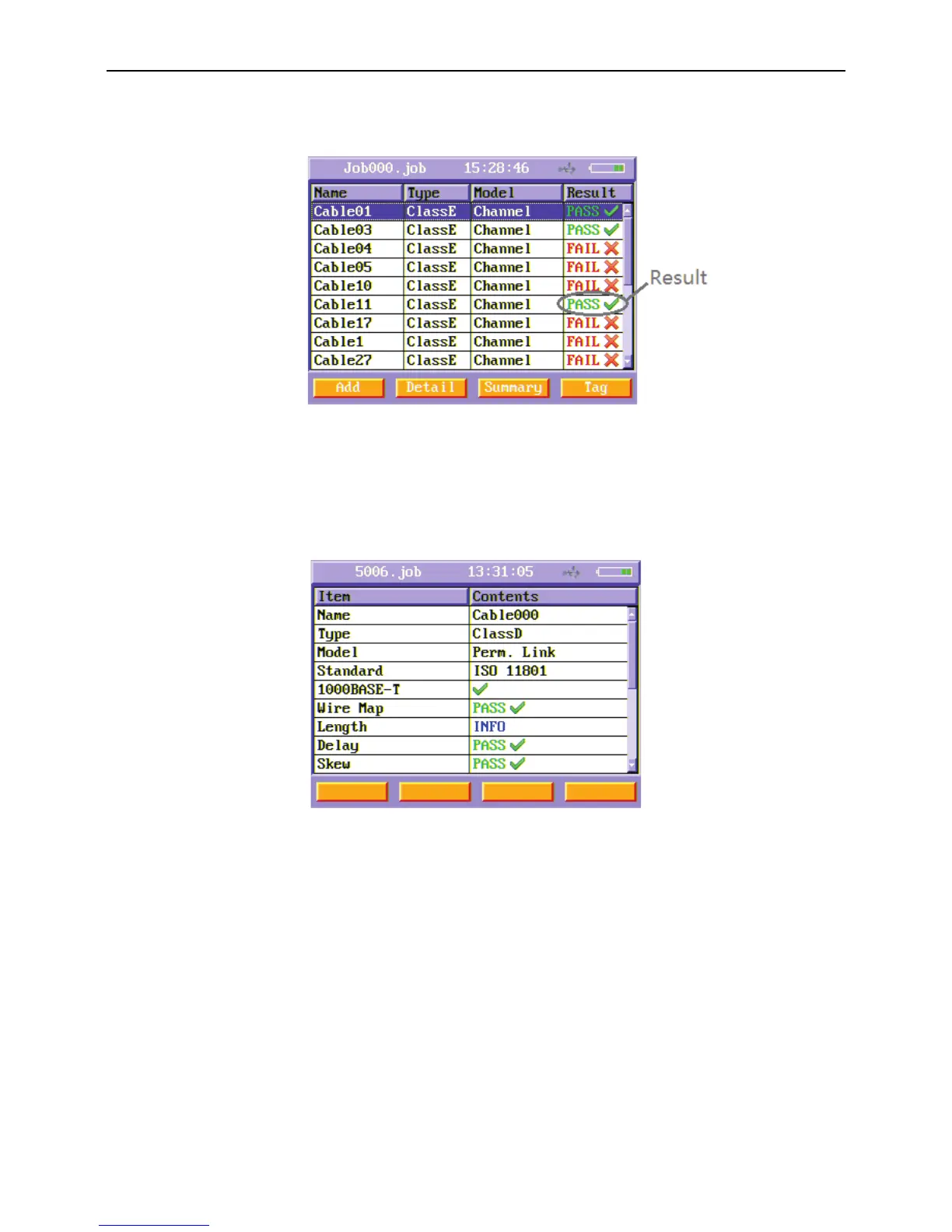
Press Esc key to quit to the list of cables menu when auto test finished. And the Result bar of this cable shows the PASS/FAIL result
of this cable.
Figure28 Auto test result
In the list of cables menu, you can choose one cable using up and down arrow keys and after you choose one cable, you can press
Detail (F2) soft button key or Summary (F3) soft button key to observe the detailed or the summary results of this cable. After you
choose one cable, you can press Tag (F4) soft button key to tag it and then you can delete it’s result or copy it’s result to U-disk just
press Delete (F1) or To USB disk (F2). You can also tag more cable results and delete or copy to U-disk together.
Figure29 Auto test summary results menu



 To Next Page